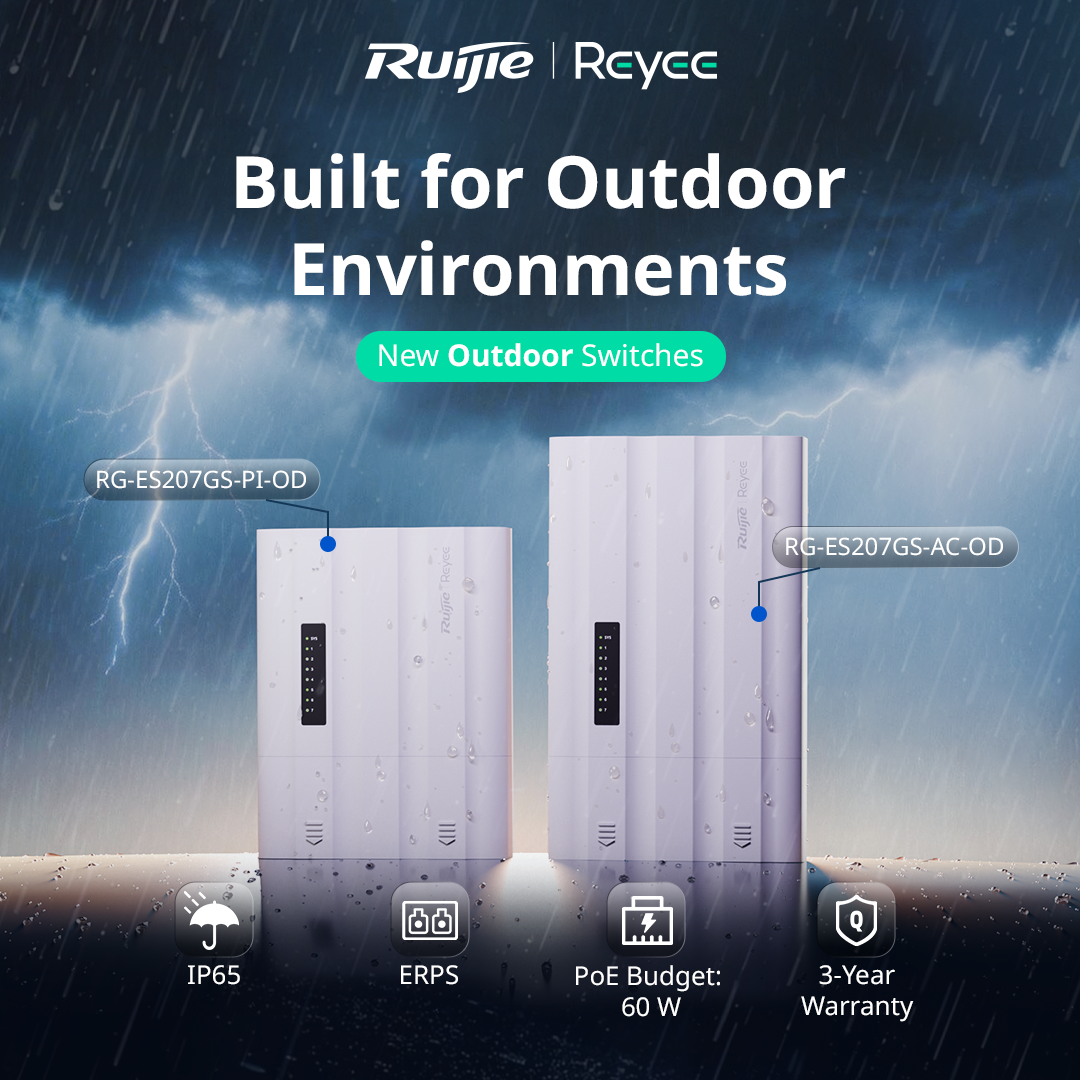
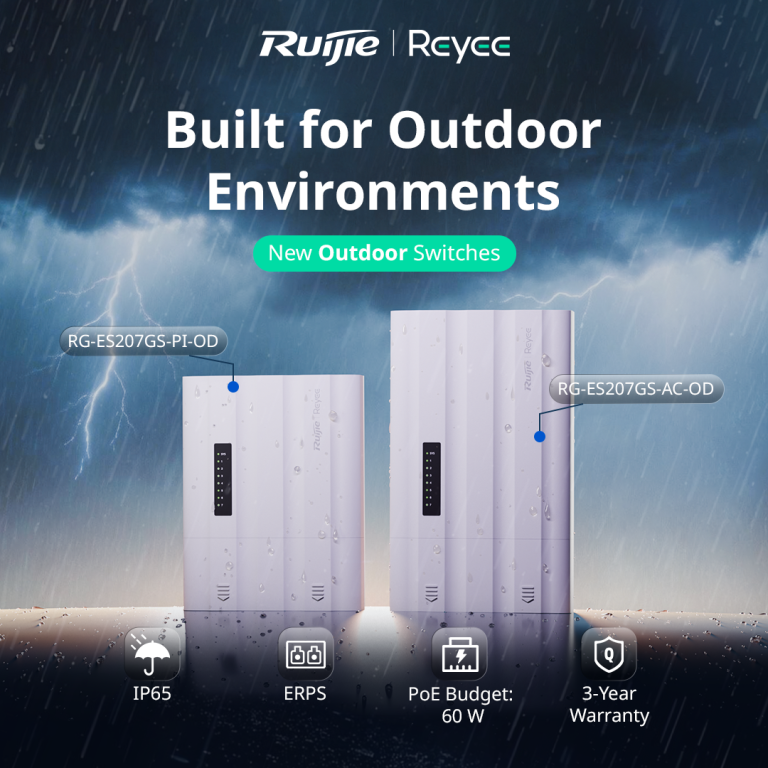
Running cameras or access points in an outdoor location usually means one of two headaches. Either you build a weatherproof enclosure around a standard switch and a separate power supply, or you run a long cable back to a dry spot indoors. The Ruijie Reyee RG-ES207GS-AC-OD is designed to remove that problem. It’s a 7 port gigabit outdoor switch with its own power input, so everything you need sits in one weatherproof unit.
What It Actually Is
The RG-ES207GS-AC-OD is a Layer 2 managed outdoor switch with 5 gigabit RJ45 ports and 2 SFP uplink ports. It runs straight from mains power (100 to 240V AC), which makes it a good fit for sites where power is already available at the pole, gate or outbuilding where the switch will live.
Ruijie calls it an “all in one” design. The switch, power input and weather protection are built into a single unit, rather than being separate pieces you assemble on site.
Built for Outdoor Conditions
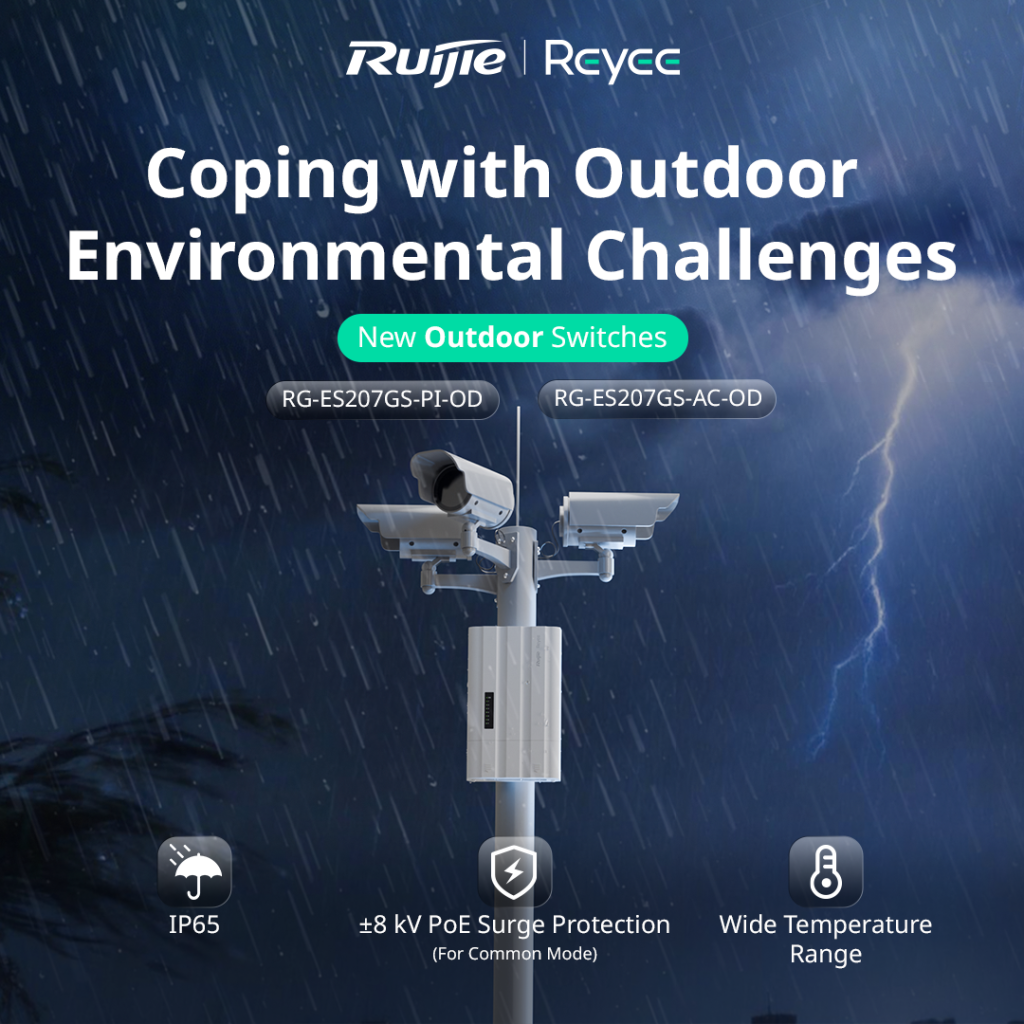
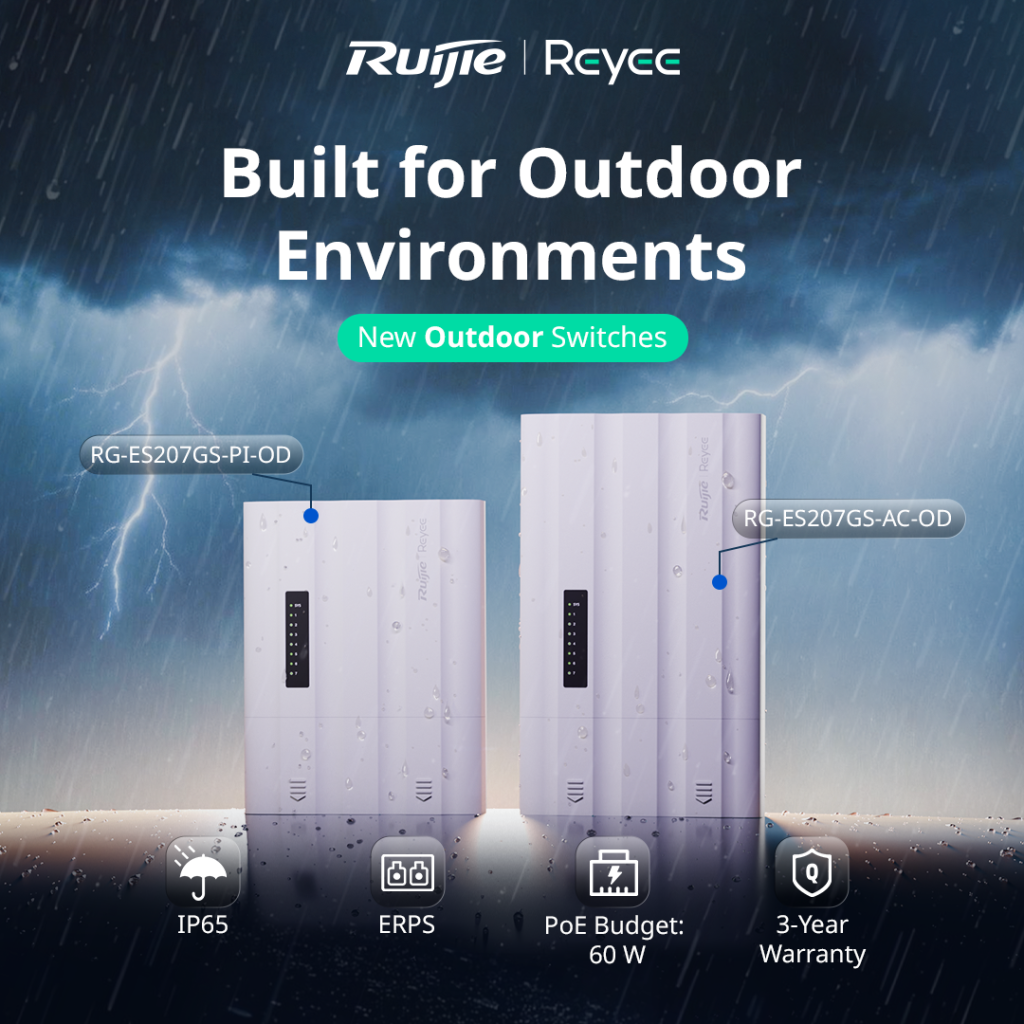
This is where it earns its place. The switch carries an IP65 rating, which means it’s dust tight and protected against water jets. It operates in temperatures from -30°C to 65°C, which covers everything from a freezing alpine morning to a scorching western Victorian summer afternoon.
It also includes ±8kV surge protection on the PoE ports. Outdoor cabling picks up a lot of electrical noise and the occasional lightning induced spike, so that protection helps keep the switch and the cameras connected to it alive. The unit is fanless, which means no moving parts to clog with dust or fail over time.
PoE for Your Cameras
Four of the ports supply PoE/PoE+ power, with a total PoE budget of 60W shared across them. That’s plenty for a small cluster of IP cameras or an access point, but it’s worth doing the maths before you quote. A single PoE+ PTZ camera can draw close to 30W by itself, so a job with several power hungry devices may need a switch with a bigger budget.
Two SFP Ports for Fibre or Ring Setups
The two SFP uplink ports give you flexibility on how the switch connects back to the rest of the network. You can run fibre for long distances, where copper would hit its 100 metre limit, or use both ports to build a ring with ERPS (Ethernet Ring Protection Switching). In a ring, if one link is cut, traffic automatically reroutes the other way, which matters on larger sites where an outage means a camera going dark.
For locations where fibre isn’t practical, Ruijie also supports wireless connectivity for the uplink, and there’s a long distance transmission mode you can configure through the Reyee app.







[…] ByJJ Digital Technologies 20 August 2026 Dahua vs Hikvision: Which Should You Choose? If you’re speccing a CCTV job in 2026, chances… Read More […]
[…] ByJJ Digital Technologies 20 August 2026 Dahua vs Hikvision: Which Should You Choose? If you’re speccing a CCTV job in 2026, chances… Read More […]
[…] 20 August 2026 Learn About Security and Networking,News/Events […]
[…] ByJJ Digital Technologies 20 August 2026 Dahua vs Hikvision: Which Should You Choose? If you’re speccing a CCTV job in 2026, chances… Read More […]
[…] 20 August 2026 Learn About Security and Networking,News/Events […]