Posted on — 1 Comment

PoE Explained

Why It Matters for CCTV and Networking Installs

If you’ve been quoted a job or read a spec sheet lately, chances are “PoE” has come up more than once. It’s one of those terms that gets thrown around constantly in CCTV and networking without much explanation, so here’s what it actually means and why it genuinely matters on a real install.

What PoE Actually Is

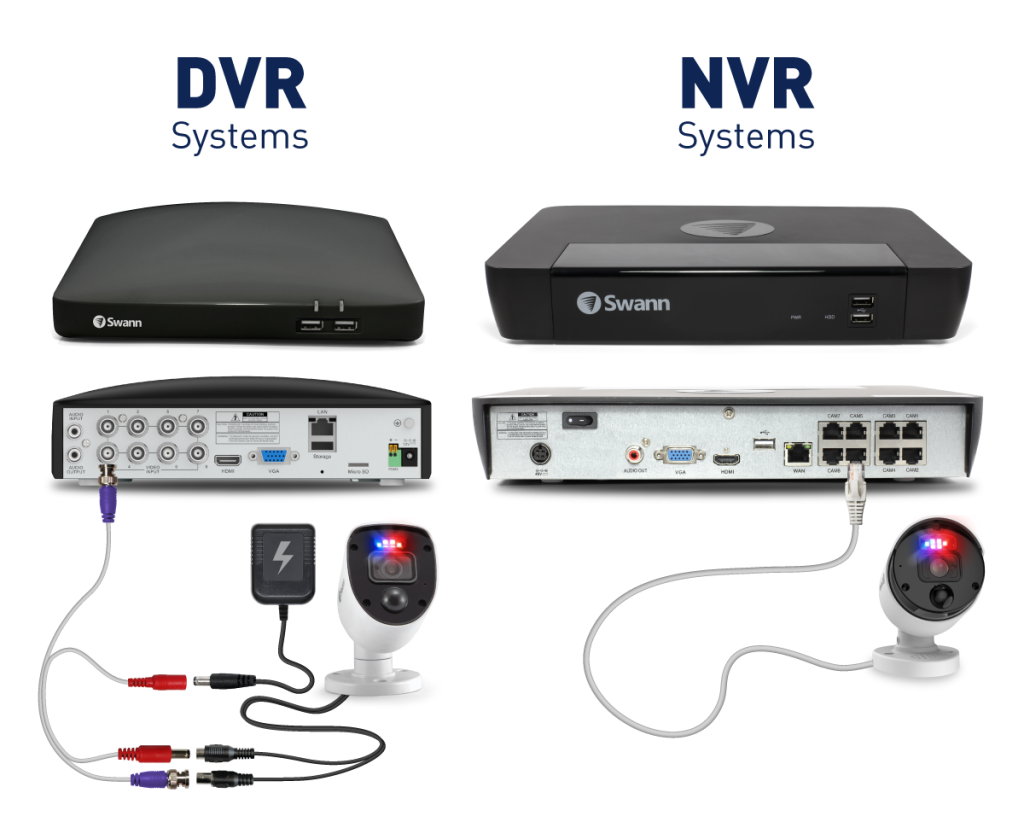
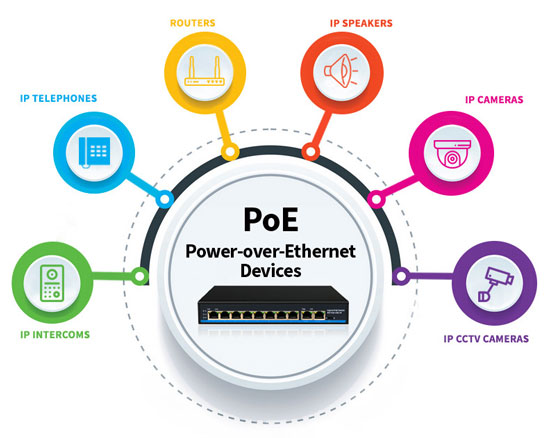
PoE stands for Power over Ethernet. In plain terms, it means a single Ethernet cable carries both power and data to a device, whether that’s a camera, an access point, or a network switch.

Without PoE, every device on a network needs two separate things run to it: a network cable for data, and a power cable plugged into a nearby outlet. PoE combines both into the one cable, so you’re only running a single line to each device instead of two.

Why This Actually Matters On A Job

The obvious benefit is fewer cables, but the practical impact goes further than that.

Camera placement gets a lot more flexible. A camera doesn’t need to go near a power outlet anymore, it just needs a network cable, which can run much further than a power cable safely can. That opens up locations that would otherwise be impractical, like the middle of a warehouse ceiling or a spot high on an outdoor wall.

Installs are faster and cleaner. Running one cable instead of two means less time on the tools, less cabling to hide or manage, and a tidier finished job with fewer points where something can go wrong.

Centralised power means centralised control. Since power comes from the switch or NVR rather than individual outlets, you can reboot a device remotely by cycling its PoE power, without anyone needing to physically unplug anything on site.

It reduces cost on larger jobs. Skipping a licensed electrician for a dedicated power point at every single camera location adds up fast on a multi camera job. PoE cuts that need out almost entirely.

Where PoE Shows Up

CCTV cameras are probably the most common use case. Most IP cameras today are PoE powered, running back to a PoE NVR or PoE switch.

Wireless access points also commonly use PoE, since mounting an AP on a ceiling or high wall is exactly the kind of spot where running a power cable is impractical, but a network cable isn’t.

Intercoms and access control readers increasingly use PoE too, particularly at building entries where a clean, single cable install matters for appearance as much as function.

Not All PoE Is The Same

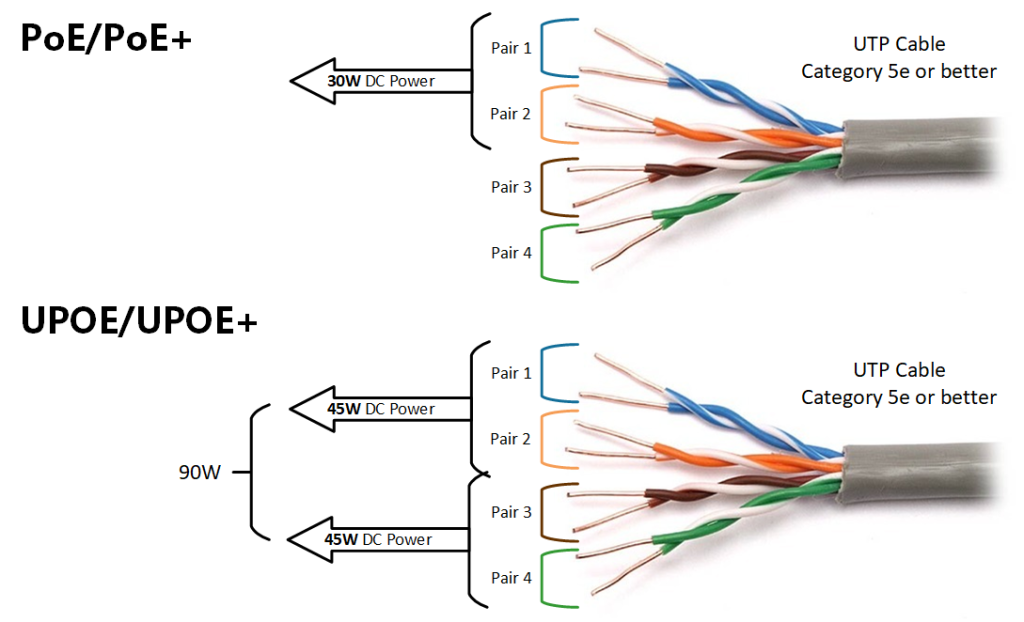
This is where people sometimes get caught out. PoE comes in different power tiers, generally labelled PoE, PoE+, and PoE++, each supplying more power than the last. A basic camera might only need standard PoE, but a PTZ camera with heating and motorised zoom, or an access point handling heavy Wi-Fi traffic, might need PoE+ or higher to function properly.

Get this wrong and a device either won’t power on at all, or won’t run reliably. It’s worth checking a device’s actual power draw against what your switch or NVR can supply, rather than assuming any PoE port will do.

Cable Length Also Matters

Standard Ethernet, and by extension PoE, has a practical distance limit of around 100 metres before signal quality starts to suffer. For most sites this is plenty, but on a larger property or industrial site with cameras or access points spread further apart, that distance limit needs to be part of the planning from the start, not something discovered halfway through a job.

Talk to Someone Before You Buy

Getting PoE power budgets and switch capacity right before a job starts saves a lot of headaches partway through an install. If you’re not sure whether your switch has enough PoE budget for what you’re planning to connect, that’s exactly the kind of question worth asking before you buy anything, not after.

Recent News

Dahua Smart Control Panel

Dahua SCP3022A: One Panel for Intercom, Monitoring and Alarm Control If you’ve been looking at...

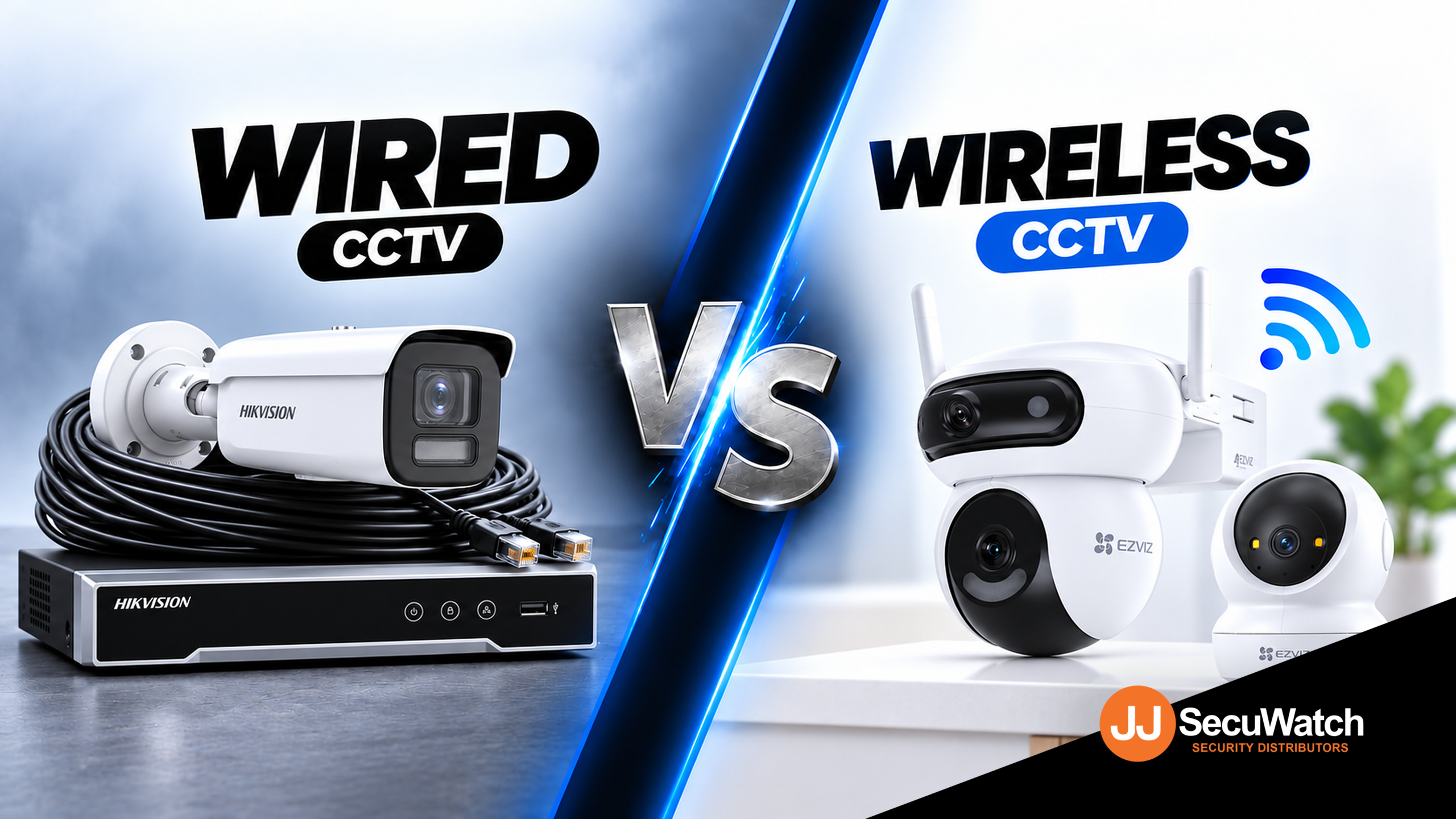
Wired vs Wireless CCTV: What Actually Suits an Australian Installation

What Actually Suits an Australian Installation If you’re weighing up wired or wireless CCTV...

Hikvision or Dahua- Which is better?

Dahua vs Hikvision: Which Should You Choose? If you’re speccing a CCTV job in 2026, chances...

Ruijie Solar Switch

Outdoor Solar Networking, Sorted: The Ruijie Reyee RG-ES207GS-AC-OD Running cameras or access points...

Ruijie Industrial Switch/Router

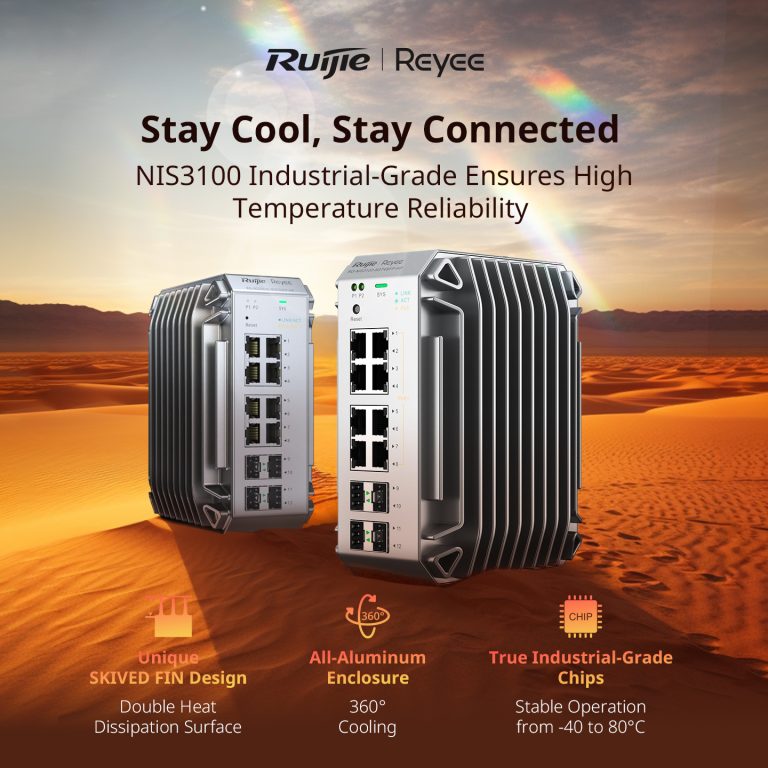
Ruijie Industrial Switches – NIS2K & NIS3100 Series As an authorized networking distributor, we...
Posted on — Leave a comment

Wired vs Wireless CCTV: What Actually Suits an Australian Installation

What Actually Suits an Australian Installation

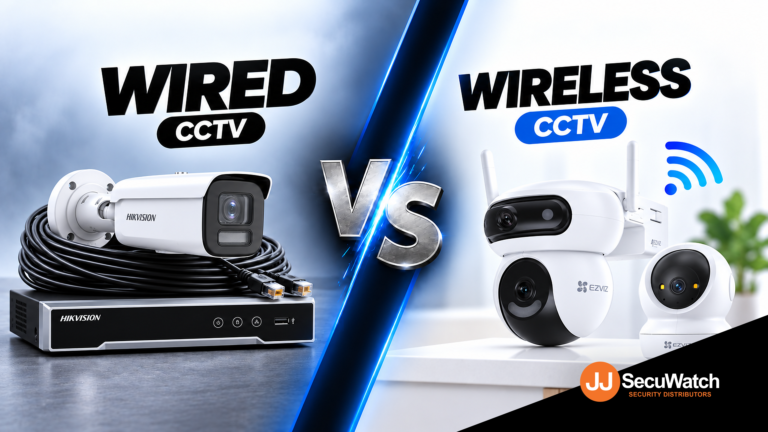
If you’re weighing up wired or wireless CCTV for a home or business, the honest answer is that both work well these days. The real question isn’t which one is “better.” It’s which one actually fits your property, your budget and how much cabling you’re prepared to deal with. Here’s how to think it through properly.

What "Wired" Actually Means Today

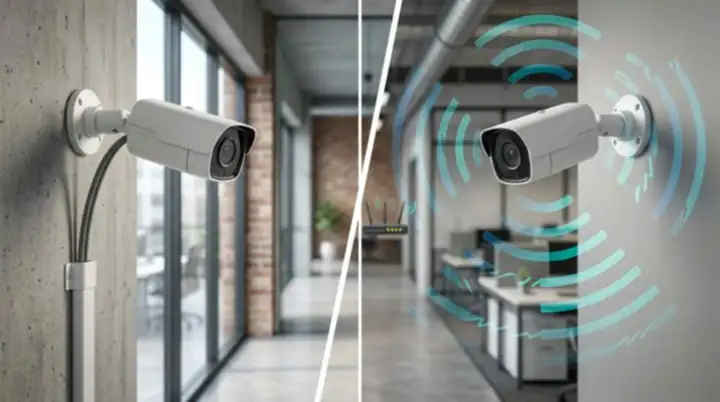
When people say “wired CCTV,” they’re usually talking about a PoE system. That stands for Power over Ethernet, and it means one cable carries both power and video data to each camera. No separate power supply needed at every camera location, just a single Ethernet run back to a recorder.

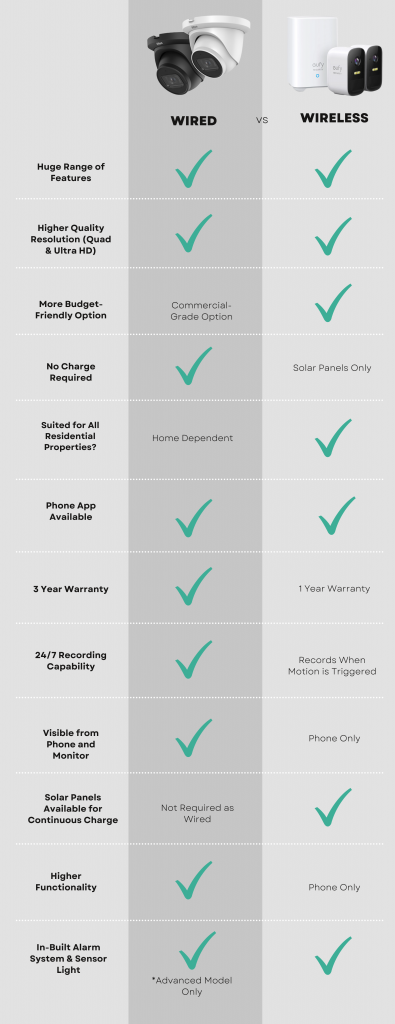
This is still the gold standard for permanent installations, and there’s a good reason for that. A wired connection isn’t fighting for bandwidth with your Wi Fi router, isn’t affected by walls or interference, and won’t drop out during a storm the way a wireless signal sometimes can. For a business that genuinely needs 24 hour, uninterrupted footage, that reliability matters a lot more than the extra effort of running cable.

What "Wireless" Actually Means

Wireless CCTV generally falls into two camps. The first is Wi Fi cameras that connect to your existing home or business network and store footage locally or in the cloud. The second is battery or solar powered cameras that don’t need any wiring at all, not even for power.

The appeal here is obvious. No drilling, no cable runs, no need to plan the install around where you can physically get a cable to. For a renter, an apartment, or someone who just wants a camera up this weekend, wireless is genuinely the easier path.

The trade off is that you’re now relying on your Wi Fi signal reaching every camera reliably, and on either a battery lasting or a solar panel doing its job through Australian weather. Neither of those is a dealbreaker, but they are things to plan around properly rather than assume will just work.

Some brands that focus on wireless securit are Eufy, Ring Intercom, Swan Wireless. Many brands actually do both.

Where Wired Makes More Sense

Choose wired if you’re in any of these situations:

You’re installing permanently and don’t mind an electrician or installer running cable once, properly, so you never think about it again.

You need continuous, reliable recording without gaps, particularly for a business where footage might end up being used as evidence.

You’re covering a large property or commercial site where Wi Fi signal simply won’t reach every camera location reliably.

You want to avoid ongoing subscription costs, since wired systems overwhelmingly record to a local NVR rather than the cloud.

Where Wireless Makes More Sense

Choose wireless if you’re in any of these situations:

You’re renting or can’t run cables through walls without real hassle or landlord approval.

You need a camera up quickly, without booking an installer or planning an install around cable runs.

You’re covering an outdoor area like a shed, gate or driveway where running power is impractical, and a solar or battery camera solves that cleanly.

Your coverage needs are modest, a couple of cameras rather than a full multi camera system.

The Australian Factor Nobody Talks About Enough

Australia isn’t a small consideration here, it actually changes the calculation a bit. Long, hot summers mean solar powered wireless cameras genuinely perform well across most of the country, since there’s rarely a shortage of sunlight to keep them charged. That’s a real point in favour of wireless for outdoor, hard to wire spots.

On the flip side, a lot of Australian homes and businesses sit on larger blocks or have outbuildings, sheds and car parks some distance from the house. Wi Fi doesn’t always reach that far reliably, and that’s exactly the situation where a wired PoE run, even a longer one, ends up being the more dependable choice.

What To Actually Do Next

If you’re not sure which setup suits your site, the honest move is to talk it through with someone who installs these systems for a living, rather than guessing from a spec sheet. Tell them what you’re protecting, how the property is laid out, and what your budget looks like, and a good installer will mix wired and wireless where it actually makes sense rather than pushing you toward whichever one they happen to stock more of.

Recent News

Dahua Smart Control Panel

Dahua SCP3022A: One Panel for Intercom, Monitoring and Alarm Control If you’ve been looking at...

Wired vs Wireless CCTV: What Actually Suits an Australian Installation

What Actually Suits an Australian Installation If you’re weighing up wired or wireless CCTV...

Hikvision or Dahua- Which is better?

Dahua vs Hikvision: Which Should You Choose? If you’re speccing a CCTV job in 2026, chances...

Ruijie Solar Switch

Outdoor Solar Networking, Sorted: The Ruijie Reyee RG-ES207GS-AC-OD Running cameras or access points...

Ruijie Industrial Switch/Router

Ruijie Industrial Switches – NIS2K & NIS3100 Series As an authorized networking distributor, we...
Posted on — 2 Comments

Ruijie Solar Switch

Outdoor Solar Networking, Sorted: The Ruijie Reyee RG-ES207GS-AC-OD

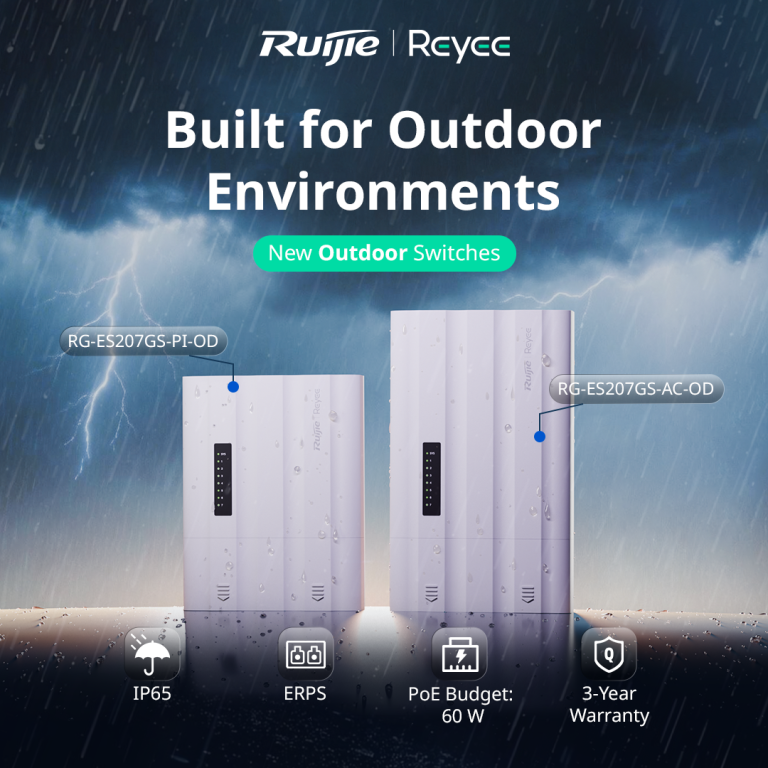
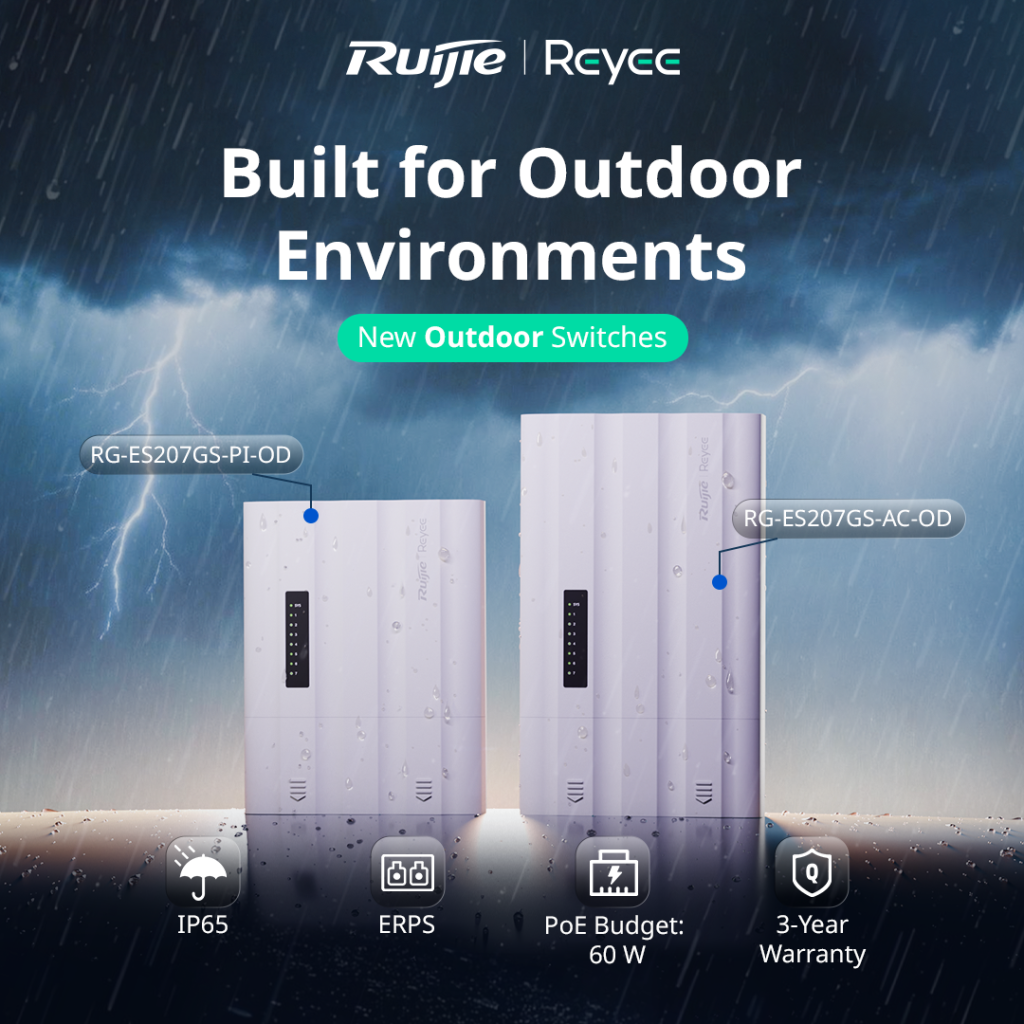
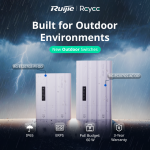
Running cameras or access points in an outdoor location usually means one of two headaches. Either you build a weatherproof enclosure around a standard switch and a separate power supply, or you run a long cable back to a dry spot indoors. The Ruijie Reyee RG-ES207GS-AC-OD is designed to remove that problem. It’s a 7 port gigabit outdoor switch with its own power input, so everything you need sits in one weatherproof unit.

What It Actually Is

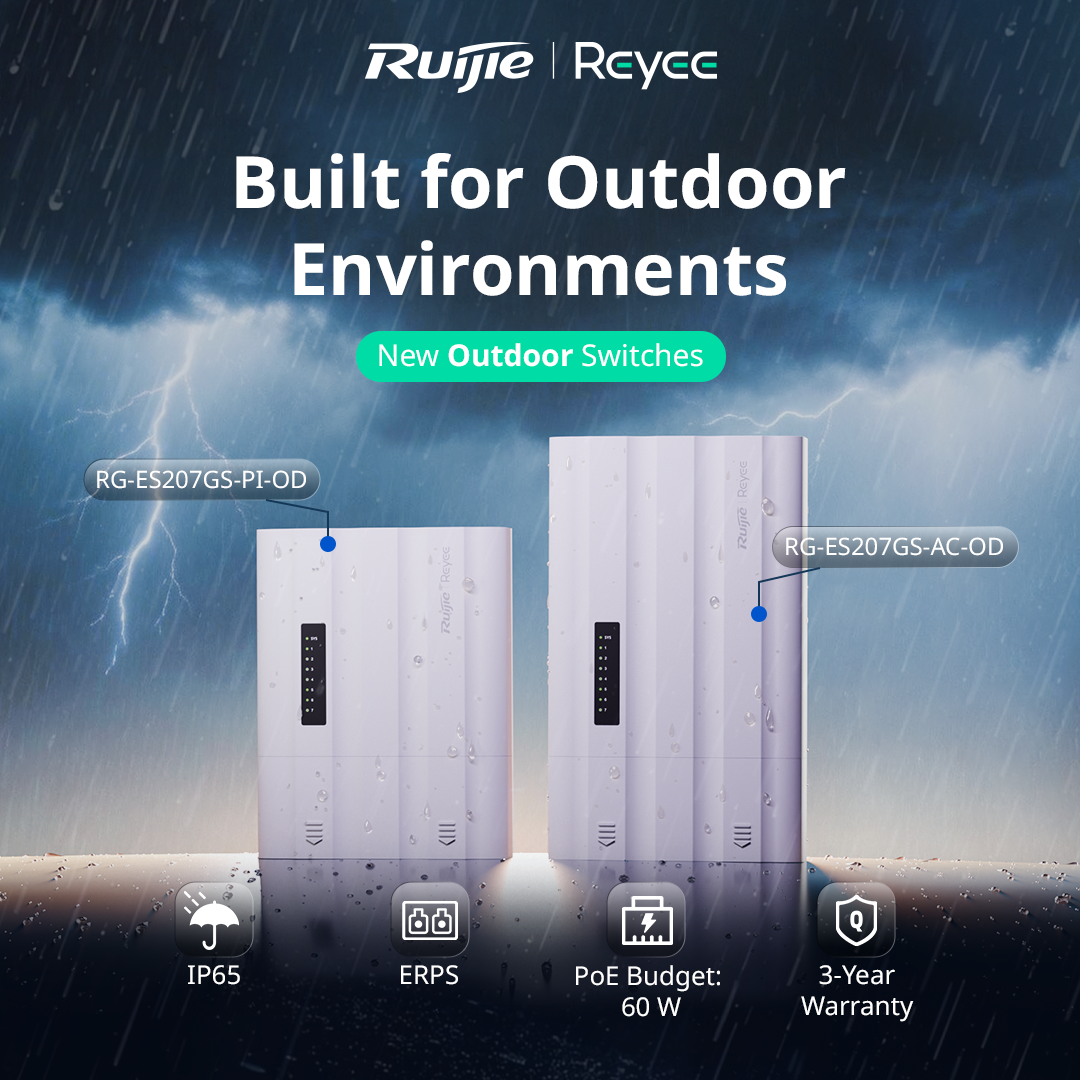
The RG-ES207GS-AC-OD is a Layer 2 managed outdoor switch with 5 gigabit RJ45 ports and 2 SFP uplink ports. It runs straight from mains power (100 to 240V AC), which makes it a good fit for sites where power is already available at the pole, gate or outbuilding where the switch will live.

Ruijie calls it an “all in one” design. The switch, power input and weather protection are built into a single unit, rather than being separate pieces you assemble on site.

Built for Outdoor Conditions

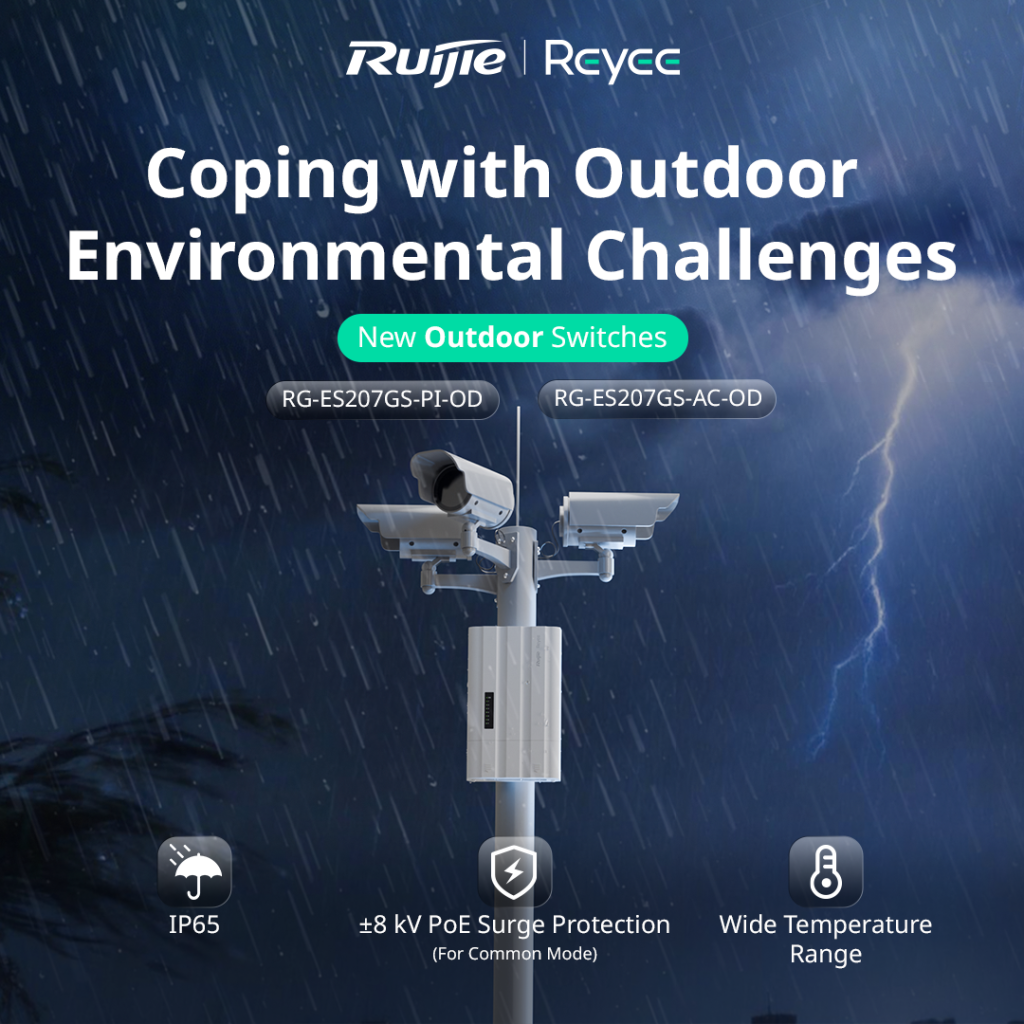
This is where it earns its place. The switch carries an IP65 rating, which means it’s dust tight and protected against water jets. It operates in temperatures from -30°C to 65°C, which covers everything from a freezing alpine morning to a scorching western Victorian summer afternoon.

It also includes ±8kV surge protection on the PoE ports. Outdoor cabling picks up a lot of electrical noise and the occasional lightning induced spike, so that protection helps keep the switch and the cameras connected to it alive. The unit is fanless, which means no moving parts to clog with dust or fail over time.

PoE for Your Cameras

Four of the ports supply PoE/PoE+ power, with a total PoE budget of 60W shared across them. That’s plenty for a small cluster of IP cameras or an access point, but it’s worth doing the maths before you quote. A single PoE+ PTZ camera can draw close to 30W by itself, so a job with several power hungry devices may need a switch with a bigger budget.

Two SFP Ports for Fibre or Ring Setups

The two SFP uplink ports give you flexibility on how the switch connects back to the rest of the network. You can run fibre for long distances, where copper would hit its 100 metre limit, or use both ports to build a ring with ERPS (Ethernet Ring Protection Switching). In a ring, if one link is cut, traffic automatically reroutes the other way, which matters on larger sites where an outage means a camera going dark.

For locations where fibre isn’t practical, Ruijie also supports wireless connectivity for the uplink, and there’s a long distance transmission mode you can configure through the Reyee app.

 

Managed From Ruijie Cloud

Like the rest of the Reyee range, this switch is managed through Ruijie Cloud and the Reyee app, so you can monitor and configure it remotely without driving back to site. A few features are particularly handy for CCTV jobs:

PoE watchdog. If a camera stops responding, the switch can detect it and power cycle the port automatically.

Camera detection and cable diagnostics. You can see which cameras are online and test cable health from the app, which cuts down on guesswork when something goes wrong.

Uninterrupted PoE power. The switch keeps powering connected devices during a hot restart, so cameras don’t drop out every time the switch reboots.

Where It Fits Best

Ruijie positions this switch for CCTV, parks and highway style deployments, and that’s a good guide to its sweet spot. Think car parks, sports grounds, industrial yards, gate entrances, outbuildings, and anywhere else you’d otherwise be building a custom outdoor enclosure to protect a standard switch.

The Bottom Line

The RG-ES207GS-AC-OD takes a job that usually needs three or four components and fits it into one weatherproof box, with cloud management and a solid warranty behind it (Ruijie lists 3 years). For outdoor CCTV and access point installs with mains power nearby, it simplifies both the install and the ongoing maintenance.

Talk to Someone Before You Buy

Whether this is the right switch depends on how many devices you’re powering, how far the uplink needs to run, and whether mains power is available at the install point. If you’re not sure how to size the PoE budget for your cameras, or whether fibre or wireless uplink makes more sense for your site, that’s exactly the kind of question worth asking before you buy anything, not after.

Recent News

Wired vs Wireless CCTV: What Actually Suits an Australian Installation

What Actually Suits an Australian Installation If you’re weighing up wired or wireless CCTV...

Hikvision or Dahua- Which is better?

Dahua vs Hikvision: Which Should You Choose? If you’re speccing a CCTV job in 2026, chances...

Ruijie Solar Switch

Outdoor Solar Networking, Sorted: The Ruijie Reyee RG-ES207GS-AC-OD Running cameras or access points...

Ruijie Industrial Switch/Router

Ruijie Industrial Switches – NIS2K & NIS3100 Series As an authorized networking distributor, we...

Milesight with NX Witness

Introducing Milesight We are proud to supply and support the complete range of Milesight CCTV and...