

Posted on — 1 Comment

PoE Explained

Why It Matters for CCTV and Networking Installs

If you’ve been quoted a job or read a spec sheet lately, chances are “PoE” has come up more than once. It’s one of those terms that gets thrown around constantly in CCTV and networking without much explanation, so here’s what it actually means and why it genuinely matters on a real install.

What PoE Actually Is

PoE stands for Power over Ethernet. In plain terms, it means a single Ethernet cable carries both power and data to a device, whether that’s a camera, an access point, or a network switch.

Without PoE, every device on a network needs two separate things run to it: a network cable for data, and a power cable plugged into a nearby outlet. PoE combines both into the one cable, so you’re only running a single line to each device instead of two.

Why This Actually Matters On A Job

The obvious benefit is fewer cables, but the practical impact goes further than that.

Camera placement gets a lot more flexible. A camera doesn’t need to go near a power outlet anymore, it just needs a network cable, which can run much further than a power cable safely can. That opens up locations that would otherwise be impractical, like the middle of a warehouse ceiling or a spot high on an outdoor wall.

Installs are faster and cleaner. Running one cable instead of two means less time on the tools, less cabling to hide or manage, and a tidier finished job with fewer points where something can go wrong.

Centralised power means centralised control. Since power comes from the switch or NVR rather than individual outlets, you can reboot a device remotely by cycling its PoE power, without anyone needing to physically unplug anything on site.

It reduces cost on larger jobs. Skipping a licensed electrician for a dedicated power point at every single camera location adds up fast on a multi camera job. PoE cuts that need out almost entirely.

Where PoE Shows Up

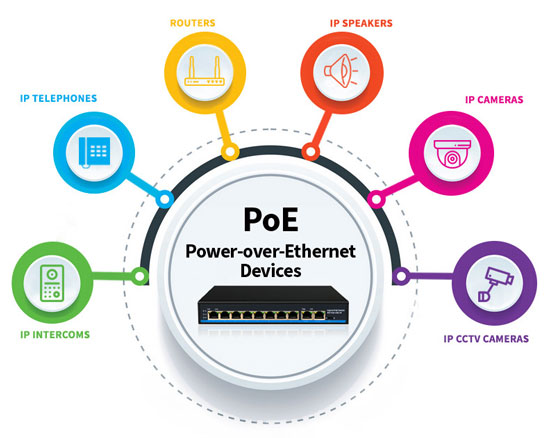
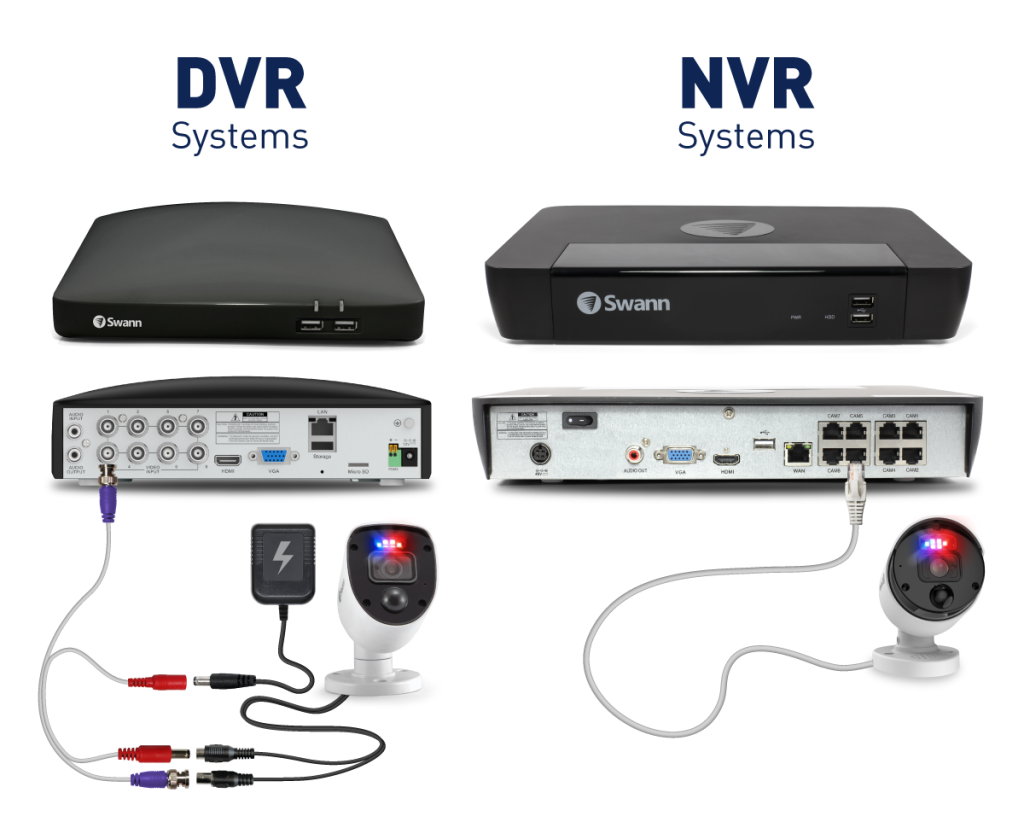
CCTV cameras are probably the most common use case. Most IP cameras today are PoE powered, running back to a PoE NVR or PoE switch.

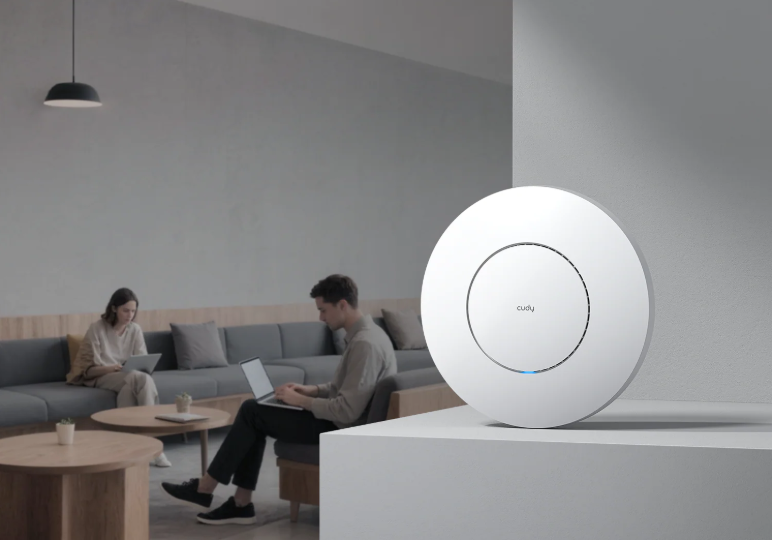
Wireless access points also commonly use PoE, since mounting an AP on a ceiling or high wall is exactly the kind of spot where running a power cable is impractical, but a network cable isn’t.

Intercoms and access control readers increasingly use PoE too, particularly at building entries where a clean, single cable install matters for appearance as much as function.

Not All PoE Is The Same

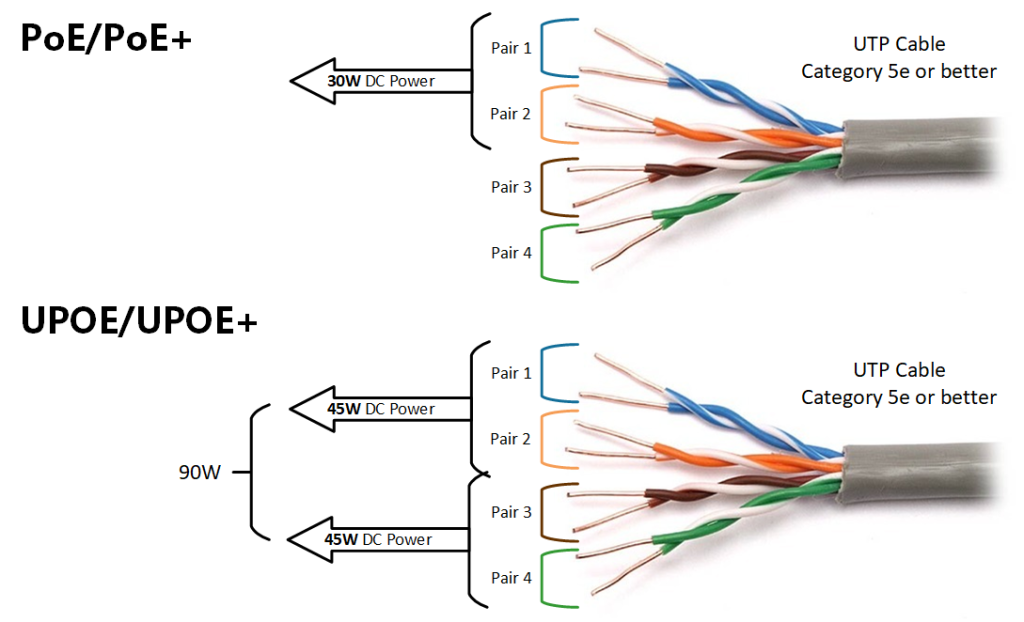
This is where people sometimes get caught out. PoE comes in different power tiers, generally labelled PoE, PoE+, and PoE++, each supplying more power than the last. A basic camera might only need standard PoE, but a PTZ camera with heating and motorised zoom, or an access point handling heavy Wi-Fi traffic, might need PoE+ or higher to function properly.

Get this wrong and a device either won’t power on at all, or won’t run reliably. It’s worth checking a device’s actual power draw against what your switch or NVR can supply, rather than assuming any PoE port will do.

Cable Length Also Matters

Standard Ethernet, and by extension PoE, has a practical distance limit of around 100 metres before signal quality starts to suffer. For most sites this is plenty, but on a larger property or industrial site with cameras or access points spread further apart, that distance limit needs to be part of the planning from the start, not something discovered halfway through a job.

Talk to Someone Before You Buy

Getting PoE power budgets and switch capacity right before a job starts saves a lot of headaches partway through an install. If you’re not sure whether your switch has enough PoE budget for what you’re planning to connect, that’s exactly the kind of question worth asking before you buy anything, not after.

Recent News

Dahua Smart Control Panel

Dahua SCP3022A: One Panel for Intercom, Monitoring and Alarm Control If you’ve been looking at...
Wired vs Wireless CCTV: What Actually Suits an Australian Installation

What Actually Suits an Australian Installation If you’re weighing up wired or wireless CCTV...
Hikvision or Dahua- Which is better?

Dahua vs Hikvision: Which Should You Choose? If you’re speccing a CCTV job in 2026, chances...
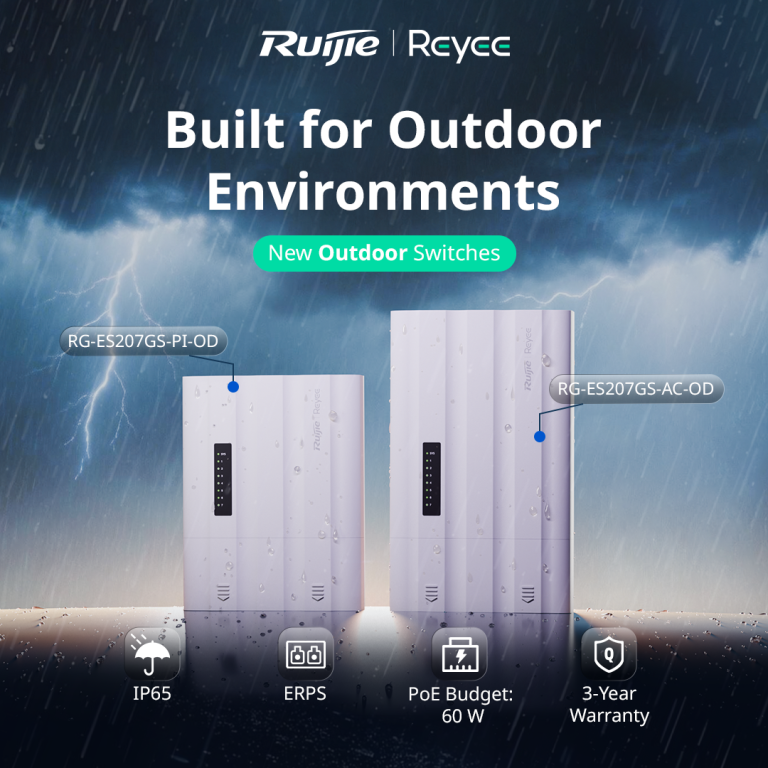
Ruijie Solar Switch

Outdoor Solar Networking, Sorted: The Ruijie Reyee RG-ES207GS-AC-OD Running cameras or access points...
Ruijie Industrial Switch/Router

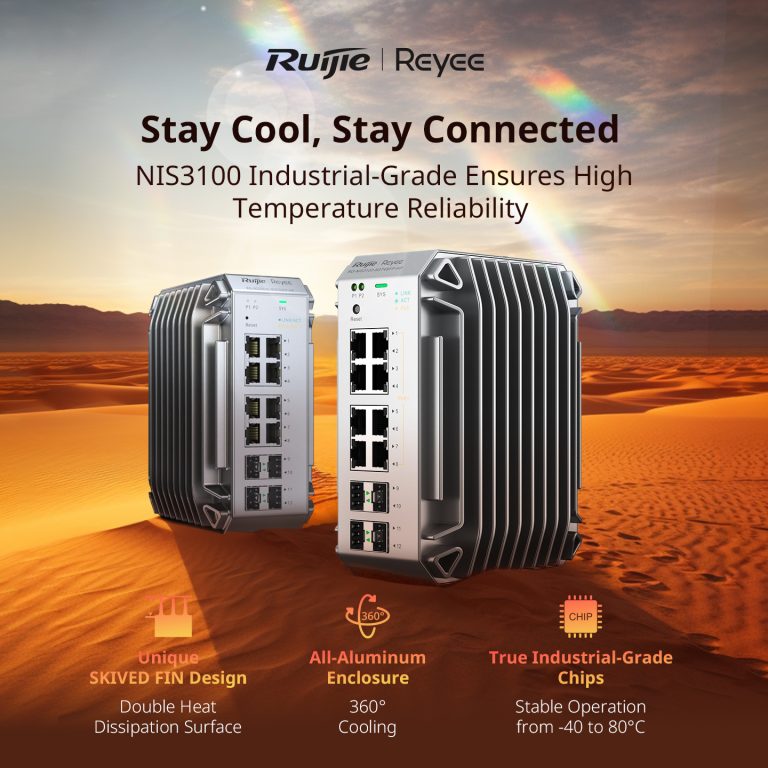
Ruijie Industrial Switches – NIS2K & NIS3100 Series As an authorized networking distributor, we...

Posted on — Leave a comment

Cudy National Distributor

COUNTING THE CROWD: PEOPLE COUNTING AND FLOW CONTROL AT PADDY'S MARKETS, SYDNEY

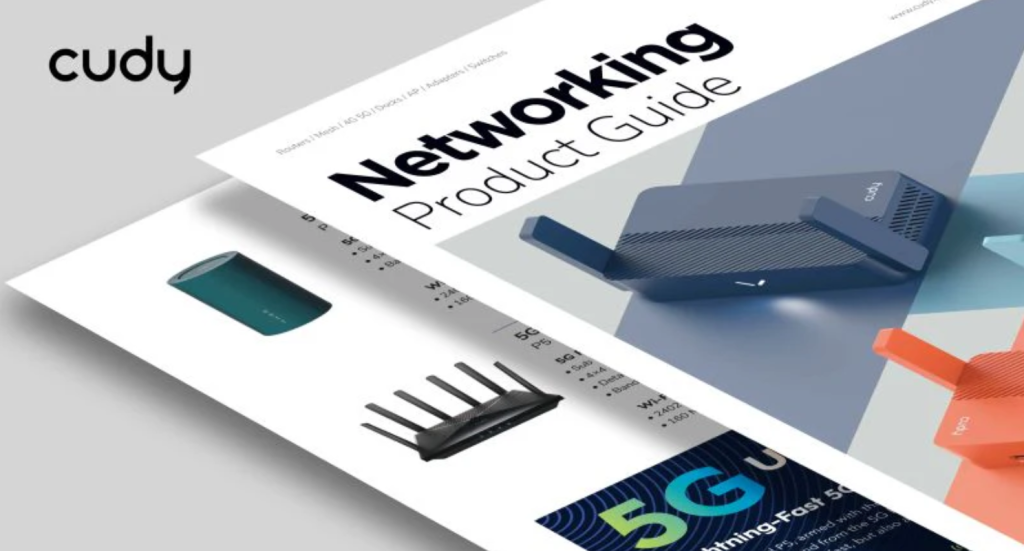
We’re pleased to announce that JJ Secuwatch is now the official national distributor for Cudy in Australia — adding a genuinely broad value-tier networking range to our existing lineup, backed by local stock and technical support.

Who is Cudy

Cudy covers networking hardware across three main areas: home networking, business networking, and ISP-focused equipment. It’s a brand built around getting reliable connectivity to a wider price point, rather than a premium-only play — which makes it a useful option for jobs where a top-tier networking brand isn’t in the budget, but a customer still needs something dependable.

What's in the Range

What’s in the Range

Cudy’s product range spans six categories relevant to trade and reseller work:

  • Wi-Fi Routers & Mesh — including current Wi-Fi 6 and Wi-Fi 7 models, plus mesh systems and extenders for full-home or full-site coverage.
  • Access Points — indoor and outdoor business APs, manageable individually or centrally through Cudy’s AP Controller.
  • Switches — easy-managed and PoE switch options, including their current 2.5G switch series.
  • Gateways — VPN routers and gateway hardware suited to small business and multi-site setups.
  • 4G/5G & Industrial — 4G/5G CPE routers plus industrial-grade routers and switches built for harsher environments or sites without reliable fixed-line internet.
  • AP Controllers & Cloud — centralised management for multi-AP deployments, with remote cloud access for monitoring and configuration.

Where Cudy Fits

Cudy is a genuinely useful option in a few specific scenarios:

Cost-sensitive residential jobs — whole-home mesh Wi-Fi and routers for customers where a premium brand isn’t realistic, without dropping down to genuinely unreliable hardware.

Small business Wi-Fi — access points and cloud-managed AP Controller setups for cafés, small offices, and retail sites that need central management without enterprise-level complexity or cost.

Remote or harsh sites — industrial routers and switches, plus 4G/5G CPE, for locations without dependable fixed-line internet or standard indoor conditions.

Recent News

Dahua Smart Control Panel

Dahua SCP3022A: One Panel for Intercom, Monitoring and Alarm Control If you’ve been looking at...

Wired vs Wireless CCTV: What Actually Suits an Australian Installation

What Actually Suits an Australian Installation If you’re weighing up wired or wireless CCTV...

Hikvision or Dahua- Which is better?

Dahua vs Hikvision: Which Should You Choose? If you’re speccing a CCTV job in 2026, chances...

Ruijie Solar Switch

Outdoor Solar Networking, Sorted: The Ruijie Reyee RG-ES207GS-AC-OD Running cameras or access points...

Ruijie Industrial Switch/Router

Ruijie Industrial Switches – NIS2K & NIS3100 Series As an authorized networking distributor, we...