

Posted on — Leave a comment

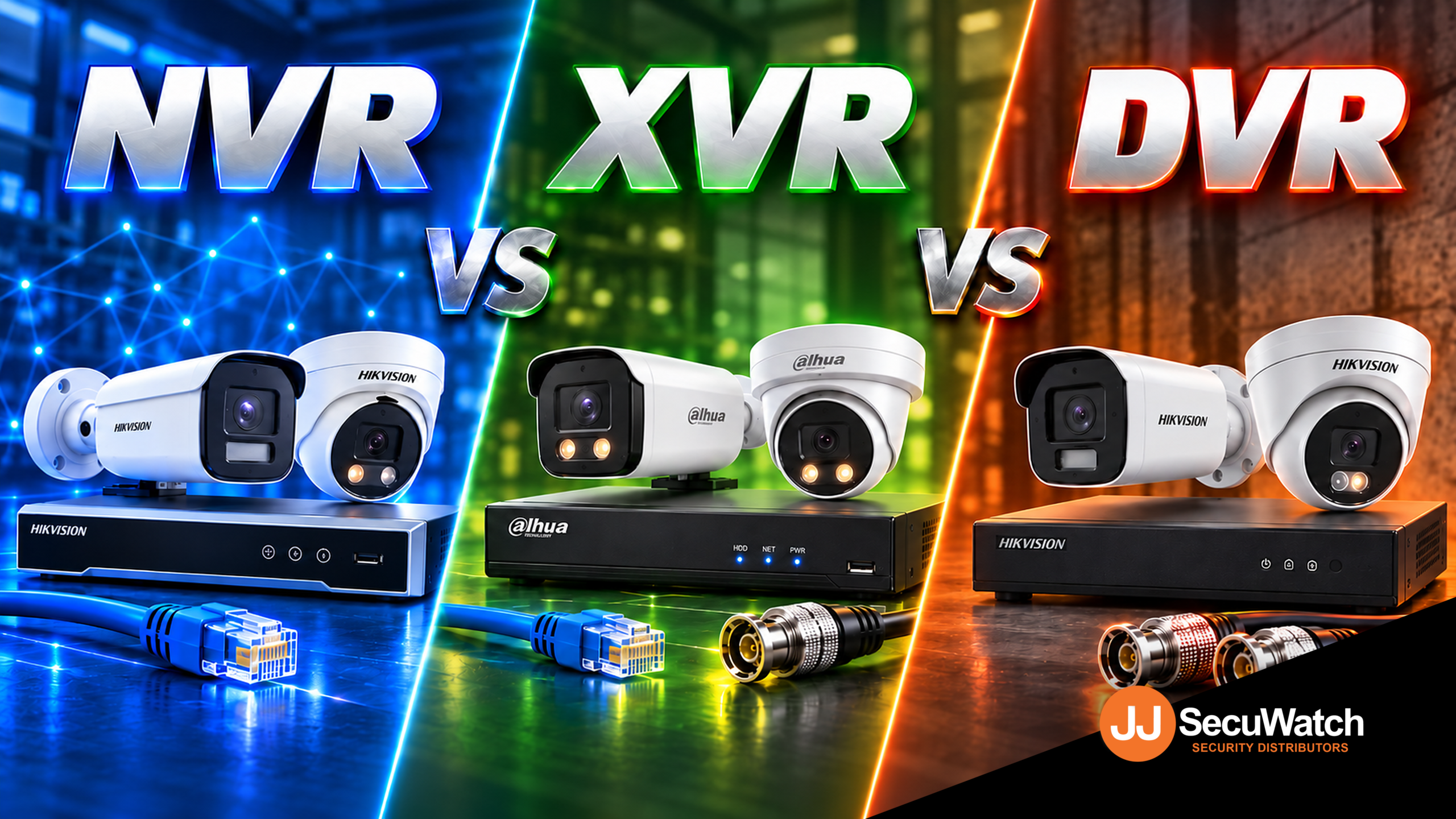
NVR vs XVR vs DVR

What's the Difference?

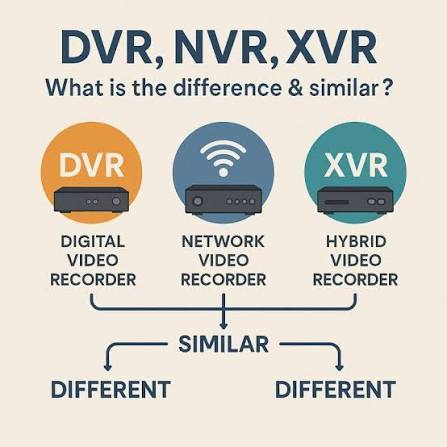
If you’ve spent five minutes looking into CCTV systems, you’ve probably run into these three acronyms and wondered if they’re actually different things or just marketing terms for the same box. They’re genuinely different, and picking the right one affects what cameras you can use, how good your footage looks, and how much rewiring an upgrade might need. Here’s the plain-English breakdown.

DVR: The Original Recorder

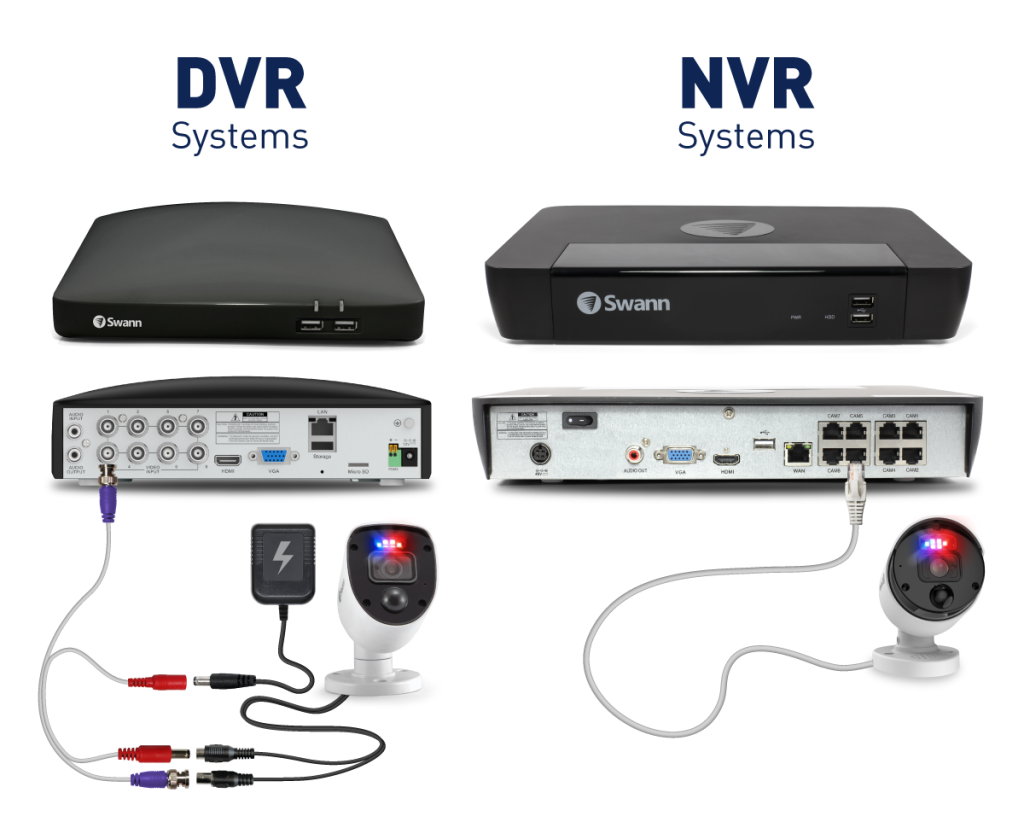
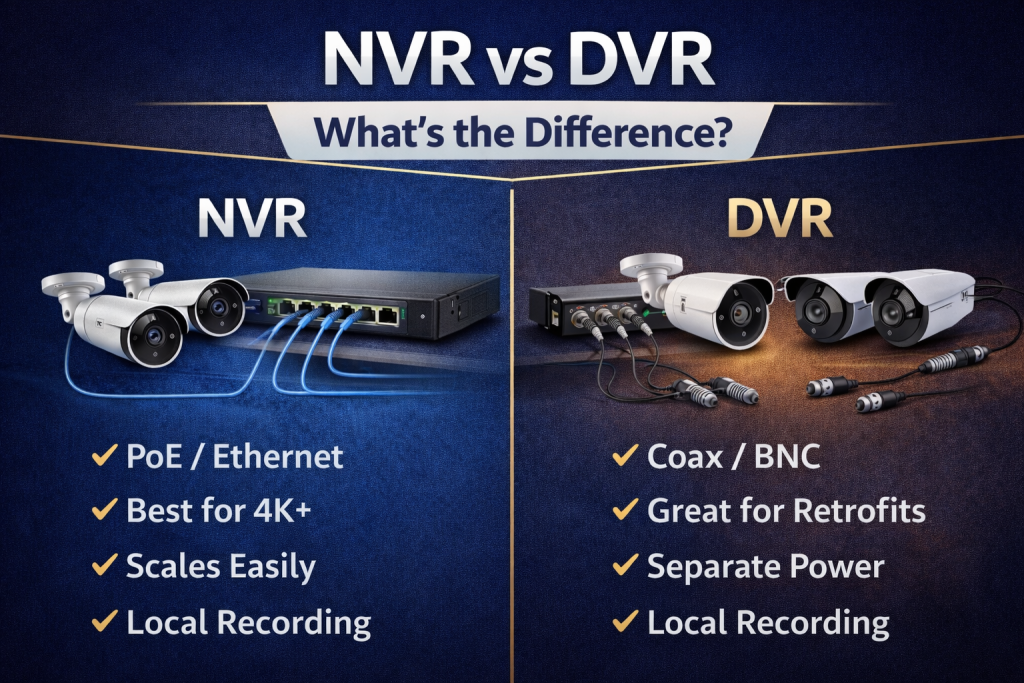
DVR stands for Digital Video Recorder, and it’s the oldest of the three. A DVR works with analogue cameras, the kind that send a raw video signal down a coaxial cable rather than data over a network.

The recorder itself does all the heavy lifting, converting that analogue signal into digital footage you can actually store and review. It’s simple, reliable technology that’s been around for decades, which is exactly why so many older systems still use it.

The catch is resolution. Analogue cameras are fundamentally limited compared to newer IP cameras, so even a “high-end” DVR system will struggle to match the image quality of a basic modern IP camera.

NVR: The IP Camera Recorder

NVR stands for Network Video Recorder, and it’s built for IP cameras, the kind that connect over a network (usually via an Ethernet cable) rather than a dedicated coaxial line.

Here’s the key difference in how it works: an IP camera does its own video processing and compression before sending the footage over the network. The NVR’s job is mostly to receive, store, and let you review that already-processed footage, rather than converting a raw analogue signal itself.

This is why NVR systems are usually paired with much sharper cameras, since IP cameras aren’t limited by the same resolution ceiling as analogue ones. It’s also why most current AI features, like human and vehicle detection, live on NVR systems rather than DVR ones, since that intelligence is processed by the camera itself.

XVR: The Hybrid Option

XVR stands for a few things depending on who you ask (some say “multi-channel Video Recorder,” others just treat it as a catch-all hybrid term), but functionally it means one thing: flexibility.

An XVR can typically handle multiple camera types on the same recorder, analogue, HD-TVI, HD-CVI, AHD, and in many cases IP cameras too, all on the same box. That makes it genuinely useful for one specific, common situation: upgrading an existing system without ripping out cabling that’s already run through walls and ceilings.

If a site already has coaxial cabling installed from an older analogue system, an XVR lets you swap in newer, sharper cameras that use that existing cabling, without needing to run new network cable everywhere.

Which One Should You Actually Get?

If you’re starting completely fresh with no existing cabling, go IP (NVR). You’ll get better image quality, proper AI detection, and a system that’s genuinely future-proof rather than tied to older analogue limitations.

If you’ve already got an analogue system installed and coaxial cabling run through the building, an XVR is usually the smarter move. You get to upgrade your cameras to something sharper without the cost and disruption of rewiring the whole site.

DVR-only systems are becoming harder to justify for anything beyond the most basic, budget-constrained jobs, since an XVR generally does everything a DVR does and more, often for a similar price point.

Talk to Someone Before You Buy

The right choice really does depend on what’s already at the site, not just which recorder sounds most modern. If you’re not sure whether your existing cabling can be reused, or which recorder actually matches the cameras you want, that’s exactly the kind of question worth asking before you buy anything, not after.

Recent News

Wired vs Wireless CCTV: What Actually Suits an Australian Installation

What Actually Suits an Australian Installation If you’re weighing up wired or wireless CCTV...
Hikvision or Dahua- Which is better?

Dahua vs Hikvision: Which Should You Choose? If you’re speccing a CCTV job in 2026, chances...
Ruijie Solar Switch

Outdoor Solar Networking, Sorted: The Ruijie Reyee RG-ES207GS-AC-OD Brand voice applied: confident...

Ruijie Industrial Switch/Router

Ruijie Industrial Switches – NIS2K & NIS3100 Series As an authorized networking distributor, we...
Milesight with NX Witness

Introducing Milesight We are proud to supply and support the complete range of Milesight CCTV and...
Posted on — 3 Comments

Wired vs Wireless CCTV: What Actually Suits an Australian Installation

What Actually Suits an Australian Installation

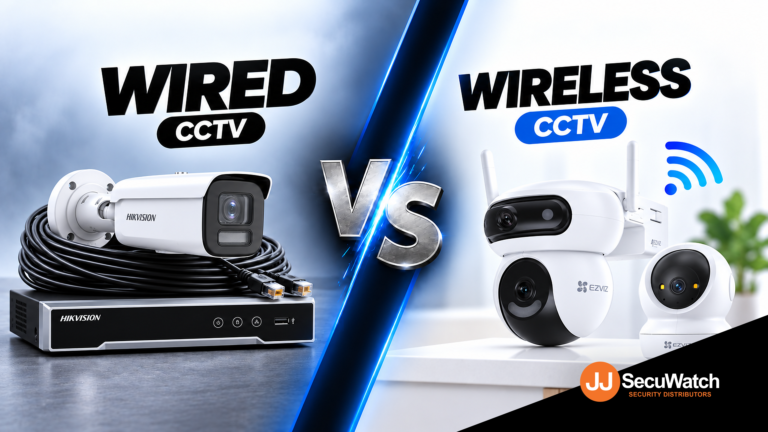
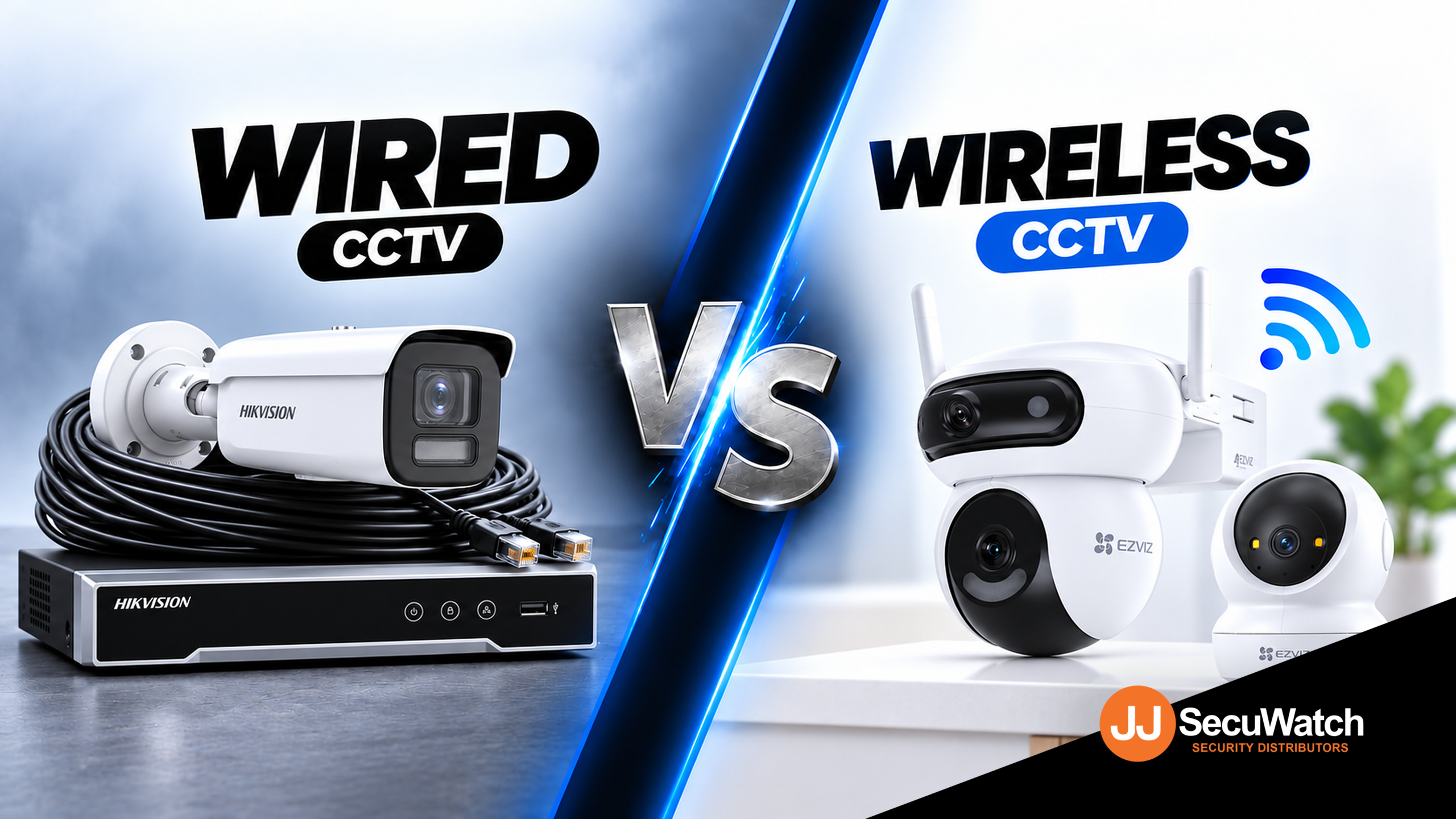
If you’re weighing up wired or wireless CCTV for a home or business, the honest answer is that both work well these days. The real question isn’t which one is “better.” It’s which one actually fits your property, your budget and how much cabling you’re prepared to deal with. Here’s how to think it through properly.

What "Wired" Actually Means Today

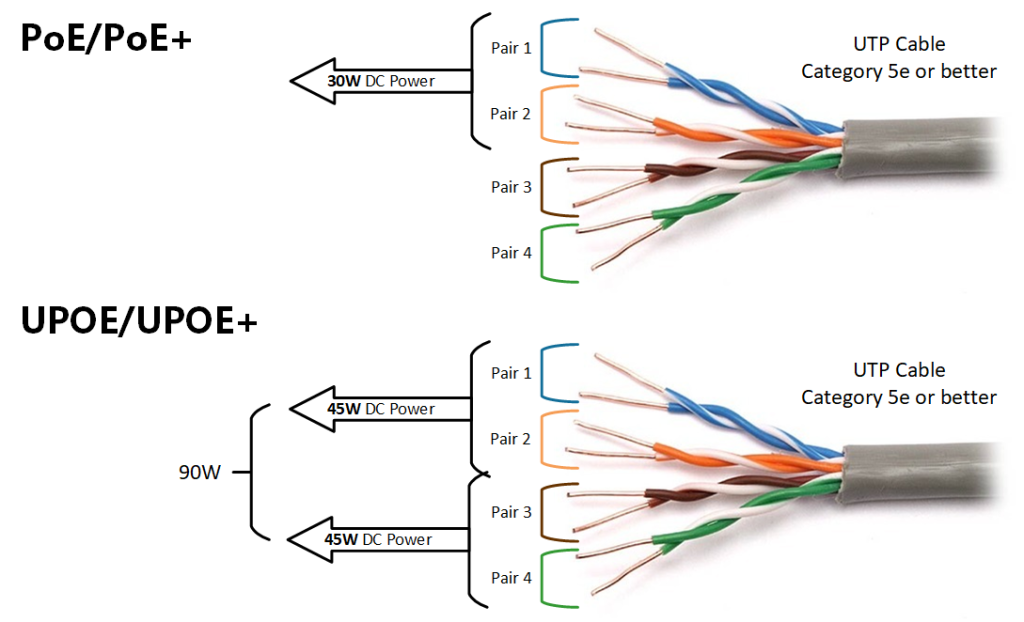
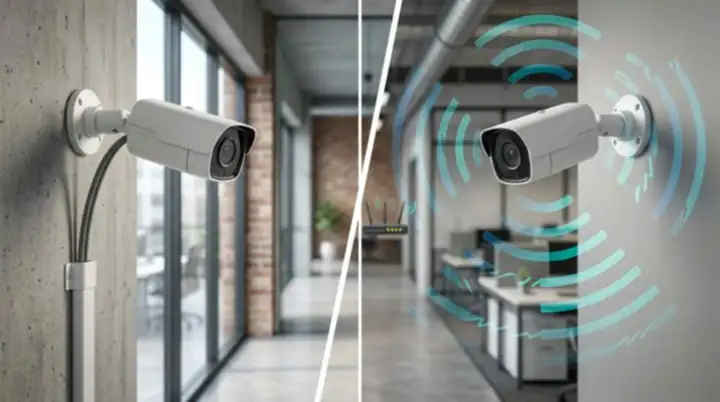
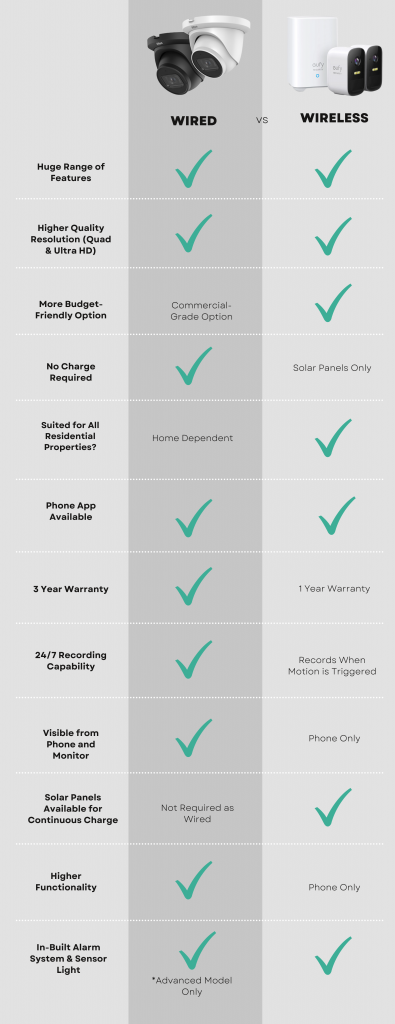
When people say “wired CCTV,” they’re usually talking about a PoE system. That stands for Power over Ethernet, and it means one cable carries both power and video data to each camera. No separate power supply needed at every camera location, just a single Ethernet run back to a recorder.

This is still the gold standard for permanent installations, and there’s a good reason for that. A wired connection isn’t fighting for bandwidth with your Wi Fi router, isn’t affected by walls or interference, and won’t drop out during a storm the way a wireless signal sometimes can. For a business that genuinely needs 24 hour, uninterrupted footage, that reliability matters a lot more than the extra effort of running cable.

What "Wireless" Actually Means

Wireless CCTV generally falls into two camps. The first is Wi Fi cameras that connect to your existing home or business network and store footage locally or in the cloud. The second is battery or solar powered cameras that don’t need any wiring at all, not even for power.

The appeal here is obvious. No drilling, no cable runs, no need to plan the install around where you can physically get a cable to. For a renter, an apartment, or someone who just wants a camera up this weekend, wireless is genuinely the easier path.

The trade off is that you’re now relying on your Wi Fi signal reaching every camera reliably, and on either a battery lasting or a solar panel doing its job through Australian weather. Neither of those is a dealbreaker, but they are things to plan around properly rather than assume will just work.

Some brands that focus on wireless securit are Eufy, Ring Intercom, Swan Wireless. Many brands actually do both.

Where Wired Makes More Sense

Choose wired if you’re in any of these situations:

You’re installing permanently and don’t mind an electrician or installer running cable once, properly, so you never think about it again.

You need continuous, reliable recording without gaps, particularly for a business where footage might end up being used as evidence.

You’re covering a large property or commercial site where Wi Fi signal simply won’t reach every camera location reliably.

You want to avoid ongoing subscription costs, since wired systems overwhelmingly record to a local NVR rather than the cloud.

Where Wireless Makes More Sense

Choose wireless if you’re in any of these situations:

You’re renting or can’t run cables through walls without real hassle or landlord approval.

You need a camera up quickly, without booking an installer or planning an install around cable runs.

You’re covering an outdoor area like a shed, gate or driveway where running power is impractical, and a solar or battery camera solves that cleanly.

Your coverage needs are modest, a couple of cameras rather than a full multi camera system.

The Australian Factor Nobody Talks About Enough

Australia isn’t a small consideration here, it actually changes the calculation a bit. Long, hot summers mean solar powered wireless cameras genuinely perform well across most of the country, since there’s rarely a shortage of sunlight to keep them charged. That’s a real point in favour of wireless for outdoor, hard to wire spots.

On the flip side, a lot of Australian homes and businesses sit on larger blocks or have outbuildings, sheds and car parks some distance from the house. Wi Fi doesn’t always reach that far reliably, and that’s exactly the situation where a wired PoE run, even a longer one, ends up being the more dependable choice.

What To Actually Do Next

If you’re not sure which setup suits your site, the honest move is to talk it through with someone who installs these systems for a living, rather than guessing from a spec sheet. Tell them what you’re protecting, how the property is laid out, and what your budget looks like, and a good installer will mix wired and wireless where it actually makes sense rather than pushing you toward whichever one they happen to stock more of.

Recent News

Wired vs Wireless CCTV: What Actually Suits an Australian Installation

What Actually Suits an Australian Installation If you’re weighing up wired or wireless CCTV...

Hikvision or Dahua- Which is better?

Dahua vs Hikvision: Which Should You Choose? If you’re speccing a CCTV job in 2026, chances...

Ruijie Solar Switch

Outdoor Solar Networking, Sorted: The Ruijie Reyee RG-ES207GS-AC-OD Brand voice applied: confident...

Ruijie Industrial Switch/Router

Ruijie Industrial Switches – NIS2K & NIS3100 Series As an authorized networking distributor, we...
Milesight with NX Witness

Introducing Milesight We are proud to supply and support the complete range of Milesight CCTV and...
Posted on — 2 Comments

Hikvision or Dahua- Which is better?

Dahua vs Hikvision: Which Should You Choose?

If you’re speccing a CCTV job in 2026, chances are it comes down to two names: Dahua and Hikvision. Both are genuine global giants, Hikvision is the largest video surveillance manufacturer in the world, and Dahua isn’t far behind. Both make excellent gear. So which one actually fits your job? Here’s the breakdown.

Pricing

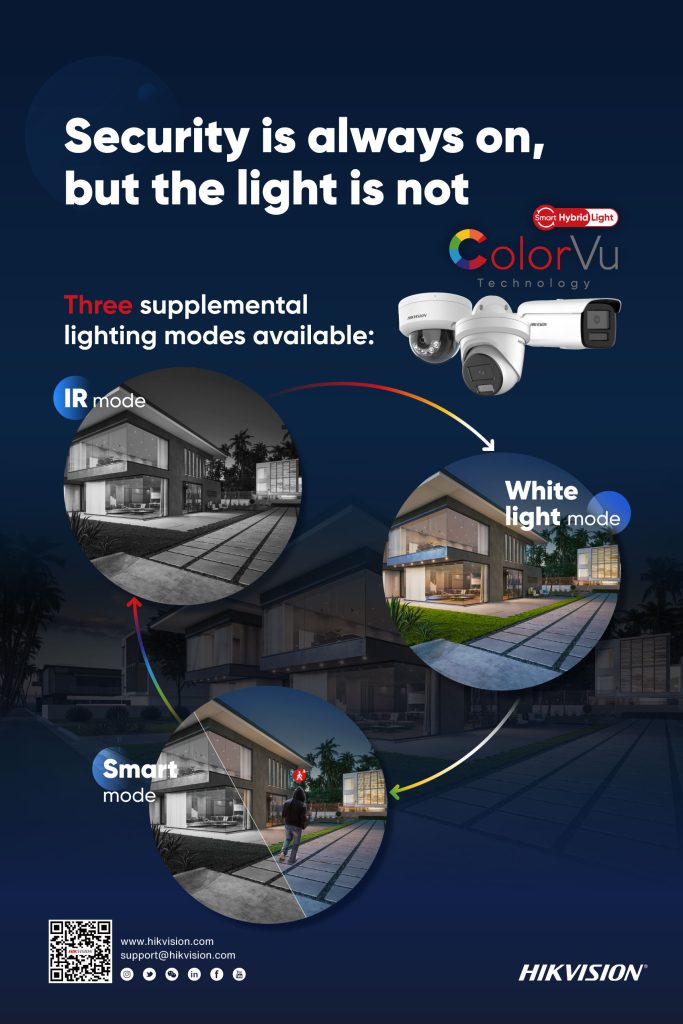
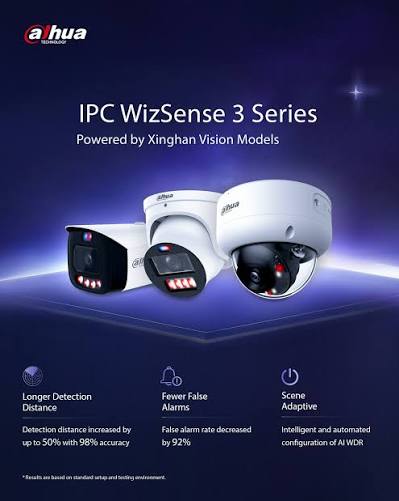
Hikvision sits in slightly higher in price range compare to Dahua. Dahua’s WizSense line tends to offer strong value at the entry-to-mid tier, a lot of AI-detection capability for a competitive price point. Hikvision’s core range is priced comparably, but where Hikvision pulls ahead on flexibility is HiLook — their value-tier sub-brand, which shares core Hikvision technology (AcuSense AI detection, ColorVu low-light imaging) at a genuinely lower price point. If budget is the deciding factor on a job, HiLook is often the sharper comparison against Dahua’s entry range than Hikvision’s own core lineup is.

Bottom line: Dahua is more price driven, while Hikvisionis more commercial grade. For genuinely budget-conscious jobs, HiLook is worth comparing directly against Dahua before assuming Dahua is automatically the cheaper option. 

Technology

Both brands have converged on similar core capabilities, just under different names:

AI Human/Vehicle Detection
Hikvision
AcuSense
Dahua
WizSense / SMD
Full-Colour Low-Light
Hikvision
ColorVu
Dahua
Full-Color / WizColor
Active Deterrence (Light + Siren)
Hikvision
TiOC
Dahua
TiOC
Advanced Deep-Learning Tier
Hikvision
—
Dahua
WizMind

Both brands have converged on similar core capabilities, just under different names:

FeatureHikvisionDahua
AI human/vehicle detectionAcuSenseWizSense / SMD
Full-colour low-lightColorVuFull-Color / WizColor
Active deterrence (light + siren)Active deterrentTiOC
Advanced deep-learning tierAkuseekWizMind

The two brands are more similar than different on paper. Where they tend to diverge in practice:

  • Hikvision’s AcuSense has a longer track record and slightly broader third-party VMS/NVR compatibility, given how long it’s been the market leader.
  • Dahua’s WizMind tier is positioned as their step-up deep-learning range for more demanding sites, giving Dahua a clearer three-tier structure (WizSense → WizMind → premium) than some equivalent Hikvision groupings.

For most standard installs, the practical difference between AcuSense and WizSense detection accuracy is small enough that it shouldn’t be the deciding factor on its own.

Interface & Usability

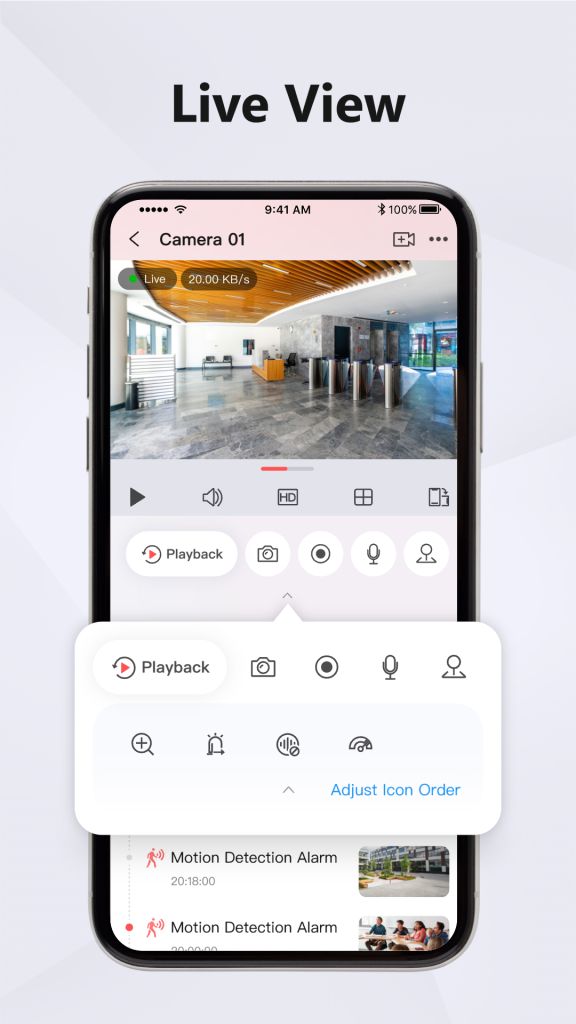
Hikvision App

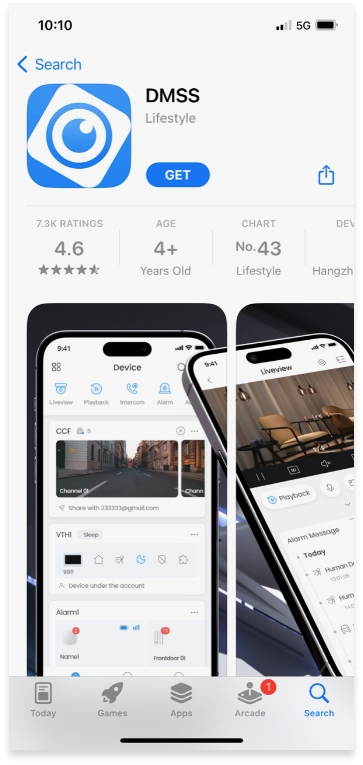
Dahua App

Dahua App

This is where installer preference genuinely starts to matter more than spec sheets:

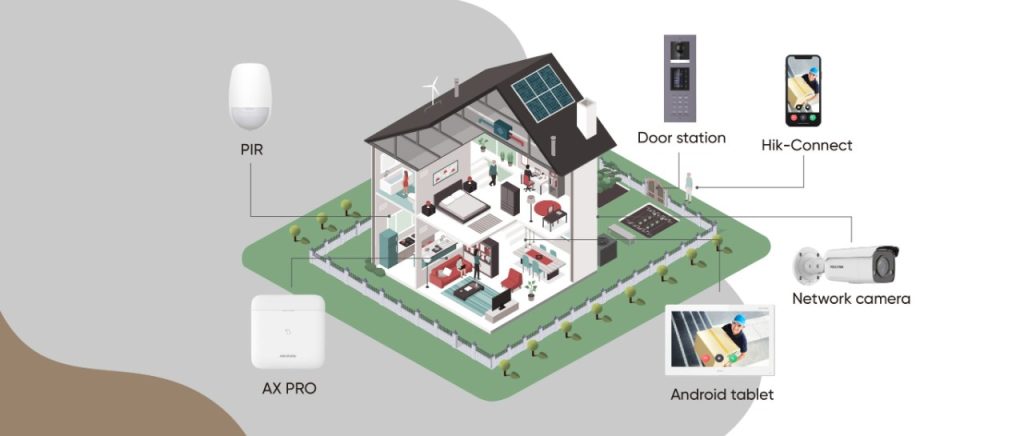
  • Hikvision’s Hik-Connect app and HikCentral VMS are broadly considered mature and intuitive, particularly for larger multi-site deployments where HikCentral Professional can manage hundreds of sites from one interface.
  • Dahua’s app and NVR menu structure are generally straightforward too, though some installers find Hikvision’s interface marginally more polished for end-user-facing apps (i.e. what the client sees on their phone, not just what the installer configures).

If your customer base skews toward wanting a clean, simple mobile experience, Hikvision has a slight edge here. If you’re mostly installer-facing (configuring on-site, not handing off a polished app experience), the gap narrows considerably.

Brand Details

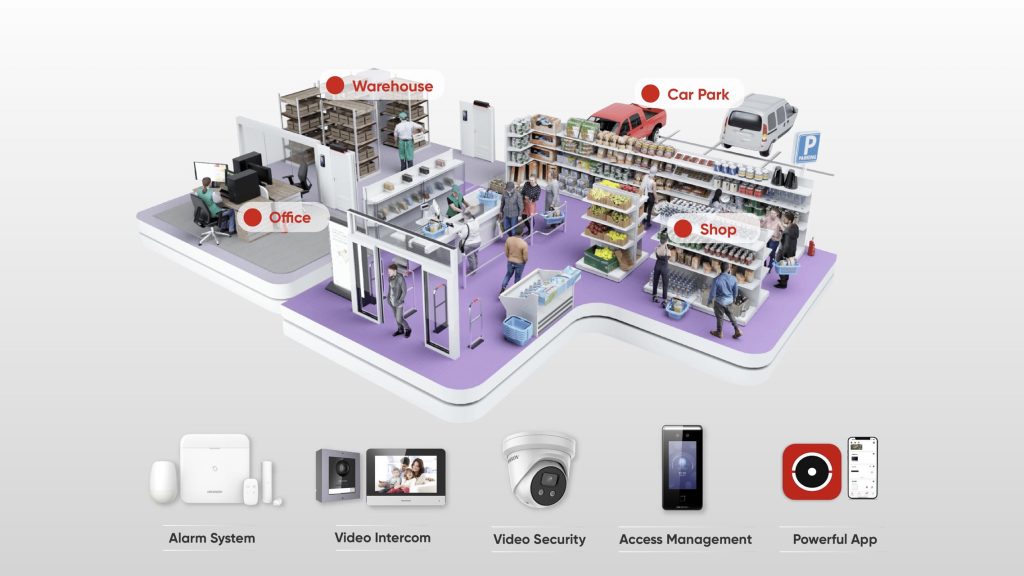
  • Hikvision — the world’s largest video surveillance manufacturer, with the broadest product ecosystem: CCTV, access control, intercoms, alarms, and even commercial displays, all under one brand. If a job needs multiple categories to come from a single manufacturer, Hikvision’s range is hard to match for breadth.
  • Dahua — a major global manufacturer in its own right, historically strong on price-to-performance and with a genuinely broad analogue-to-IP range, useful on jobs that still need to bridge older coaxial cabling with new IP hardware.
  • HiLook — not a separate manufacturer, but Hikvision’s own value sub-brand. Choosing HiLook means Hikvision-grade core technology at a lower price, with a narrower category range (primarily CCTV, with some alarm and intercom options) than the full Hikvision lineup.

Overall: Which Should You Go For?

There’s no universal right answer — it genuinely depends on the job:

  • Choose Hikvision if the site needs multiple categories (CCTV + access control +Alarm + intercom) under one ecosystem, or if a polished client-facing app experience matters.
  • Choose Dahua if you want strong AI detection at a competitive mid-tier price, or the job needs to bridge older analogue cabling with new IP hardware.
  • Choose HiLook if budget is the primary constraint and the job is under 32CH (Under 32 Cameras), you get genuine Hikvision-grade detection technology without paying full Hikvision pricing.

As a distributor carrying all three, our honest take: don’t pick a brand first and force the job to fit it. Tell us what the site actually needs, budget, categories, and scale and we’ll point you to the range that fits, not just the one with the best margin.

Recent News

Wired vs Wireless CCTV: What Actually Suits an Australian Installation

What Actually Suits an Australian Installation If you’re weighing up wired or wireless CCTV...

Hikvision or Dahua- Which is better?

Dahua vs Hikvision: Which Should You Choose? If you’re speccing a CCTV job in 2026, chances...

Ruijie Solar Switch

Outdoor Solar Networking, Sorted: The Ruijie Reyee RG-ES207GS-AC-OD Brand voice applied: confident...

Ruijie Industrial Switch/Router

Ruijie Industrial Switches – NIS2K & NIS3100 Series As an authorized networking distributor, we...
Milesight with NX Witness

Introducing Milesight We are proud to supply and support the complete range of Milesight CCTV and...