

Posted on — Leave a comment

NVR vs XVR vs DVR

What's the Difference?

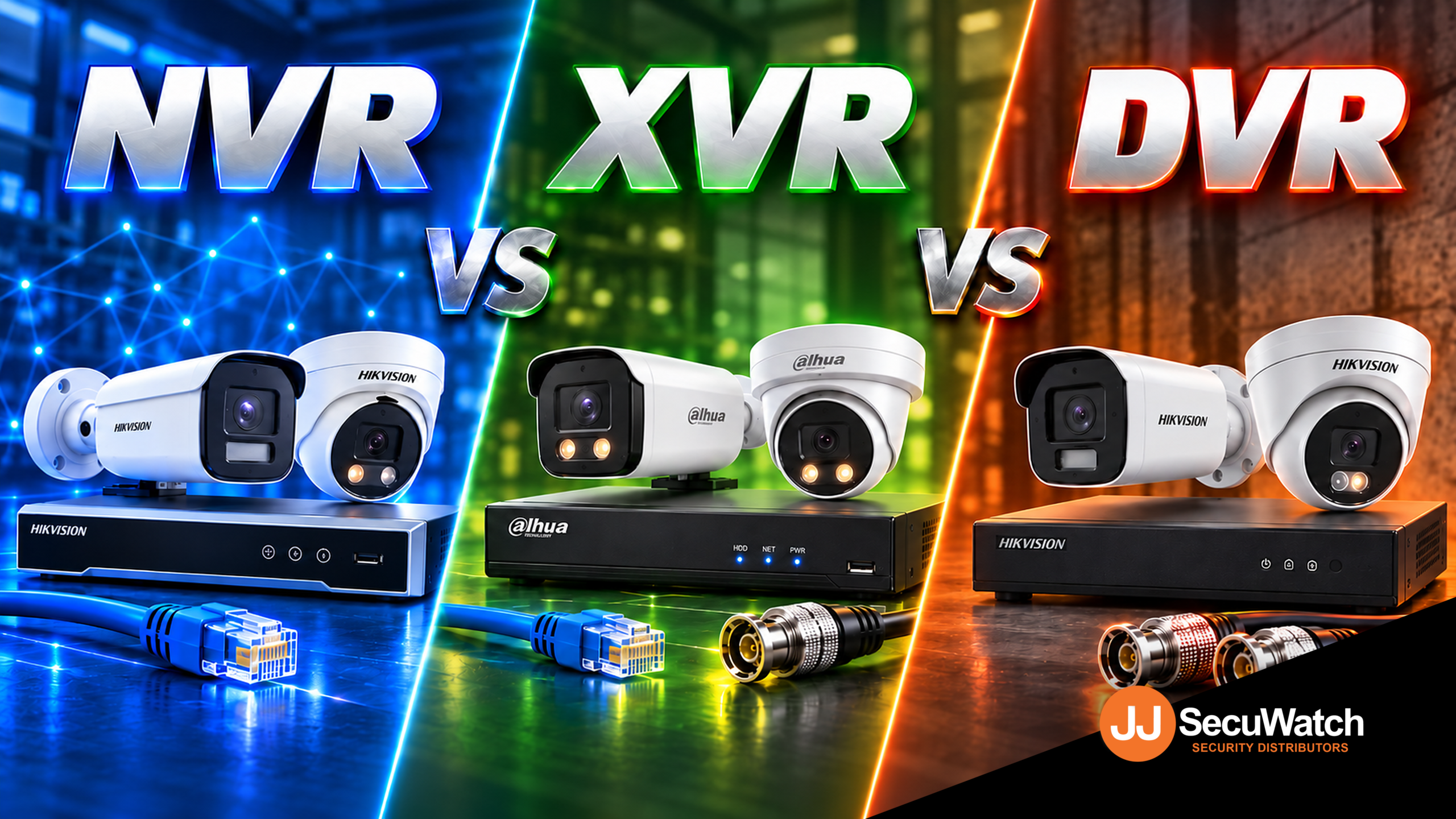
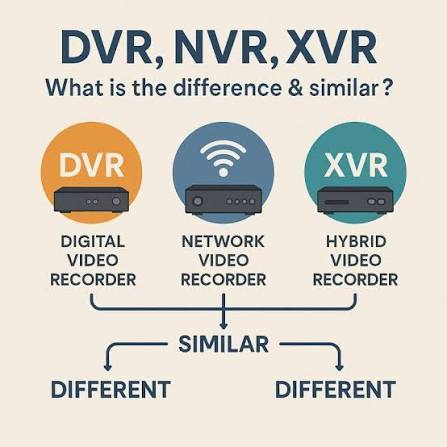
If you’ve spent five minutes looking into CCTV systems, you’ve probably run into these three acronyms and wondered if they’re actually different things or just marketing terms for the same box. They’re genuinely different, and picking the right one affects what cameras you can use, how good your footage looks, and how much rewiring an upgrade might need. Here’s the plain-English breakdown.

DVR: The Original Recorder

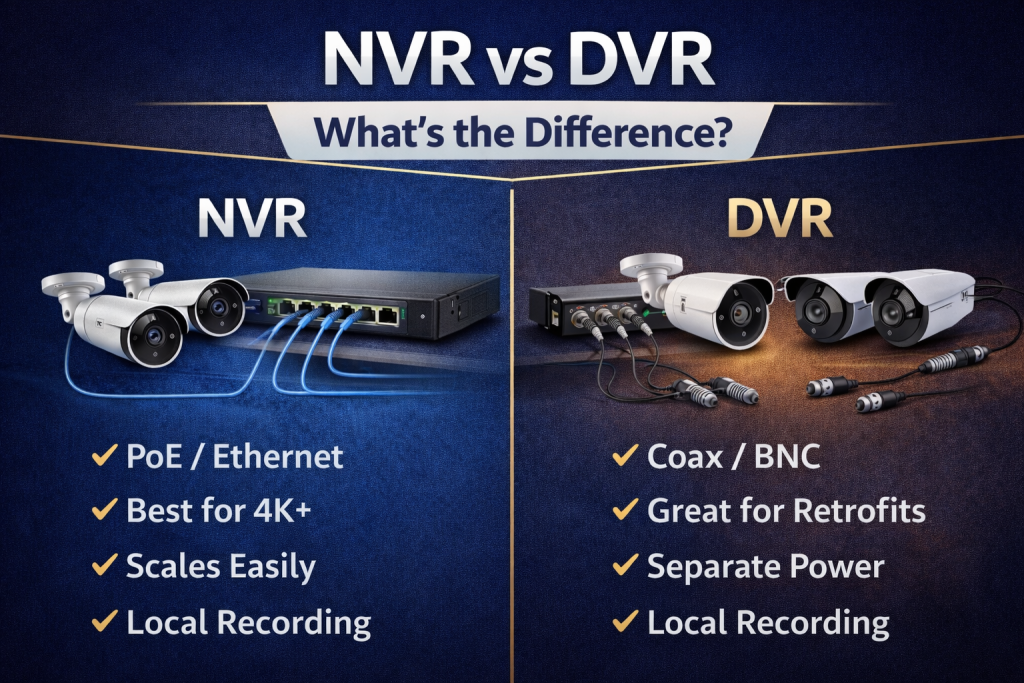
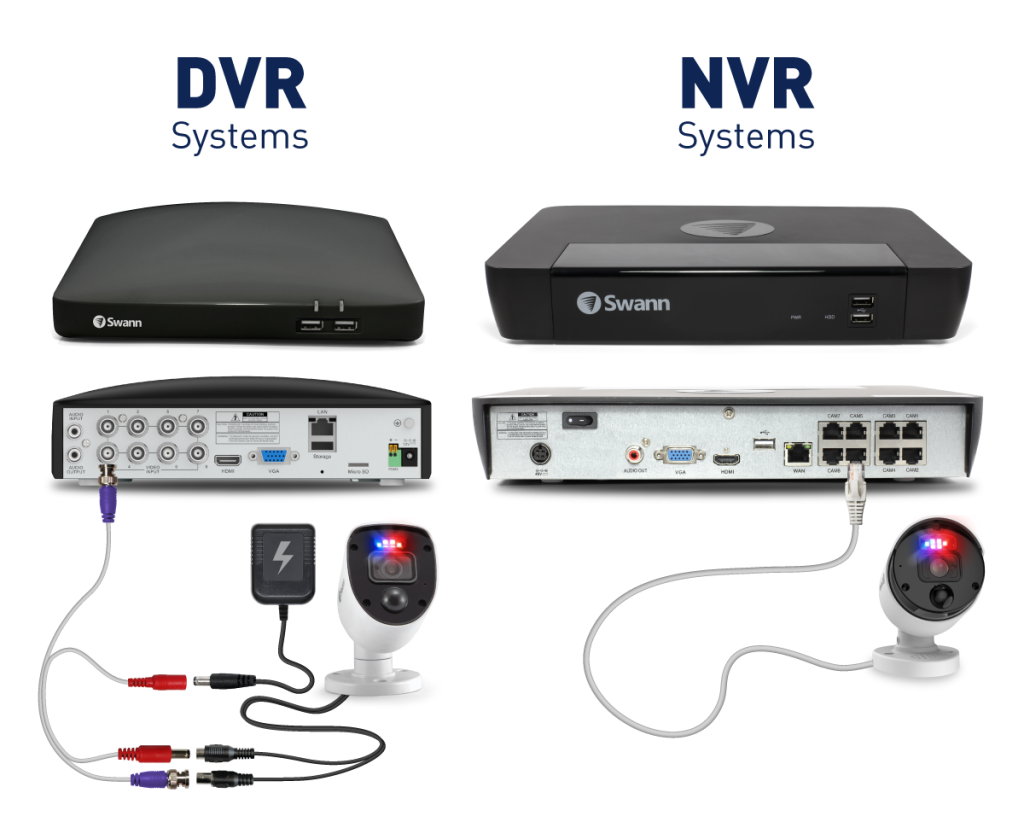
DVR stands for Digital Video Recorder, and it’s the oldest of the three. A DVR works with analogue cameras, the kind that send a raw video signal down a coaxial cable rather than data over a network.

The recorder itself does all the heavy lifting, converting that analogue signal into digital footage you can actually store and review. It’s simple, reliable technology that’s been around for decades, which is exactly why so many older systems still use it.

The catch is resolution. Analogue cameras are fundamentally limited compared to newer IP cameras, so even a “high-end” DVR system will struggle to match the image quality of a basic modern IP camera.

NVR: The IP Camera Recorder

NVR stands for Network Video Recorder, and it’s built for IP cameras, the kind that connect over a network (usually via an Ethernet cable) rather than a dedicated coaxial line.

Here’s the key difference in how it works: an IP camera does its own video processing and compression before sending the footage over the network. The NVR’s job is mostly to receive, store, and let you review that already-processed footage, rather than converting a raw analogue signal itself.

This is why NVR systems are usually paired with much sharper cameras, since IP cameras aren’t limited by the same resolution ceiling as analogue ones. It’s also why most current AI features, like human and vehicle detection, live on NVR systems rather than DVR ones, since that intelligence is processed by the camera itself.

XVR: The Hybrid Option

XVR stands for a few things depending on who you ask (some say “multi-channel Video Recorder,” others just treat it as a catch-all hybrid term), but functionally it means one thing: flexibility.

An XVR can typically handle multiple camera types on the same recorder, analogue, HD-TVI, HD-CVI, AHD, and in many cases IP cameras too, all on the same box. That makes it genuinely useful for one specific, common situation: upgrading an existing system without ripping out cabling that’s already run through walls and ceilings.

If a site already has coaxial cabling installed from an older analogue system, an XVR lets you swap in newer, sharper cameras that use that existing cabling, without needing to run new network cable everywhere.

Which One Should You Actually Get?

If you’re starting completely fresh with no existing cabling, go IP (NVR). You’ll get better image quality, proper AI detection, and a system that’s genuinely future-proof rather than tied to older analogue limitations.

If you’ve already got an analogue system installed and coaxial cabling run through the building, an XVR is usually the smarter move. You get to upgrade your cameras to something sharper without the cost and disruption of rewiring the whole site.

DVR-only systems are becoming harder to justify for anything beyond the most basic, budget-constrained jobs, since an XVR generally does everything a DVR does and more, often for a similar price point.

Talk to Someone Before You Buy

The right choice really does depend on what’s already at the site, not just which recorder sounds most modern. If you’re not sure whether your existing cabling can be reused, or which recorder actually matches the cameras you want, that’s exactly the kind of question worth asking before you buy anything, not after.

Recent News

Wired vs Wireless CCTV: What Actually Suits an Australian Installation

What Actually Suits an Australian Installation If you’re weighing up wired or wireless CCTV...
Hikvision or Dahua- Which is better?

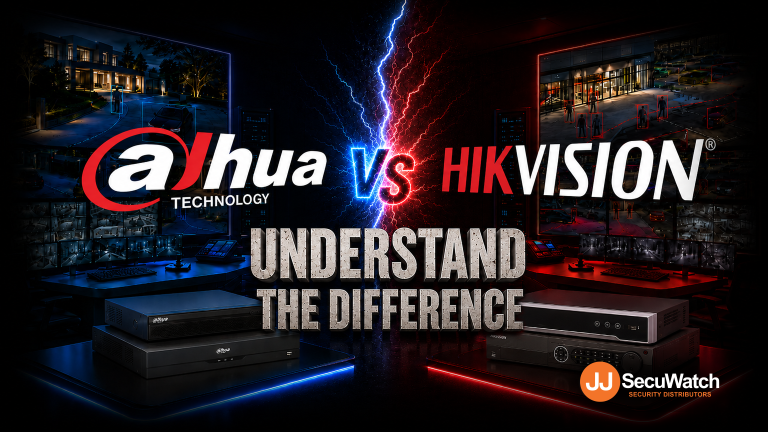
Dahua vs Hikvision: Which Should You Choose? If you’re speccing a CCTV job in 2026, chances...

Ruijie Solar Switch

Outdoor Solar Networking, Sorted: The Ruijie Reyee RG-ES207GS-AC-OD Brand voice applied: confident...

Ruijie Industrial Switch/Router

Ruijie Industrial Switches – NIS2K & NIS3100 Series As an authorized networking distributor, we...
Milesight with NX Witness

Introducing Milesight We are proud to supply and support the complete range of Milesight CCTV and...
Posted on

Dahua Surveillance System

TEN YEARS OVERDUE: HOW TRARALGON BOWLS CLUB BROUGHT ITS GAMING ROOM CCTV BACK INTO COMPLIANCE

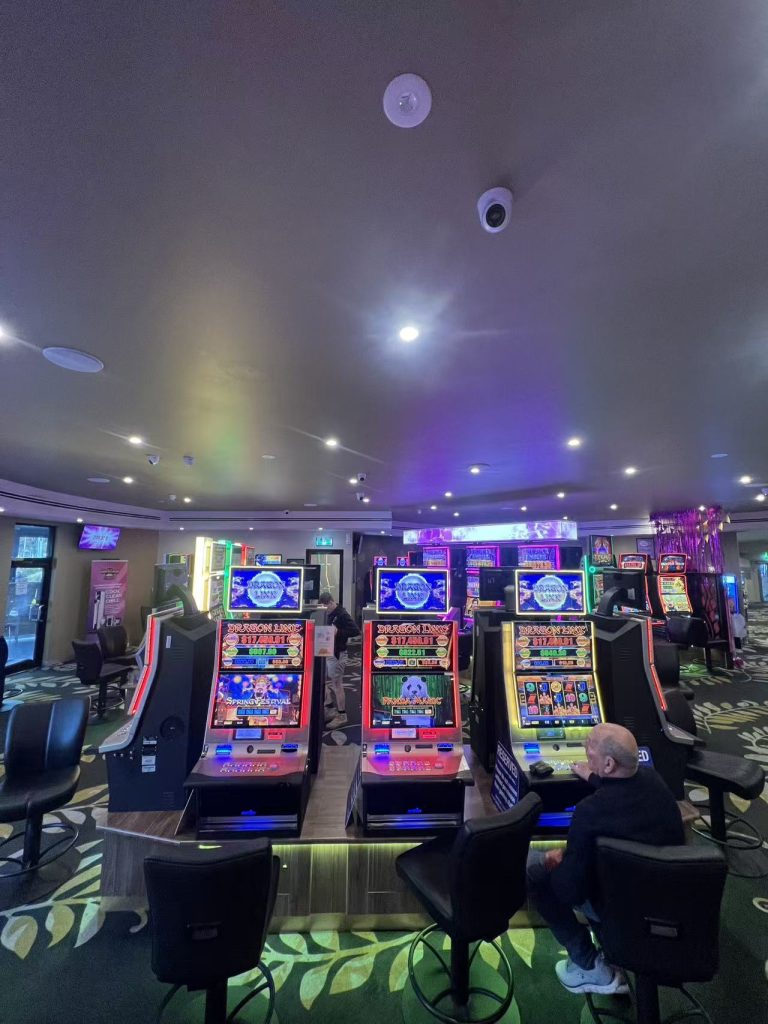
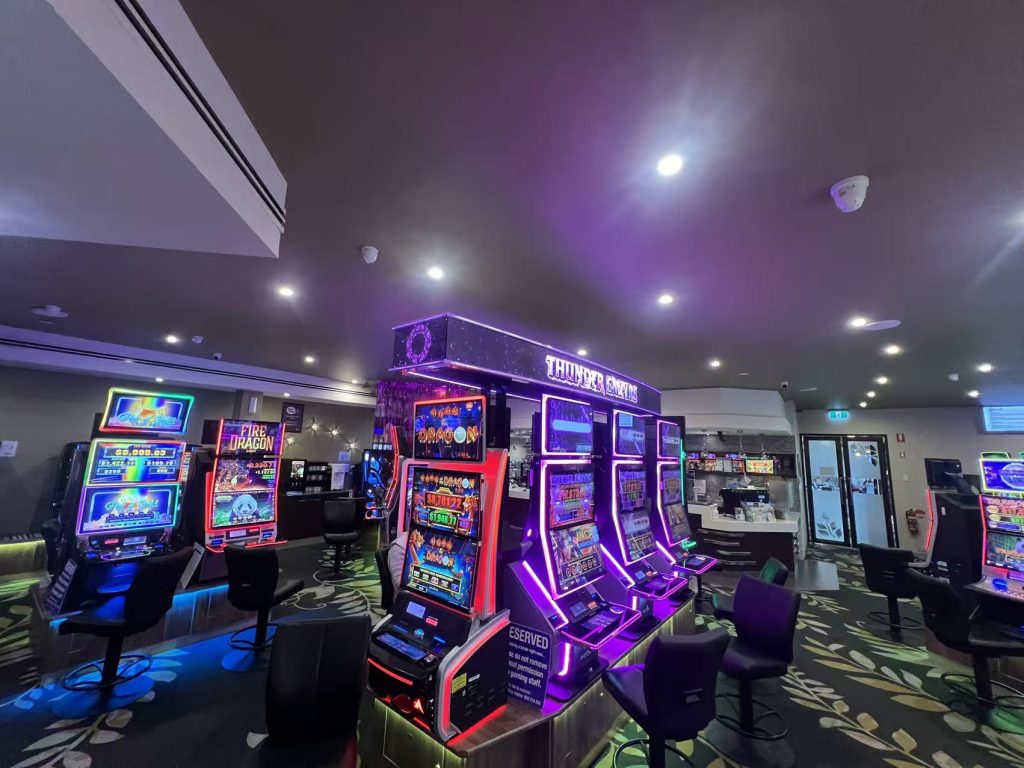
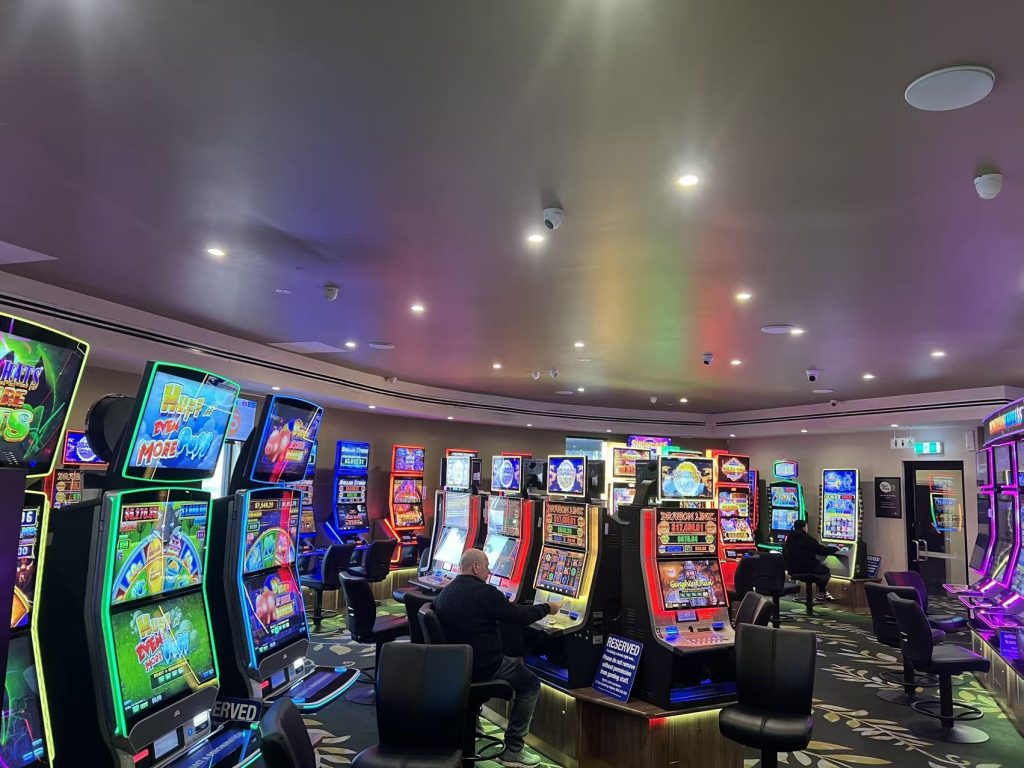
The Victorian Gambling and Casino Control Commission has been blunt lately: its inspectors are finding venues where CCTV coverage of the gaming machine area is incomplete and doesn’t meet the legislative requirements. For a club, that’s not a minor paperwork issue — supervision of the gaming machine area is a licence condition.

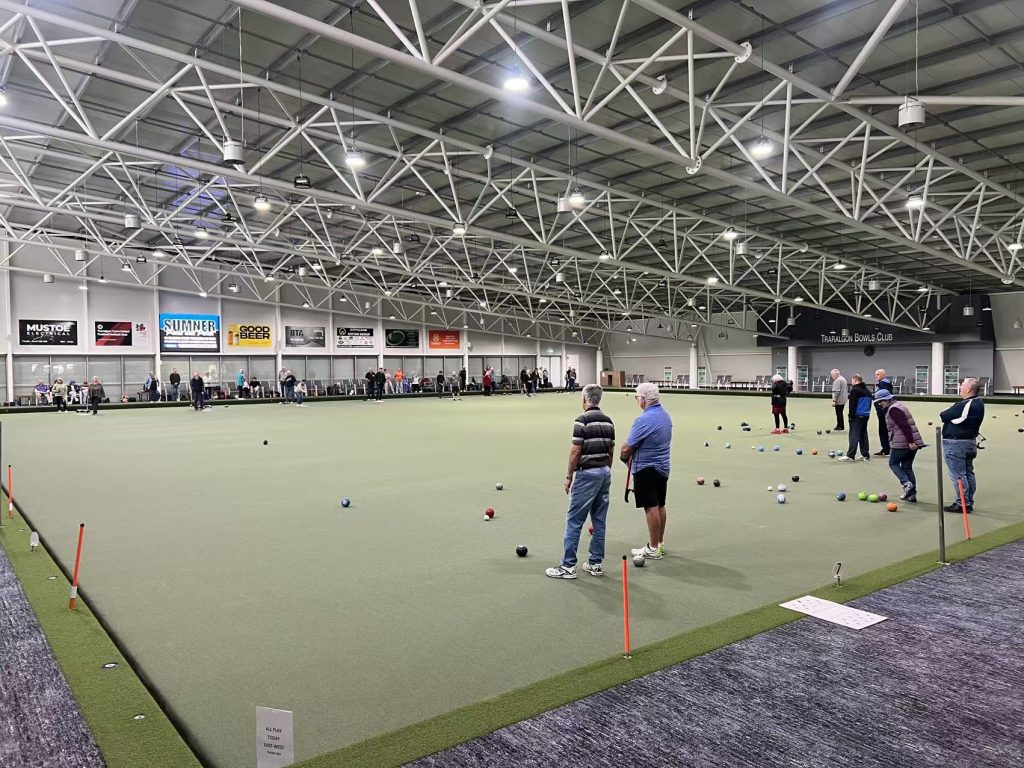
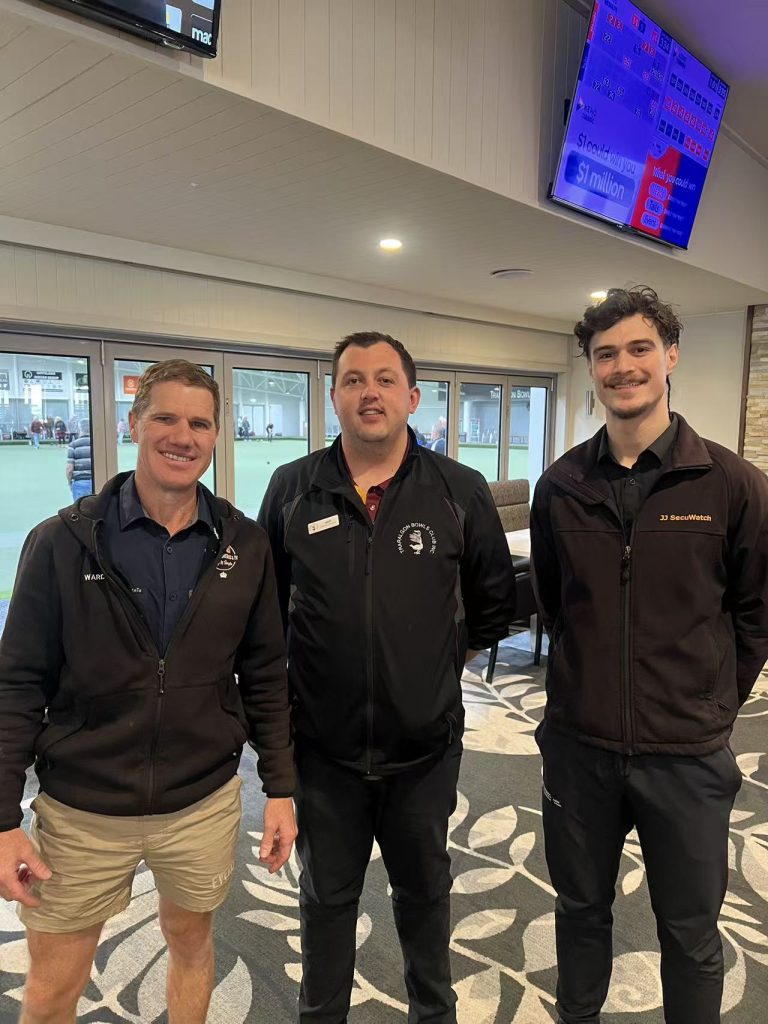
Traralgon Bowls Club Inc. got ahead of it. Their existing surveillance system was around ten years old, and while it had served the club well, it was never designed for what the rules now demand of a gaming venue. Rather than patch it, the club committed to a full replacement — and did their own homework before picking a brand.

JJ Secuwatch worked on a people counting and flow control deployment at Paddy’s Markets in Sydney, using Hikvision people counting technology to give management accurate, real-time visibility of who was coming in, where they were going, and how full the venue was at any moment.

Here’s how that kind of system works, and why it matters for any high-traffic venue.

What the rules actually require

Under Victoria’s gaming regulations, a venue’s CCTV isn’t just “cameras in the gaming room.” The system has to:

  • Clearly show every EGM — the screen, the controls, and the note, ticket or coin acceptor
  • Show the patron using each machine
  • Record continuously, 24 hours a day, seven days a week
  • Retain footage for at least 28 days, or longer if the venue’s liquor licence or another requirement says so
  • Embed time, date and camera ID automatically on the recording

Read that first point again, because it’s where most legacy systems fall over. A wide shot covering a bank of eight machines does not satisfy it. The requirement is machine-level detail — and the acceptor in particular is a small target.

Why a ten-year-old system couldn't get there

Three problems, all of them structural rather than fixable:

Resolution. A camera specified a decade ago simply doesn’t have the pixel density to resolve a note acceptor and a patron’s face from a ceiling mount. You can’t zoom your way out of missing detail.

Lighting. Gaming rooms are one of the hardest lighting environments in commercial CCTV — bright, backlit machine screens against deliberately dim ambient light. Older cameras blow out the screen, silhouette the patron, or both. [CONFIRM DAHUA TECHNOLOGY NAME — the imaging feature that delivered true, natural image reproduction in this environment] was a significant factor in the club’s decision, because it holds detail across that contrast range instead of trading one for the other.

Channel capacity and storage. Machine-level coverage means a lot of cameras. Add entries, exits, the cashier station, the bar and general club areas, and the channel count climbs fast — well beyond what a legacy recorder can handle.

The solution

Motorised lens cameras throughout the gaming machine area. Motorised varifocal optics let each camera be framed precisely on its target during commissioning — remotely, from the recorder or a laptop, without a technician on a ladder in front of every machine. That matters more than it sounds. Gaming machine areas get reconfigured; machines get swapped and moved. When the layout changes, the cameras can be re-aimed and refocused remotely instead of booking another site visit. Compliance stays intact between changes rather than drifting out of alignment.

A 128-channel NVR with RAID 5. The channel count gives the club coverage of every machine plus the rest of the site, with headroom to expand. RAID 5 is the part worth dwelling on: it means a single drive failure doesn’t take the archive with it. When your licence depends on producing 28 days of continuous footage on request, storage redundancy isn’t a nice-to-have — it’s the difference between a hardware fault and a compliance breach. The array keeps recording through a drive failure while the faulty disk is replaced.

Recent News

Wired vs Wireless CCTV: What Actually Suits an Australian Installation

What Actually Suits an Australian Installation If you’re weighing up wired or wireless CCTV...

Hikvision or Dahua- Which is better?

Dahua vs Hikvision: Which Should You Choose? If you’re speccing a CCTV job in 2026, chances...

Ruijie Solar Switch

Outdoor Solar Networking, Sorted: The Ruijie Reyee RG-ES207GS-AC-OD Brand voice applied: confident...

Ruijie Industrial Switch/Router

Ruijie Industrial Switches – NIS2K & NIS3100 Series As an authorized networking distributor, we...
Milesight with NX Witness

Introducing Milesight We are proud to supply and support the complete range of Milesight CCTV and...
Posted on — Leave a comment

Tiandy National Distributor

JJ Secuwatch Named National Distributor for Tiandy

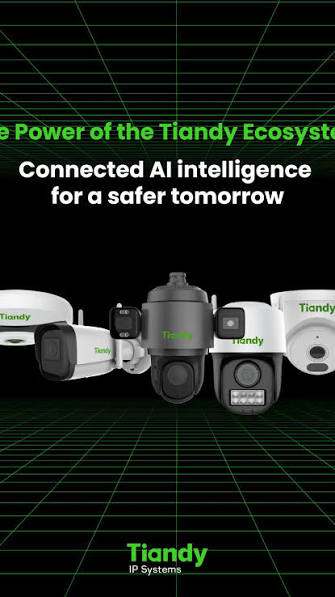
We’re pleased to announce that JJ Secuwatch is now the official national distributor for Tiandy in Australia — bringing one of the world’s largest CCTV manufacturers into our full trade range, backed by our own local stock and technical support.

Who is Tiandy

Tiandy has been building surveillance technology since 1994 and is consistently ranked among the top 10 CCTV manufacturers in China and top 50 globally. Behind that scale sits a genuinely serious engineering operation — over 3,000 employees, including a 1,000-person dedicated R&D institute, and more than 900 filed patents. For installers, that translates into a manufacturer with the resources to keep iterating on image quality and AI detection rather than coasting on an older product line.

What's in the Range

Tiandy’s core lineup covers the categories most CCTV jobs actually need:

  • Network Cameras — bullet and dome IP cameras across Lite, Pro, and Ultra tiers, giving installers a genuine choice between budget and premium builds within the one brand.
  • Speed Domes (PTZ) — from 22x up to 44x optical zoom, including low-light-optimised models for wide-area monitoring.
  • NVR / XVR Recorders — scaling from small 4-channel units right up to 320-channel systems for larger commercial sites.
  • Panoramic and Feature Cameras — including face recognition and active-deterrence models for sites with specific security requirements.

The Technology Worth Knowing

A few features come up across most of the current Tiandy range:

Super Starlight — Tiandy’s low-light imaging technology, capturing usable full-colour footage in near-total darkness rather than dropping to infrared. For sites with poor lighting, this is often the difference between footage that’s actually useful and footage that isn’t.

Early Warning (EW) — built-in active deterrence. When the camera’s onboard AI detects an intruder, it triggers a white light and audible warning automatically, rather than just recording the event after the fact.

AI Human and Vehicle Classification — on-camera analytics that filter out false alerts from wind, animals, or passing headlights, so alerts actually mean something.

Recent News

Wired vs Wireless CCTV: What Actually Suits an Australian Installation

What Actually Suits an Australian Installation If you’re weighing up wired or wireless CCTV...

Hikvision or Dahua- Which is better?

Dahua vs Hikvision: Which Should You Choose? If you’re speccing a CCTV job in 2026, chances...

Ruijie Solar Switch

Outdoor Solar Networking, Sorted: The Ruijie Reyee RG-ES207GS-AC-OD Brand voice applied: confident...

Ruijie Industrial Switch/Router

Ruijie Industrial Switches – NIS2K & NIS3100 Series As an authorized networking distributor, we...
Milesight with NX Witness

Introducing Milesight We are proud to supply and support the complete range of Milesight CCTV and...