Posted on — Leave a comment

Hikvision Ecosystem

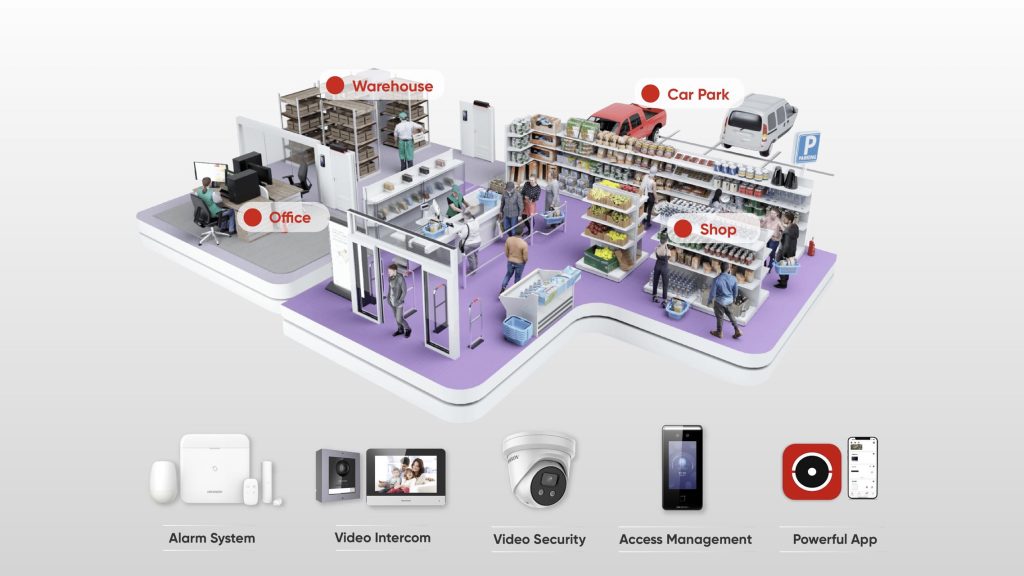
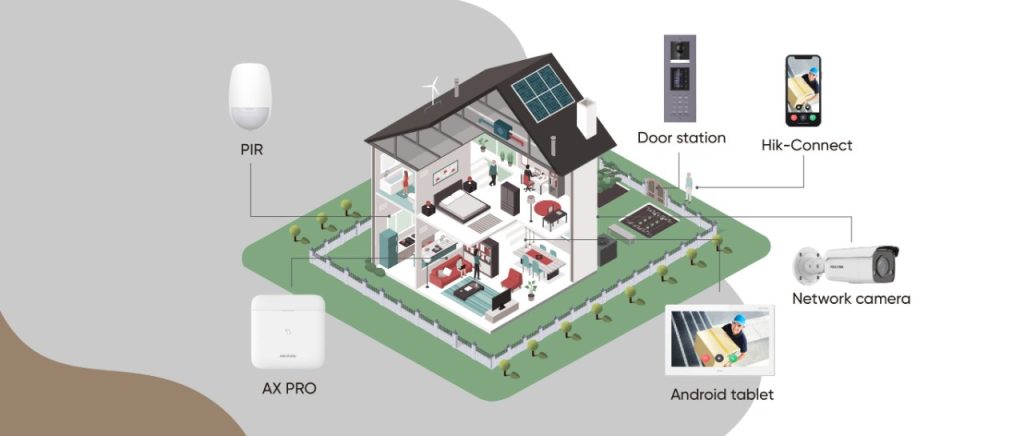
The Hikvision Ecosystem: CCTV, Intercom and Alarms Working as One System

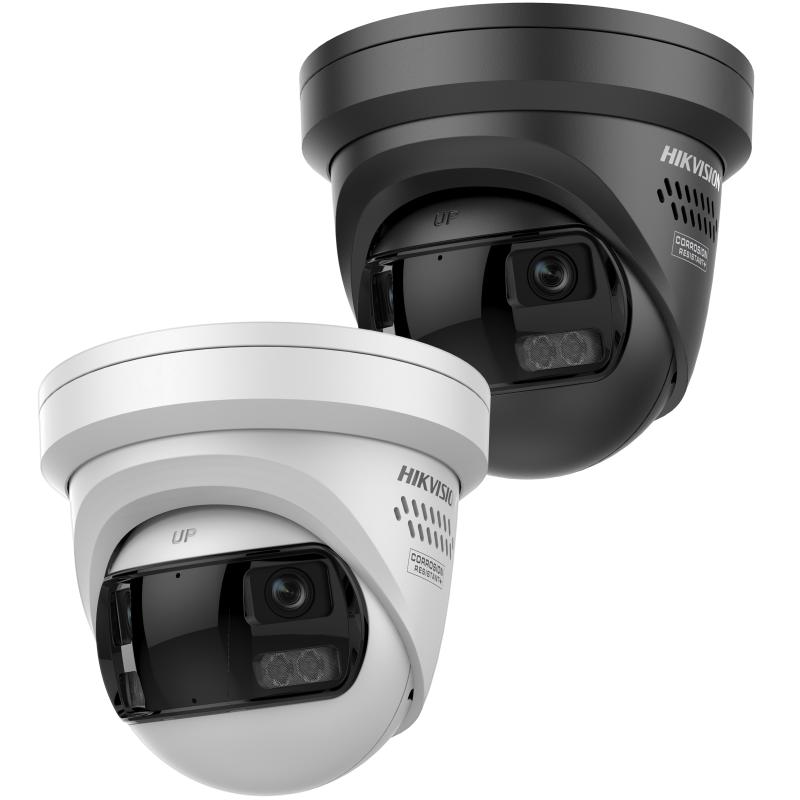
Most people think of Hikvision as a CCTV brand, and understandably so, that’s where they built their name. But Hikvision’s actual range goes well beyond cameras, and the real value shows up when CCTV, intercom and alarm systems are all running under the one ecosystem instead of three separate, disconnected products. Here’s what that actually looks like.

Why "Ecosystem" Actually Matters

A camera that records an intrusion is useful. A camera that records an intrusion, triggers an alarm, and sends a verified video clip straight to a phone, all automatically, is a completely different level of security. That’s the real advantage of staying within one manufacturer’s ecosystem rather than mixing brands. Devices are designed to talk to each other from the start, not bolted together after the fact.

CCTV: The Foundation

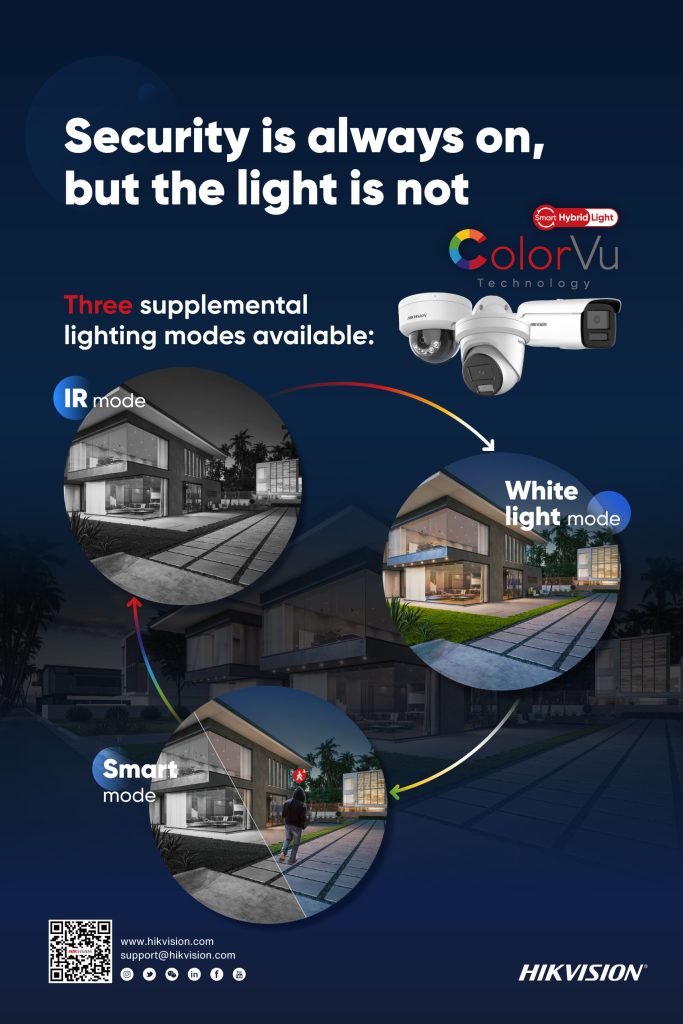
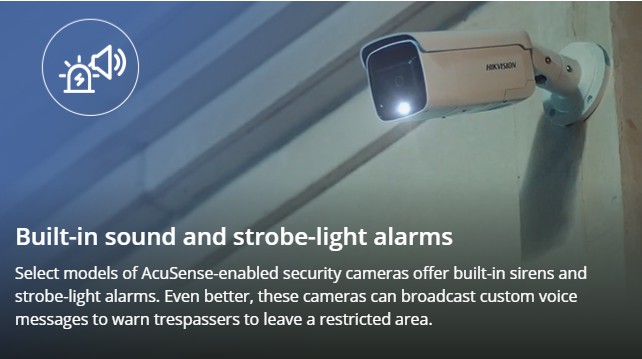
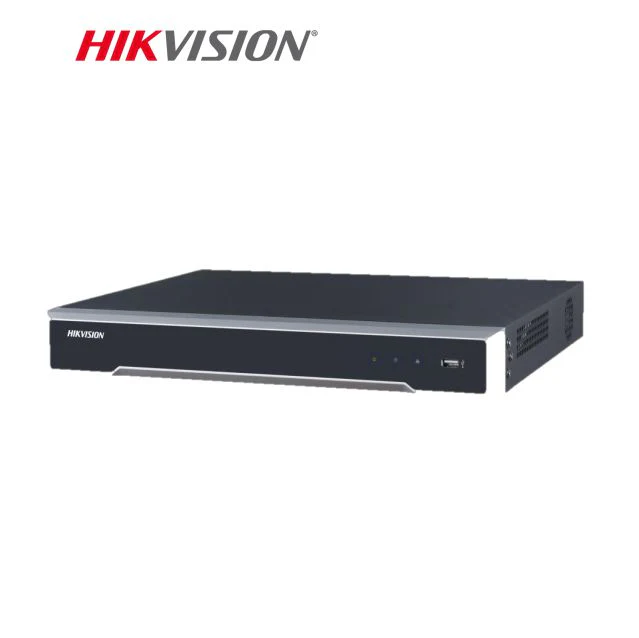
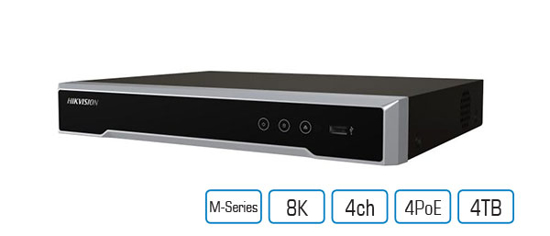
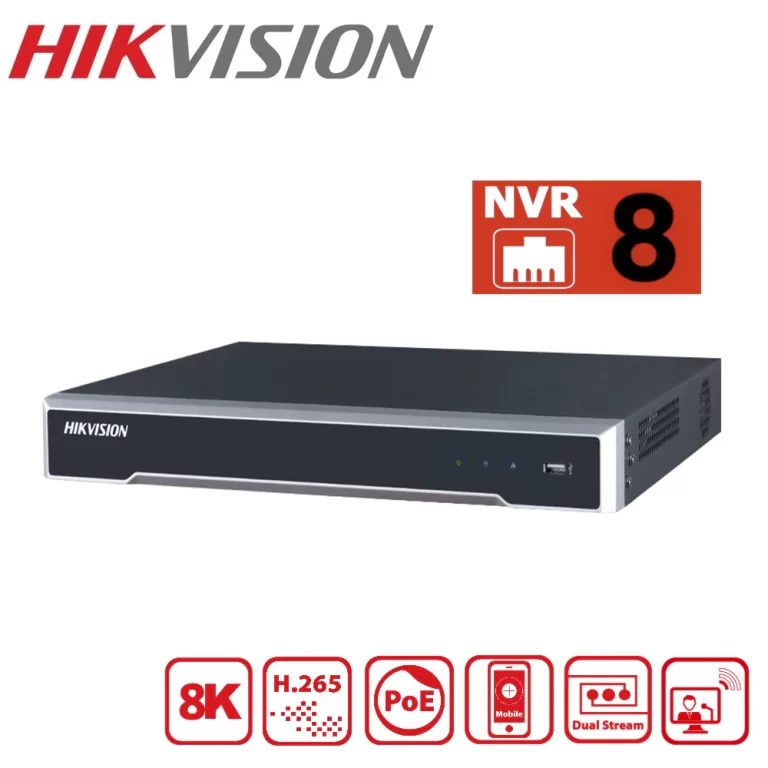
Hikvision’s camera range is the part most people already know, AI powered detection that tells the difference between a person, a vehicle and irrelevant motion, full colour night imaging, and NVR recording that scales from a small site to a large commercial deployment. This is the layer that sees what’s happening on site.

Intercom: Controlling the Door

Hikvision’s video intercom range extends that visibility to the front door, letting a resident or staff member see and speak to a visitor remotely before deciding whether to let them in. On its own, that’s a useful feature. Tied into the same ecosystem as the CCTV and alarm system, an intercom event can trigger a camera to record, or feed into the same access log as the rest of the site’s activity.

Alarms: AX PRO and AX Hybrid PRO

This is where a lot of people are surprised to learn Hikvision has a genuinely serious alarm range, not just a “camera brand’s alarm add-on.”

AX PRO is Hikvision’s wireless intrusion alarm series, built for sites where running cable isn’t practical or wanted. It communicates over long range RF, supports a wide array of detectors, and one of its standout features is “visible alarms.” Rather than just triggering a siren, AX PRO can send a real photo or video clip of the actual event straight to a phone, so a triggered alarm isn’t just a beep, it’s genuine evidence of what happened, verified in real time.

AX Hybrid PRO takes that same technology and adds proper wired reliability alongside wireless flexibility. It’s built for sites like offices, factories or retail stores that want the dependability of a wired backbone but still need the option to add wireless detectors without running new cable to every point. It includes a backup battery that keeps the system running for up to 36 hours if main power is lost, and supports multiple communication paths (LAN, Wi-Fi, and mobile networks) so the system stays connected even if one path fails.

Both AX PRO and AX Hybrid PRO are managed through the same Hik-Connect app used for cameras and intercoms, and installers get their own dedicated Hik-Partner Pro app to monitor and manage a client’s alarm system remotely, with the client’s permission.

What This Looks Like on a Real Site

Picture a small retail store. A camera detects a person loitering near the back entrance after hours. Because it’s part of the same ecosystem, that detection can be tied into the AX PRO alarm system, triggering an alert with a verified video clip sent straight to the owner’s phone, rather than a vague siren going off with no context. If someone then approaches the front intercom, that’s logged and viewable through the same app, on the same timeline as everything else.

That’s the actual point of an ecosystem. Not one clever feature, but several ordinary features working together so nothing falls through the gap between separate systems.

What To Actually Ask Yourself

A quick accuracy note: AX PRO Ultra (a newer, higher-capacity panel supporting up to 96 wireless devices) also exists in the current range for larger commercial sites — I kept the post to the core AX PRO / AX Hybrid PRO comparison since that matches what you asked for, but if you want a section added on AX PRO Ultra for bigger jobs, let me know and I’ll fold it in.

Recent News

Dahua Smart Control Panel

Dahua SCP3022A: One Panel for Intercom, Monitoring and Alarm Control If you’ve been looking at...

Wired vs Wireless CCTV: What Actually Suits an Australian Installation

What Actually Suits an Australian Installation If you’re weighing up wired or wireless CCTV...

Hikvision or Dahua- Which is better?

Dahua vs Hikvision: Which Should You Choose? If you’re speccing a CCTV job in 2026, chances...

Ruijie Solar Switch

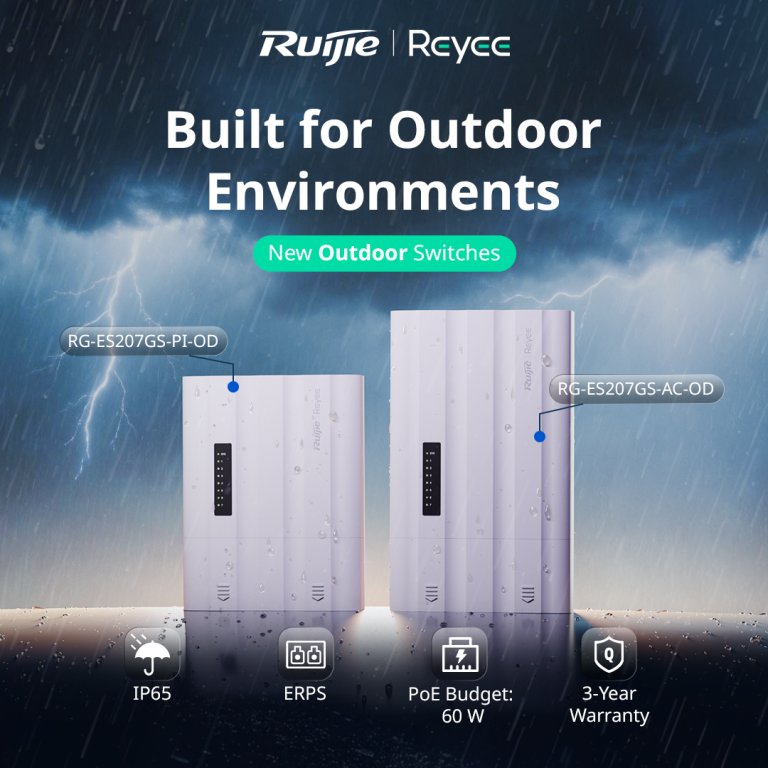
Outdoor Solar Networking, Sorted: The Ruijie Reyee RG-ES207GS-AC-OD Running cameras or access points...

Ruijie Industrial Switch/Router

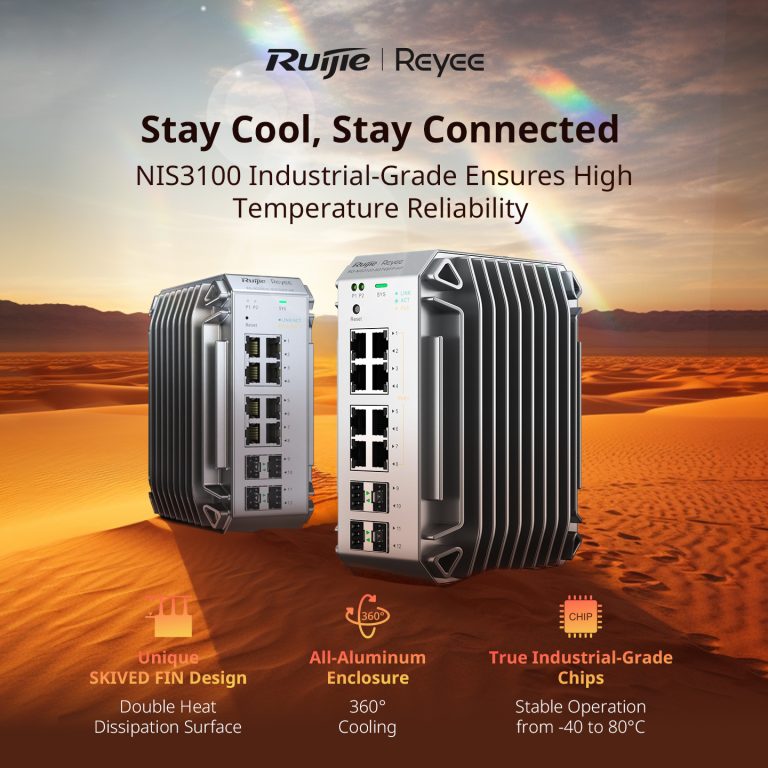
Ruijie Industrial Switches – NIS2K & NIS3100 Series As an authorized networking distributor, we...
Posted on — 3 Comments

Hikvision or Dahua- Which is better?

Dahua vs Hikvision: Which Should You Choose?

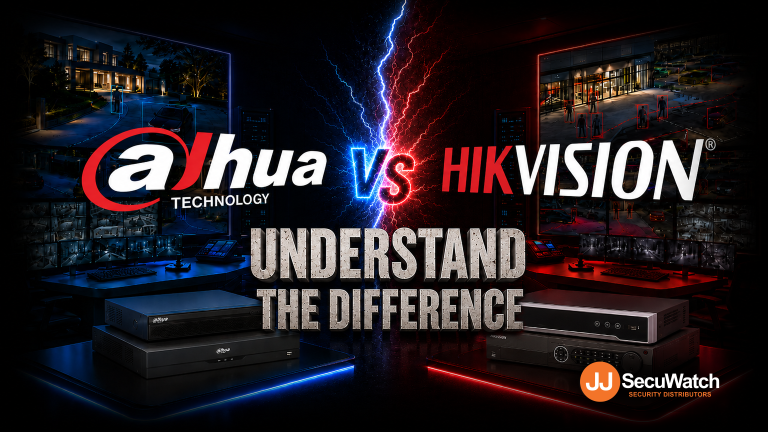
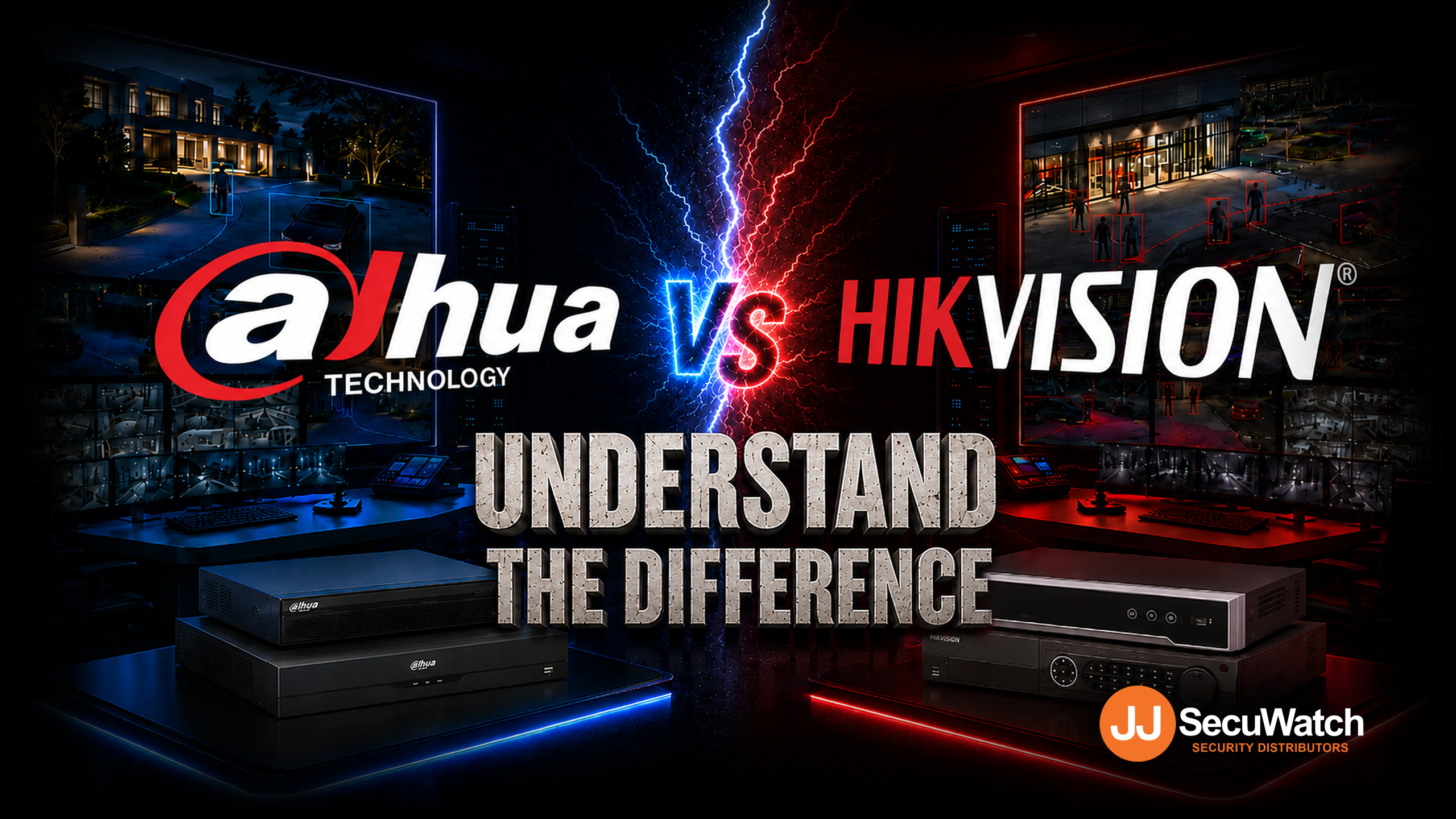
If you’re speccing a CCTV job in 2026, chances are it comes down to two names: Dahua and Hikvision. Both are genuine global giants, Hikvision is the largest video surveillance manufacturer in the world, and Dahua isn’t far behind. Both make excellent gear. So which one actually fits your job? Here’s the breakdown.

Pricing

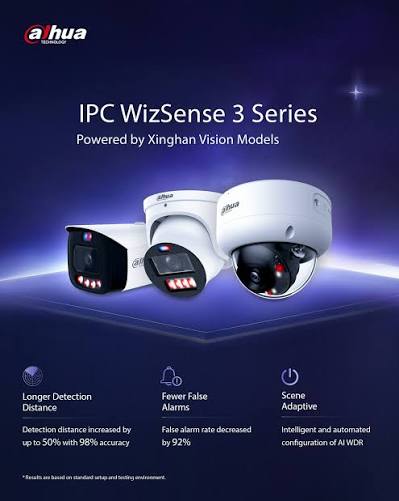
Hikvision sits in slightly higher in price range compare to Dahua. Dahua’s WizSense line tends to offer strong value at the entry-to-mid tier, a lot of AI-detection capability for a competitive price point. Hikvision’s core range is priced comparably, but where Hikvision pulls ahead on flexibility is HiLook — their value-tier sub-brand, which shares core Hikvision technology (AcuSense AI detection, ColorVu low-light imaging) at a genuinely lower price point. If budget is the deciding factor on a job, HiLook is often the sharper comparison against Dahua’s entry range than Hikvision’s own core lineup is.

Bottom line: Dahua is more price driven, while Hikvisionis more commercial grade. For genuinely budget-conscious jobs, HiLook is worth comparing directly against Dahua before assuming Dahua is automatically the cheaper option. 

Technology

Both brands have converged on similar core capabilities, just under different names:

AI Human/Vehicle Detection
Hikvision
AcuSense
Dahua
WizSense / SMD
Full-Colour Low-Light
Hikvision
ColorVu
Dahua
Full-Color / WizColor
Active Deterrence (Light + Siren)
Hikvision
TiOC
Dahua
TiOC
Advanced Deep-Learning Tier
Hikvision
—
Dahua
WizMind

Both brands have converged on similar core capabilities, just under different names:

FeatureHikvisionDahua
AI human/vehicle detectionAcuSenseWizSense / SMD
Full-colour low-lightColorVuFull-Color / WizColor
Active deterrence (light + siren)Active deterrentTiOC
Advanced deep-learning tierAkuseekWizMind

The two brands are more similar than different on paper. Where they tend to diverge in practice:

  • Hikvision’s AcuSense has a longer track record and slightly broader third-party VMS/NVR compatibility, given how long it’s been the market leader.
  • Dahua’s WizMind tier is positioned as their step-up deep-learning range for more demanding sites, giving Dahua a clearer three-tier structure (WizSense → WizMind → premium) than some equivalent Hikvision groupings.

For most standard installs, the practical difference between AcuSense and WizSense detection accuracy is small enough that it shouldn’t be the deciding factor on its own.

Interface & Usability

Hikvision App

Dahua App

Dahua App

This is where installer preference genuinely starts to matter more than spec sheets:

  • Hikvision’s Hik-Connect app and HikCentral VMS are broadly considered mature and intuitive, particularly for larger multi-site deployments where HikCentral Professional can manage hundreds of sites from one interface.
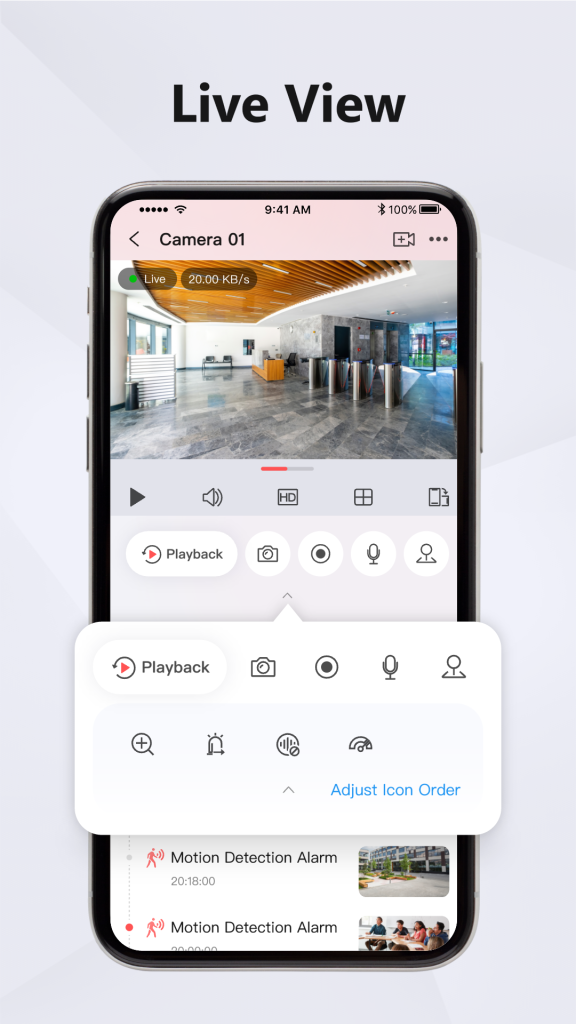
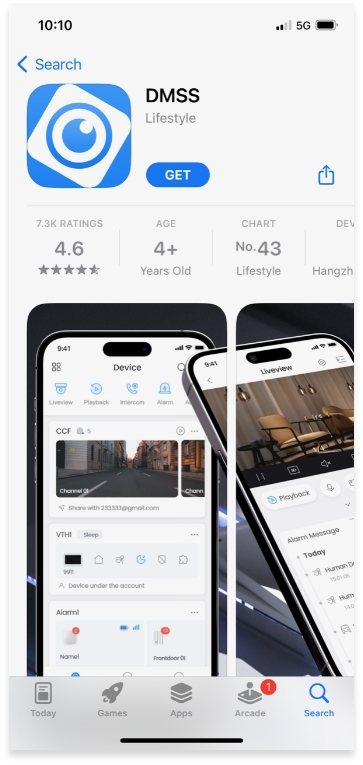
  • Dahua’s app and NVR menu structure are generally straightforward too, though some installers find Hikvision’s interface marginally more polished for end-user-facing apps (i.e. what the client sees on their phone, not just what the installer configures).

If your customer base skews toward wanting a clean, simple mobile experience, Hikvision has a slight edge here. If you’re mostly installer-facing (configuring on-site, not handing off a polished app experience), the gap narrows considerably.

Brand Details

  • Hikvision — the world’s largest video surveillance manufacturer, with the broadest product ecosystem: CCTV, access control, intercoms, alarms, and even commercial displays, all under one brand. If a job needs multiple categories to come from a single manufacturer, Hikvision’s range is hard to match for breadth.
  • Dahua — a major global manufacturer in its own right, historically strong on price-to-performance and with a genuinely broad analogue-to-IP range, useful on jobs that still need to bridge older coaxial cabling with new IP hardware.
  • HiLook — not a separate manufacturer, but Hikvision’s own value sub-brand. Choosing HiLook means Hikvision-grade core technology at a lower price, with a narrower category range (primarily CCTV, with some alarm and intercom options) than the full Hikvision lineup.

Overall: Which Should You Go For?

There’s no universal right answer — it genuinely depends on the job:

  • Choose Hikvision if the site needs multiple categories (CCTV + access control +Alarm + intercom) under one ecosystem, or if a polished client-facing app experience matters.
  • Choose Dahua if you want strong AI detection at a competitive mid-tier price, or the job needs to bridge older analogue cabling with new IP hardware.
  • Choose HiLook if budget is the primary constraint and the job is under 32CH (Under 32 Cameras), you get genuine Hikvision-grade detection technology without paying full Hikvision pricing.

As a distributor carrying all three, our honest take: don’t pick a brand first and force the job to fit it. Tell us what the site actually needs, budget, categories, and scale and we’ll point you to the range that fits, not just the one with the best margin.

Recent News

Dahua Smart Control Panel

Dahua SCP3022A: One Panel for Intercom, Monitoring and Alarm Control If you’ve been looking at...

Wired vs Wireless CCTV: What Actually Suits an Australian Installation

What Actually Suits an Australian Installation If you’re weighing up wired or wireless CCTV...

Hikvision or Dahua- Which is better?

Dahua vs Hikvision: Which Should You Choose? If you’re speccing a CCTV job in 2026, chances...

Ruijie Solar Switch

Outdoor Solar Networking, Sorted: The Ruijie Reyee RG-ES207GS-AC-OD Running cameras or access points...

Ruijie Industrial Switch/Router

Ruijie Industrial Switches – NIS2K & NIS3100 Series As an authorized networking distributor, we...
Posted on — 1 Comment

Konec and Hikvision Openday

Open Day Recap: Hikvision 180° ColorVu, Intercom & HiLook PTZ

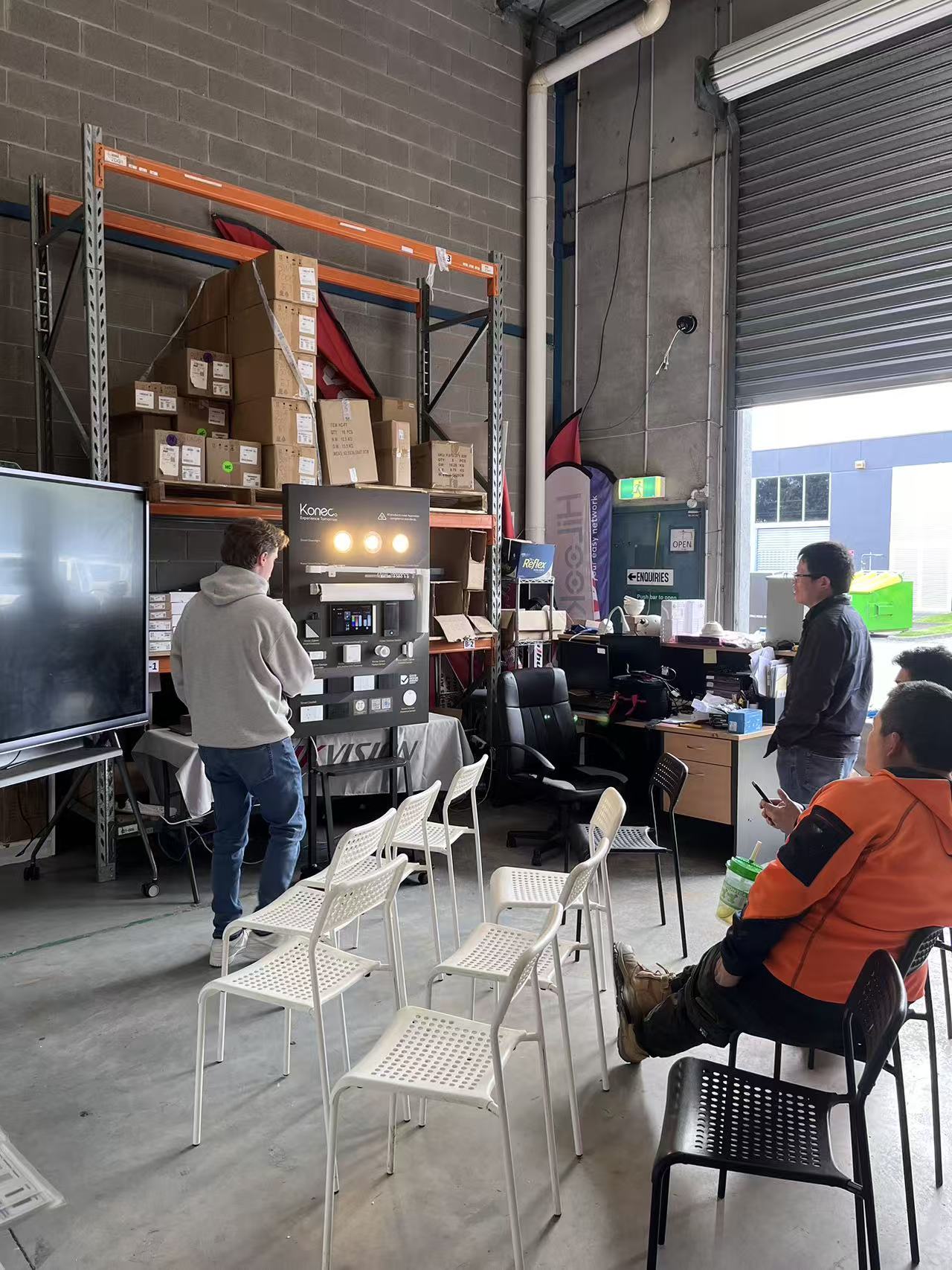
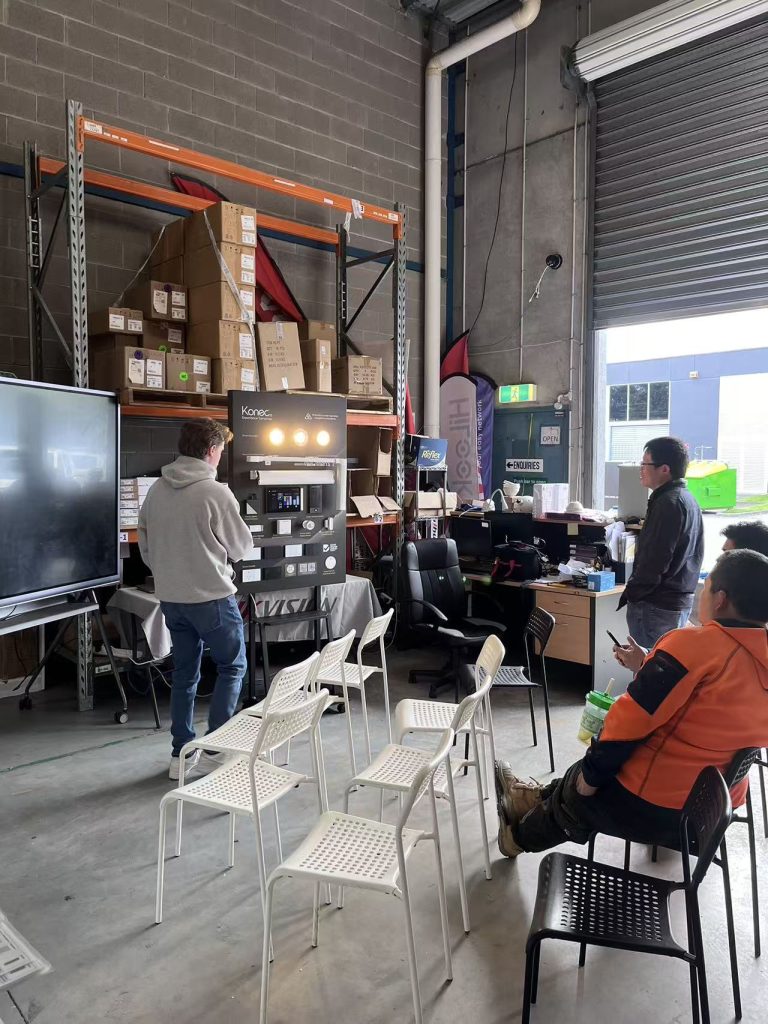
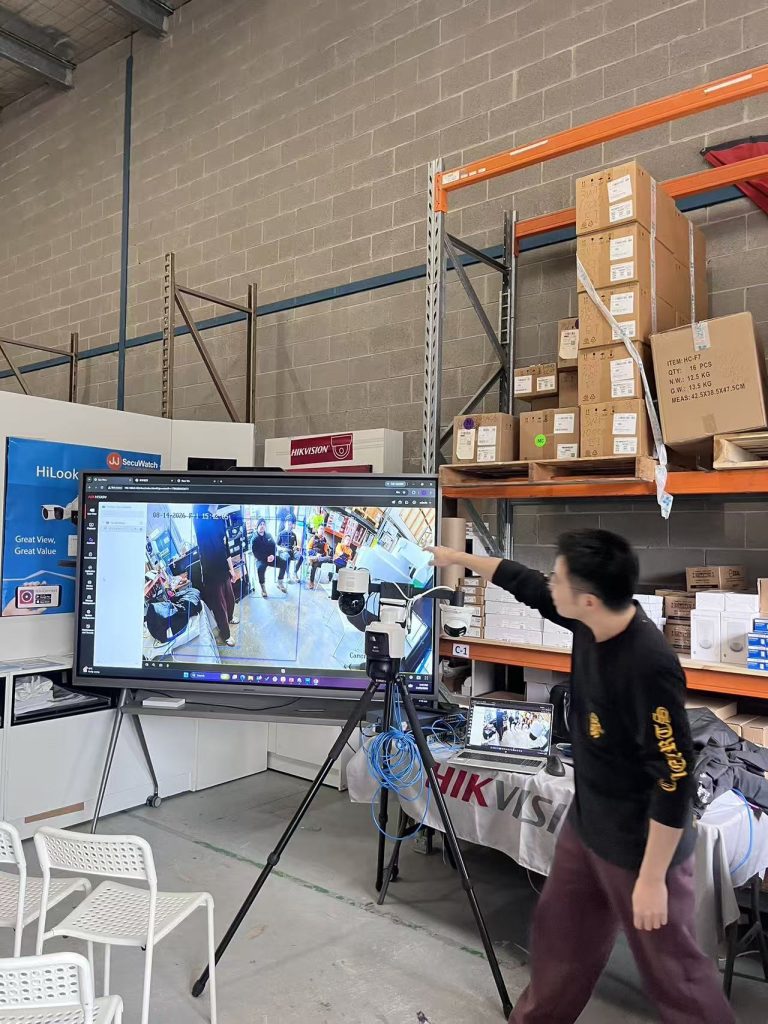
On 14 August we ran our latest open day at JJ Secuwatch, with live demonstrations of new product from Hikvision, HiLook and Konec. Rather than a static display, we set everything up running — cameras recording, intercoms wired to a screen, and the PTZ tracking live in front of the room.

Below is a rundown of what we showed, what installers asked about on the day, and where each product actually fits on a job.

Konec smart automation

Lead with this one — it’s the newest to your range and likely the least-covered online, which means the least competition to rank for.

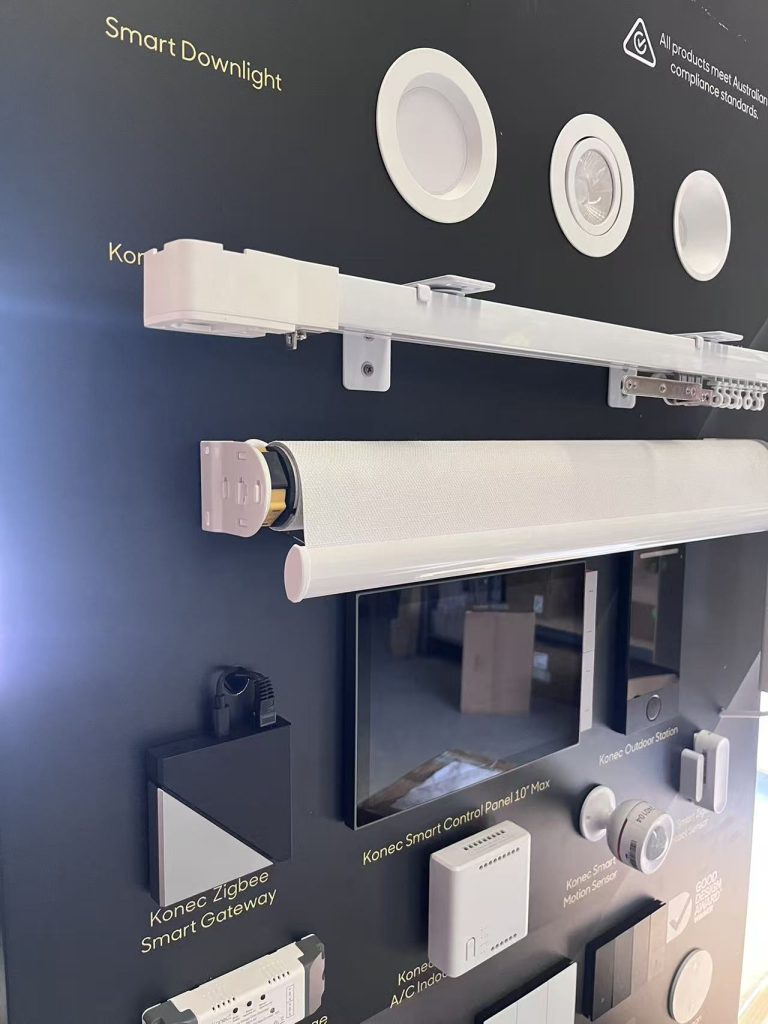
Konec was the newest addition to our range on the day, and the one that drew the most questions. Smart automation is increasingly quoted alongside security on the same job, and installers are being asked for it whether they’re set up for it or not.

We ran the full range live — switches, gateway, blinds, curtains, garage control, lighting and door locks — so people could see what actually talks to what.

H3: Konec smart switches

Cover: gang configurations, whether they fit standard Australian wall plates and back boxes, neutral wire requirement (this is the number one installer question — say it explicitly), load rating, and whether they retain manual operation if the network drops.


H3: Konec smart gateway

The hub is what makes the rest of it a system rather than a pile of devices. Cover the protocols it supports Zigbee, whether it runs local control without internet, and app.


H3: Konec roller blind and curtain motors

The openday covered the configuration between the switches


H3: Konec garage switch

Cover: dry contact relay operation, compatibility with common Australian garage motor brands, whether it needs a separate position sensor for open/closed status, and how it integrates into the app. 


H3: Konec smart downlights

Cover: dimming, tuneable white vs RGB, whether they’re compatible with the switches or need the gateway, and whether you can use other brand downlights.


H3: Konec smart door locks

Cover: unlock methods (fingerprint, PIN, card, app, key override), door thickness and mortice compatibility, battery life and low-battery behaviour, and — the one everyone asks — what happens in a power or network failure.

Hikvision DS-2CD2387G3P-LIS2UY/SL — 8MP 180° panoramic ColorVu

It combines ColorVu for full-colour night imaging with AcuSense person and vehicle classification, plus active deterrence via strobe and audio. It’s IP67 and NEMA 4X rated. Hikvision + 2

The angle installers care about: one camera replacing three. A 180° panoramic view means covering a wide area without multiplying camera count.

Hikvision DS-KV6124-WBE1 video intercom

4MP camera with a 150° viewing angle, two-lock control, and unlocking via card, PIN, Bluetooth, Hik-Connect or indoor station. 120dB WDR, IR to 3m, microSD recording up to 128GB. IP65 rated, with Wi-Fi and PoE connectivity. Hikvision + 2

We connected this up with the phone, set up a keypad and connected it to a lock. Using 4 ways to unlock: via phone, bluetooth, tag and keypad allows you flexibility for unlocking doors.

HiLook PTZ auto-tracking demonstration

The content angle is the demo itself: auto-tracking shown live. Describe what it did — picked up a person entering frame, followed, zoomed, returned to preset. Note the honest limits too (what happens with multiple targets, return-to-preset timing). That candour is what makes trade readers trust a supplier page

Recent News

Dahua Smart Control Panel

Dahua SCP3022A: One Panel for Intercom, Monitoring and Alarm Control If you’ve been looking at...

Wired vs Wireless CCTV: What Actually Suits an Australian Installation

What Actually Suits an Australian Installation If you’re weighing up wired or wireless CCTV...

Hikvision or Dahua- Which is better?

Dahua vs Hikvision: Which Should You Choose? If you’re speccing a CCTV job in 2026, chances...

Ruijie Solar Switch

Outdoor Solar Networking, Sorted: The Ruijie Reyee RG-ES207GS-AC-OD Running cameras or access points...

Ruijie Industrial Switch/Router

Ruijie Industrial Switches – NIS2K & NIS3100 Series As an authorized networking distributor, we...
Posted on — Leave a comment

Paddy’s market

COUNTING THE CROWD: PEOPLE COUNTING AND FLOW CONTROL AT PADDY'S MARKETS, SYDNEY

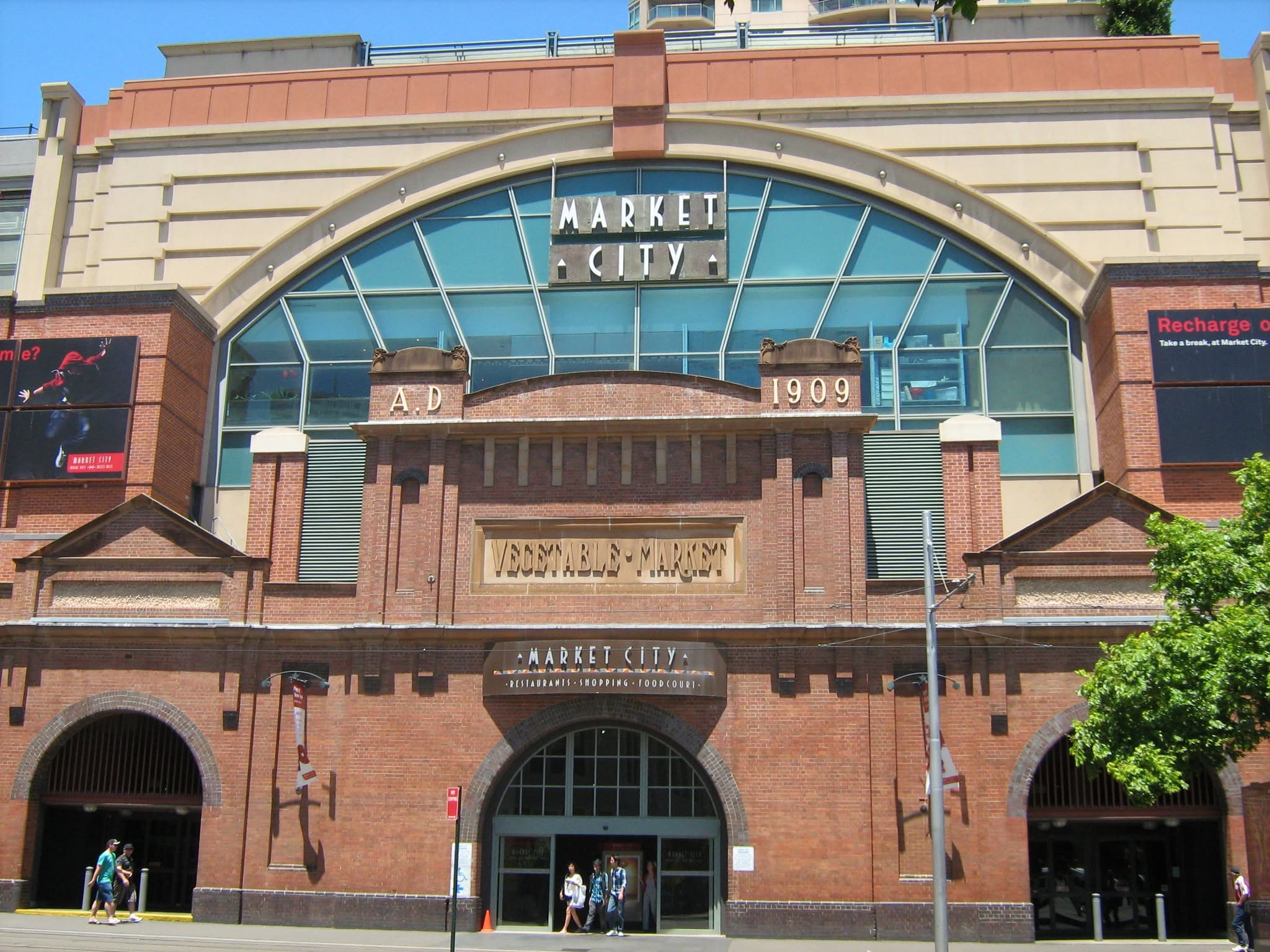
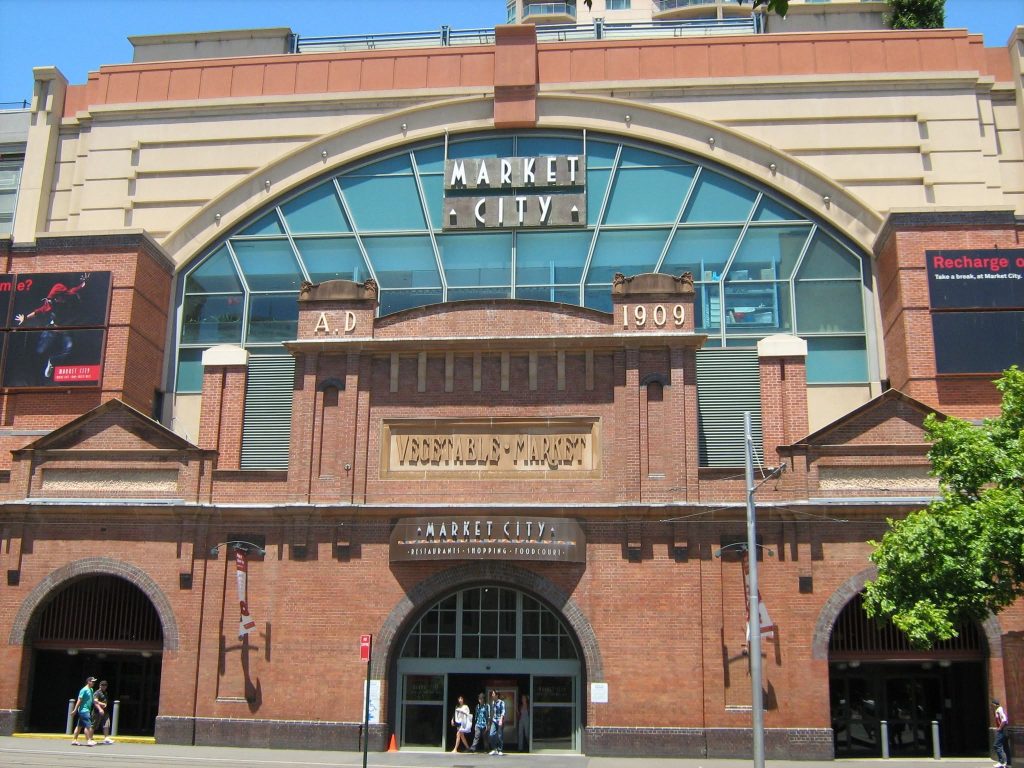
Few retail environments in Australia are as busy — or as unpredictable — as Paddy’s Markets. Hundreds of stalls, several public entrances, a mix of locals, tourists and weekend day-trippers, and foot traffic that can swing dramatically between a quiet Thursday and a long weekend. Managing that kind of movement by eye alone is close to impossible.

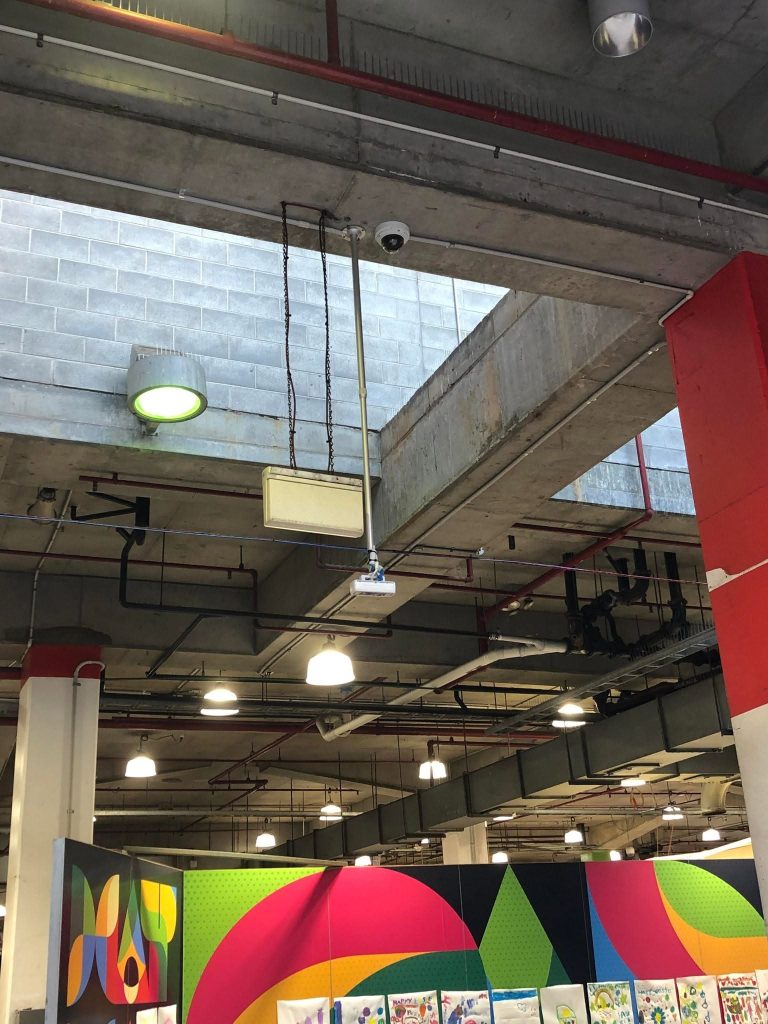
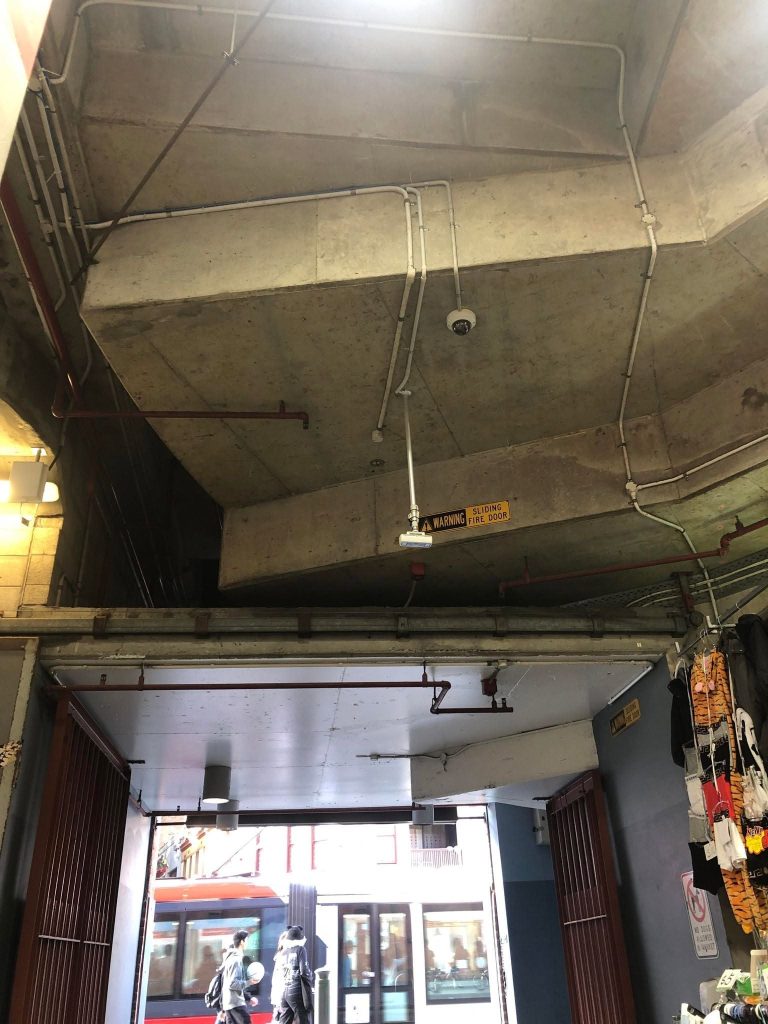
JJ Secuwatch worked on a people counting and flow control deployment at Paddy’s Markets in Sydney, using Hikvision people counting technology to give management accurate, real-time visibility of who was coming in, where they were going, and how full the venue was at any moment.

Here’s how that kind of system works, and why it matters for any high-traffic venue.

The challenge: big venue, many doors, no data

Traditional CCTV tells you what happened. It doesn’t tell you how many people walked through the north entrance between 11am and midday, or which entry point carries twice the load of the others.

For a market operator, that gap creates some very practical problems:

  • Occupancy management. Knowing the current headcount inside the venue, not an estimate.
  • Uneven entry loads. Some doors are always busier. Without data, staff get allocated evenly instead of where they’re actually needed.
  • Stallholder and leasing conversations. Traffic data is the difference between “that area feels quiet” and a number you can put in front of a tenant.
  • Peak planning. Cleaning, security rostering and event scheduling all improve when you know your real hourly patterns instead of your assumed ones.

A market is also harder than a standard retail store. Entrances are wide, people move in groups, and trolleys, prams and bags all confuse basic counting methods. Anything based on a simple beam sensor or single-lens motion detection loses accuracy quickly in that environment.

The solution: stereo counting plus flow control at the door

The deployment combined three layers.

1. Dual-lens people counting cameras at entry and exit points. Hikvision’s people counting cameras use 3D binocular stereo vision, which measures depth rather than just movement. That’s what makes them reliable in a market setting — the system distinguishes an adult from a child from a trolley, and separates people walking side by side in a group. Counting accuracy holds up under exactly the conditions that break simpler systems.

2. Flow control terminals for live occupancy. Screens positioned at entrances display current occupancy against the venue’s set threshold, with a clear enter / please wait indication. Staff aren’t left guessing, and visitors self-regulate at the door rather than being turned around inside.

3. Central analytics and reporting. All counting data feeds into a central platform, giving management live dashboards and historical reporting — by entrance, by hour, by day, by comparison period. Reports can be scheduled and shared internally without anyone manually pulling numbers.

Underneath all of it sits the network. People counting is only as reliable as the infrastructure carrying it, which is why we treat the switching, cabling and PoE design as part of the solution rather than an afterthought.

Where this applies beyond markets

The same approach works anywhere movement and capacity matter: shopping centres, transport hubs, sporting and entertainment venues, showrooms, galleries and public buildings. JJ Secuwatch has delivered people counting and crowd control systems for major national operators, including IKEA Australia across all branches, alongside surveillance and analytics projects for shopping centres, government facilities, schools, stadiums and airports.

The technology is mature. What determines whether a deployment succeeds is the design work around it — mounting heights, entrance geometry, lighting, network capacity, and how the reporting is actually going to be used once it’s live.

Recent News

IGA Dahua CVI System

IGA Supermarket — AI-Enabled Recorder Upgrade The Challenge The IGA’s existing XVR was doing...

Dahua Surveillance System

TEN YEARS OVERDUE: HOW TRARALGON BOWLS CLUB BROUGHT ITS GAMING ROOM CCTV BACK INTO COMPLIANCE The...

Paddy’s market

COUNTING THE CROWD: PEOPLE COUNTING AND FLOW CONTROL AT PADDY’S MARKETS, SYDNEY Few retail...

JJ Auburn EZVIZ Open Day

You’re Invited to Something Special! Receive a FREE EZVIZ EB3-Solar Kit + 128GB SD Card (worth...

Recent News

Dahua Smart Control Panel

Dahua SCP3022A: One Panel for Intercom, Monitoring and Alarm Control If you’ve been looking at...

Wired vs Wireless CCTV: What Actually Suits an Australian Installation

What Actually Suits an Australian Installation If you’re weighing up wired or wireless CCTV...

Hikvision or Dahua- Which is better?

Dahua vs Hikvision: Which Should You Choose? If you’re speccing a CCTV job in 2026, chances...

Ruijie Solar Switch

Outdoor Solar Networking, Sorted: The Ruijie Reyee RG-ES207GS-AC-OD Running cameras or access points...

Ruijie Industrial Switch/Router

Ruijie Industrial Switches – NIS2K & NIS3100 Series As an authorized networking distributor, we...
Posted on — Leave a comment

Acusense

Hikvision Acusense

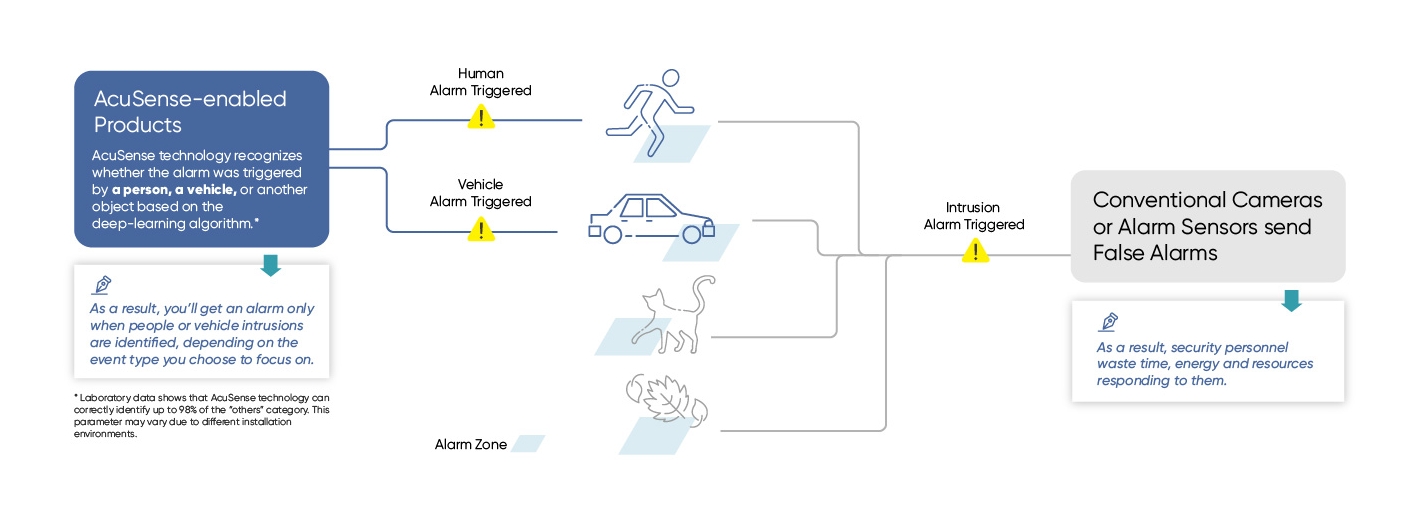
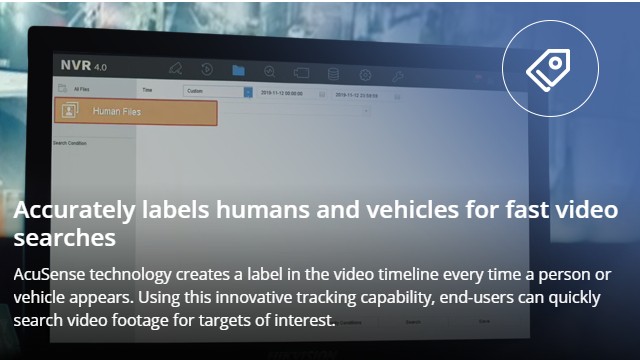
AcuSense camera uses advanced machine vision AI algorithms built into Hikvision security cameras and video recorders to boost home and business security. Check the diagram below for details.

Our customers use AcuSense camera for a wide range of residential and business applications. Hikvision customers are currently using AcuSense technology to protect indoor and outdoor areas.

AcuSense Camera Scenarios at a Glance

🙌 Contact us: sales@secuwatch.com.au | www.secuwatch.com.au

📑 Buy these solutions here: SecuwatchStoreAcusense


Recent News

Dahua Smart Control Panel

Dahua SCP3022A: One Panel for Intercom, Monitoring and Alarm Control If you’ve been looking at...

Wired vs Wireless CCTV: What Actually Suits an Australian Installation

What Actually Suits an Australian Installation If you’re weighing up wired or wireless CCTV...

Hikvision or Dahua- Which is better?

Dahua vs Hikvision: Which Should You Choose? If you’re speccing a CCTV job in 2026, chances...

Ruijie Solar Switch

Outdoor Solar Networking, Sorted: The Ruijie Reyee RG-ES207GS-AC-OD Running cameras or access points...
Posted on — Leave a comment

Hikvision Acuseek

Hikvision AcuSeek brings natural language search to NVRs. Instead of scrubbing through hours of footage, type what you need to find, for example “man in a white shirt” or “red SUV”, and get results in seconds. AcuSeek works from the NVR interface, the Hik-Connect mobile app, and the HikCentral Professional client, so you can support customers on site or remotely with the same process.

Key benefits for installers

  • Find clips in seconds using plain English searches.

  • Reduce call outs and investigation time for common incidents.

  • Use the same search on NVR, Hik-Connect, and HikCentral.

  • Search for vehicles, people, clothing colors, and frequent actions.

  • Ship a solution backed by Hikvision’s three year warranty and global support.

How AcuSeek works

AcuSeek uses large multimodal AI models that encode both text and video frames. When you type a description, the NVR matches it to the right frames and surfaces the closest clips. Results appear in a few seconds, even on busy systems.

Real world applications

  • Traffic and transport: locate specific vehicles or incidents quickly.

  • Workplace safety: surface PPE issues such as no helmet or no high vis.

  • Critical incidents: search for suspicious behavior or objects in seconds.

  • Education and campuses: identify unauthorised activities such as fence climbing.

  • Industrial and logistics: speed up audits across large sites.

Access across platforms

  • NVR local GUI for on site review.

  • Hik-Connect app for mobile response.

  • HikCentral Professional for control room workflows.

Why choose Hikvision AcuSeek NVRs

  • Proven AI search that improves response times.

  • Simple user experience that customers can learn in minutes.

  • Scalable across new installs and upgrades.

  • Backed by a three year warranty and global support network

Recent News

Hikvision Ecosystem

The Hikvision Ecosystem: CCTV, Intercom and Alarms Working as One System Most people think of...

What is ANPR

Do You Need It: Number Plate Recognition Camera? If you’ve seen the term ANPR floating around...

PoE Explained

Why It Matters for CCTV and Networking Installs If you’ve been quoted a job or read a spec...

Dahua Smart Control Panel

Dahua SCP3022A: One Panel for Intercom, Monitoring and Alarm Control If you’ve been looking at...
Posted on — Leave a comment

HiLook national Distribution

Hikvision and HiLook Now Available Through JJ Secuwatch

JJ Secuwatch is proud to announce our appointment as an official national distributor for Hikvision and HiLook across Australia.

This milestone reflects the trust built over years of working closely with the security industry, and strengthens our ability to supply businesses, installers, integrators, and resellers nationwide with direct access to genuine, warranty-backed Hikvision and HiLook technology, backed by local stock, expert technical support, and dependable service from a team that understands the industry.

About Hikvision and HiLook

Hikvision is one of the world’s leading manufacturers of video surveillance products and solutions, offering a comprehensive range of CCTV cameras, NVRs, access control, and intelligent analytics used by businesses, government, and critical infrastructure around the globe. HiLook, Hikvision’s sister brand, delivers the same engineering quality in a range built for cost-effective, reliable deployment, making it a popular choice for small and medium-sized installations.

Together, these brands give our customers one of the broadest and most trusted surveillance product ranges available in the Australian market today.

What this means for our customers:

  • Full access to the Hikvision and HiLook product range, including CCTV cameras, NVRs, PTZ and TandemVu solutions, access control, and intelligent video analytics
  • Genuine, warranty-backed stock supplied through official distribution channels, with full local compliance
  • Competitive trade pricing for installers, integrators, and resellers
  • Technical support and product guidance from our in-house team across Victoria and NSW, with partner support in QLD and WA
  • Fast, reliable supply and stock availability to keep your projects on schedule
  • Ongoing training and product education, including our regular Open Day events

Why it matters

As demand for reliable, scalable security infrastructure continues to grow across Australian businesses, schools, government sites, and critical facilities, having direct national distribution status for a brand as widely trusted as Hikvision means our partners can move faster, quote with confidence, and deliver projects backed by genuine manufacturer support.

This appointment is a reflection of JJ Secuwatch’s ongoing commitment to the values that have shaped our business for over 20 years — reliability, integrity, innovation, and long-term partnership with the customers and installers who rely on us every day.

Get in touch

To find out more about our Hikvision and HiLook range, request pricing, or set up a trade account, contact our team.

Recent News

Dahua Smart Control Panel

Dahua SCP3022A: One Panel for Intercom, Monitoring and Alarm Control If you’ve been looking at...

Wired vs Wireless CCTV: What Actually Suits an Australian Installation

What Actually Suits an Australian Installation If you’re weighing up wired or wireless CCTV...

Hikvision or Dahua- Which is better?

Dahua vs Hikvision: Which Should You Choose? If you’re speccing a CCTV job in 2026, chances...

Ruijie Solar Switch

Outdoor Solar Networking, Sorted: The Ruijie Reyee RG-ES207GS-AC-OD Running cameras or access points...

Ruijie Industrial Switch/Router

Ruijie Industrial Switches – NIS2K & NIS3100 Series As an authorized networking distributor, we...