Posted on — Leave a comment

Hikvision Ecosystem

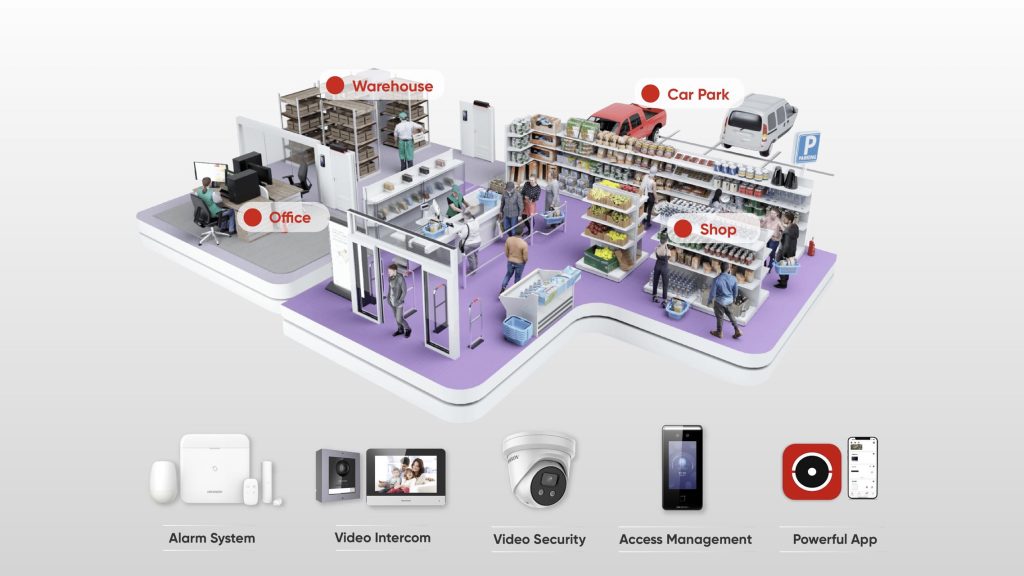
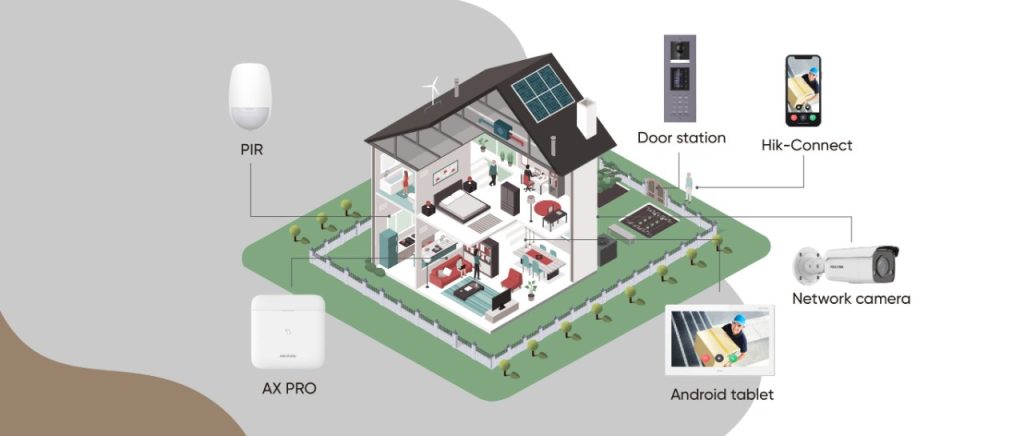
The Hikvision Ecosystem: CCTV, Intercom and Alarms Working as One System

Most people think of Hikvision as a CCTV brand, and understandably so, that’s where they built their name. But Hikvision’s actual range goes well beyond cameras, and the real value shows up when CCTV, intercom and alarm systems are all running under the one ecosystem instead of three separate, disconnected products. Here’s what that actually looks like.

Why "Ecosystem" Actually Matters

A camera that records an intrusion is useful. A camera that records an intrusion, triggers an alarm, and sends a verified video clip straight to a phone, all automatically, is a completely different level of security. That’s the real advantage of staying within one manufacturer’s ecosystem rather than mixing brands. Devices are designed to talk to each other from the start, not bolted together after the fact.

CCTV: The Foundation

Hikvision’s camera range is the part most people already know, AI powered detection that tells the difference between a person, a vehicle and irrelevant motion, full colour night imaging, and NVR recording that scales from a small site to a large commercial deployment. This is the layer that sees what’s happening on site.

Intercom: Controlling the Door

Hikvision’s video intercom range extends that visibility to the front door, letting a resident or staff member see and speak to a visitor remotely before deciding whether to let them in. On its own, that’s a useful feature. Tied into the same ecosystem as the CCTV and alarm system, an intercom event can trigger a camera to record, or feed into the same access log as the rest of the site’s activity.

Alarms: AX PRO and AX Hybrid PRO

This is where a lot of people are surprised to learn Hikvision has a genuinely serious alarm range, not just a “camera brand’s alarm add-on.”

AX PRO is Hikvision’s wireless intrusion alarm series, built for sites where running cable isn’t practical or wanted. It communicates over long range RF, supports a wide array of detectors, and one of its standout features is “visible alarms.” Rather than just triggering a siren, AX PRO can send a real photo or video clip of the actual event straight to a phone, so a triggered alarm isn’t just a beep, it’s genuine evidence of what happened, verified in real time.

AX Hybrid PRO takes that same technology and adds proper wired reliability alongside wireless flexibility. It’s built for sites like offices, factories or retail stores that want the dependability of a wired backbone but still need the option to add wireless detectors without running new cable to every point. It includes a backup battery that keeps the system running for up to 36 hours if main power is lost, and supports multiple communication paths (LAN, Wi-Fi, and mobile networks) so the system stays connected even if one path fails.

Both AX PRO and AX Hybrid PRO are managed through the same Hik-Connect app used for cameras and intercoms, and installers get their own dedicated Hik-Partner Pro app to monitor and manage a client’s alarm system remotely, with the client’s permission.

What This Looks Like on a Real Site

Picture a small retail store. A camera detects a person loitering near the back entrance after hours. Because it’s part of the same ecosystem, that detection can be tied into the AX PRO alarm system, triggering an alert with a verified video clip sent straight to the owner’s phone, rather than a vague siren going off with no context. If someone then approaches the front intercom, that’s logged and viewable through the same app, on the same timeline as everything else.

That’s the actual point of an ecosystem. Not one clever feature, but several ordinary features working together so nothing falls through the gap between separate systems.

What To Actually Ask Yourself

A quick accuracy note: AX PRO Ultra (a newer, higher-capacity panel supporting up to 96 wireless devices) also exists in the current range for larger commercial sites — I kept the post to the core AX PRO / AX Hybrid PRO comparison since that matches what you asked for, but if you want a section added on AX PRO Ultra for bigger jobs, let me know and I’ll fold it in.

Recent News

Dahua Smart Control Panel

Dahua SCP3022A: One Panel for Intercom, Monitoring and Alarm Control If you’ve been looking at...

Wired vs Wireless CCTV: What Actually Suits an Australian Installation

What Actually Suits an Australian Installation If you’re weighing up wired or wireless CCTV...

Hikvision or Dahua- Which is better?

Dahua vs Hikvision: Which Should You Choose? If you’re speccing a CCTV job in 2026, chances...

Ruijie Solar Switch

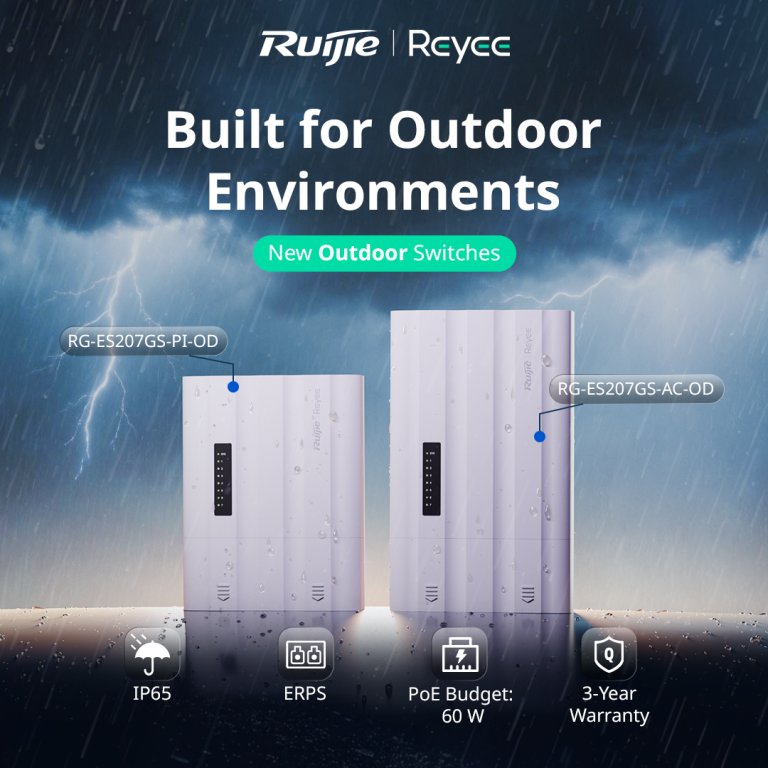
Outdoor Solar Networking, Sorted: The Ruijie Reyee RG-ES207GS-AC-OD Running cameras or access points...

Ruijie Industrial Switch/Router

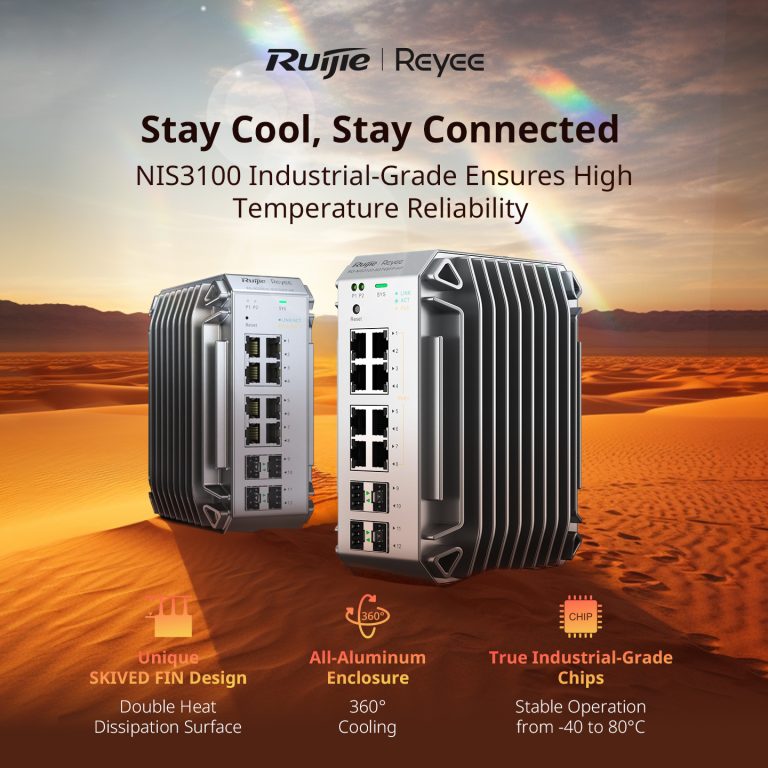
Ruijie Industrial Switches – NIS2K & NIS3100 Series As an authorized networking distributor, we...
Posted on — 1 Comment

Konec and Hikvision Openday

Open Day Recap: Hikvision 180° ColorVu, Intercom & HiLook PTZ

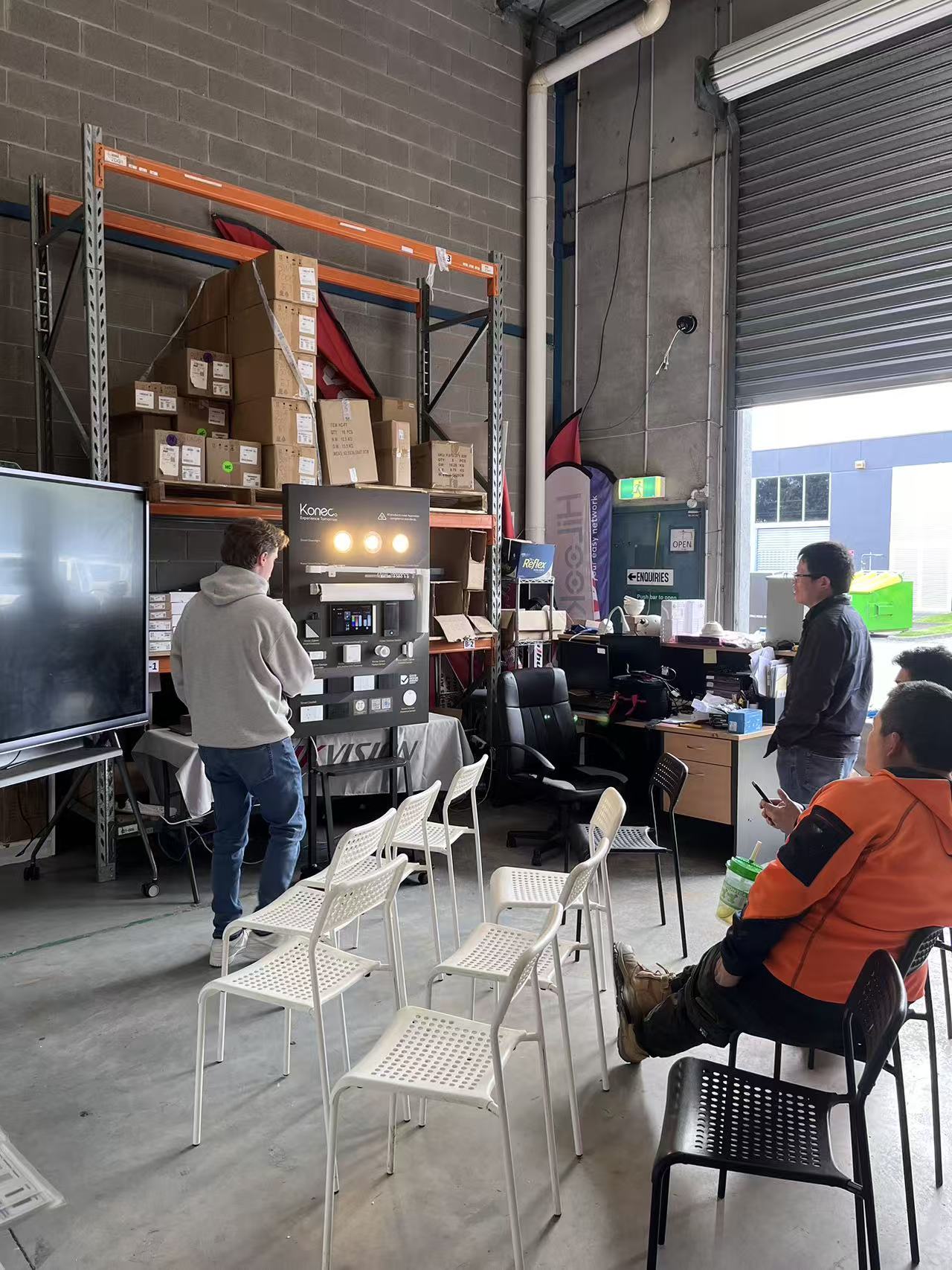
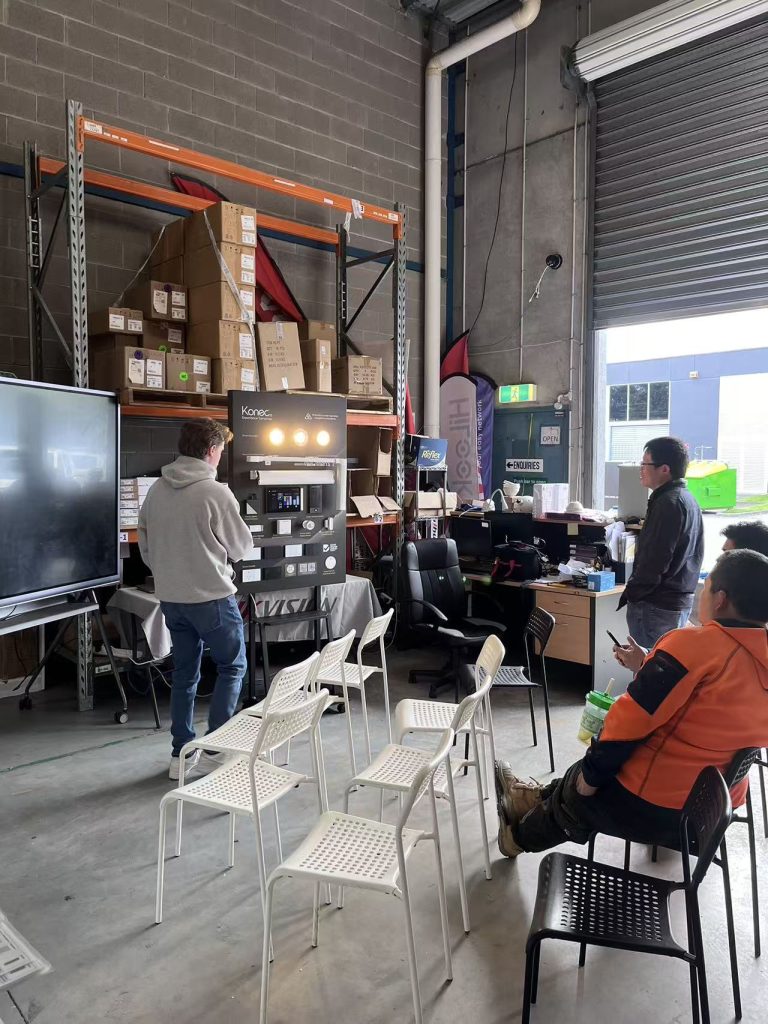
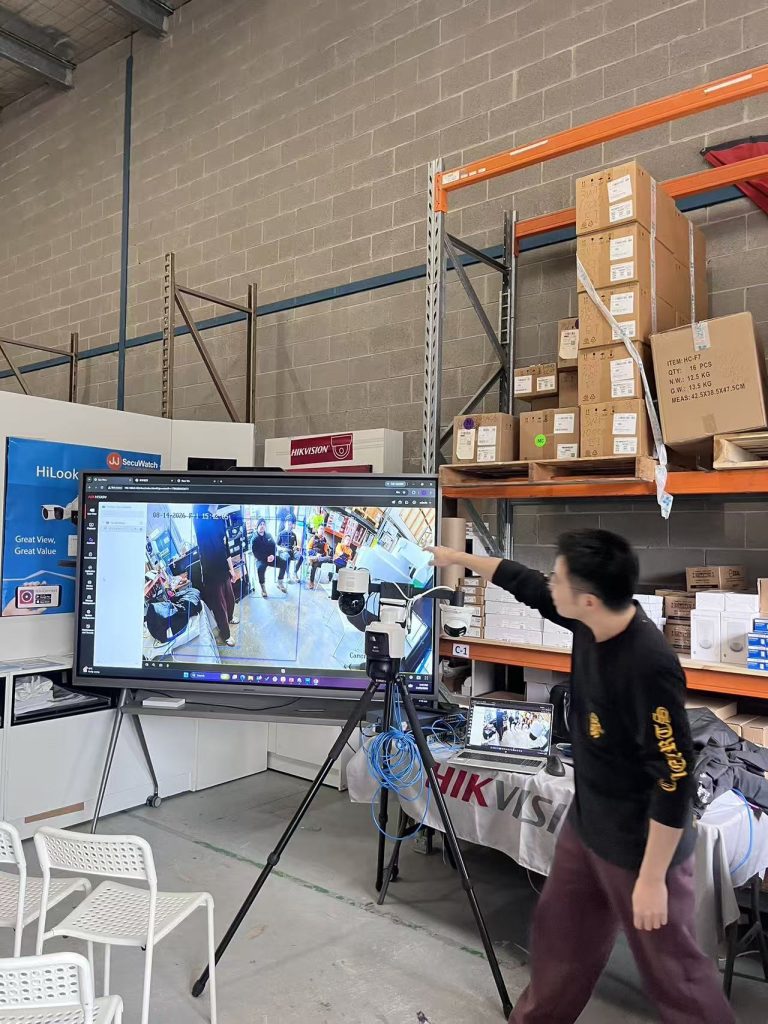
On 14 August we ran our latest open day at JJ Secuwatch, with live demonstrations of new product from Hikvision, HiLook and Konec. Rather than a static display, we set everything up running — cameras recording, intercoms wired to a screen, and the PTZ tracking live in front of the room.

Below is a rundown of what we showed, what installers asked about on the day, and where each product actually fits on a job.

Konec smart automation

Lead with this one — it’s the newest to your range and likely the least-covered online, which means the least competition to rank for.

Konec was the newest addition to our range on the day, and the one that drew the most questions. Smart automation is increasingly quoted alongside security on the same job, and installers are being asked for it whether they’re set up for it or not.

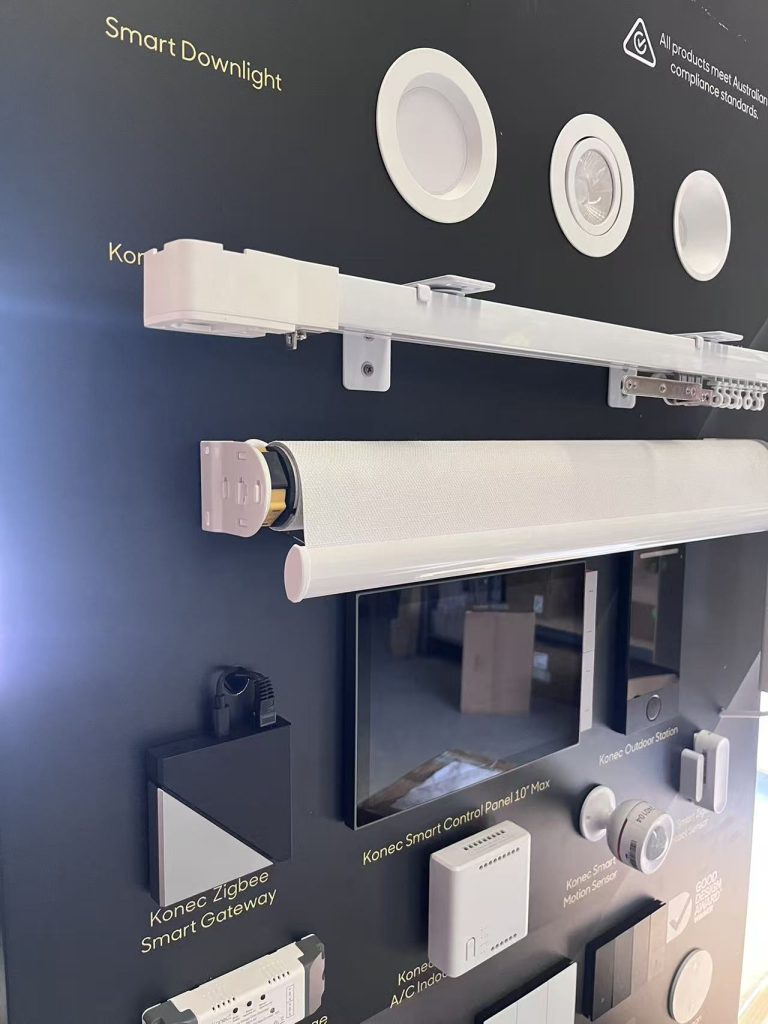
We ran the full range live — switches, gateway, blinds, curtains, garage control, lighting and door locks — so people could see what actually talks to what.

H3: Konec smart switches

Cover: gang configurations, whether they fit standard Australian wall plates and back boxes, neutral wire requirement (this is the number one installer question — say it explicitly), load rating, and whether they retain manual operation if the network drops.


H3: Konec smart gateway

The hub is what makes the rest of it a system rather than a pile of devices. Cover the protocols it supports Zigbee, whether it runs local control without internet, and app.


H3: Konec roller blind and curtain motors

The openday covered the configuration between the switches


H3: Konec garage switch

Cover: dry contact relay operation, compatibility with common Australian garage motor brands, whether it needs a separate position sensor for open/closed status, and how it integrates into the app. 


H3: Konec smart downlights

Cover: dimming, tuneable white vs RGB, whether they’re compatible with the switches or need the gateway, and whether you can use other brand downlights.


H3: Konec smart door locks

Cover: unlock methods (fingerprint, PIN, card, app, key override), door thickness and mortice compatibility, battery life and low-battery behaviour, and — the one everyone asks — what happens in a power or network failure.

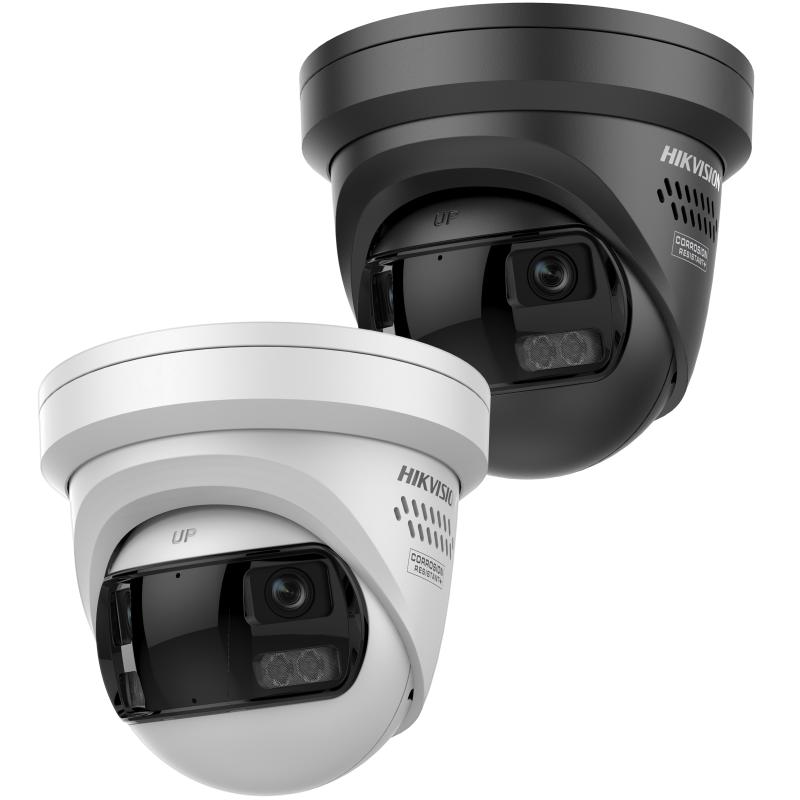
Hikvision DS-2CD2387G3P-LIS2UY/SL — 8MP 180° panoramic ColorVu

It combines ColorVu for full-colour night imaging with AcuSense person and vehicle classification, plus active deterrence via strobe and audio. It’s IP67 and NEMA 4X rated. Hikvision + 2

The angle installers care about: one camera replacing three. A 180° panoramic view means covering a wide area without multiplying camera count.

Hikvision DS-KV6124-WBE1 video intercom

4MP camera with a 150° viewing angle, two-lock control, and unlocking via card, PIN, Bluetooth, Hik-Connect or indoor station. 120dB WDR, IR to 3m, microSD recording up to 128GB. IP65 rated, with Wi-Fi and PoE connectivity. Hikvision + 2

We connected this up with the phone, set up a keypad and connected it to a lock. Using 4 ways to unlock: via phone, bluetooth, tag and keypad allows you flexibility for unlocking doors.

HiLook PTZ auto-tracking demonstration

The content angle is the demo itself: auto-tracking shown live. Describe what it did — picked up a person entering frame, followed, zoomed, returned to preset. Note the honest limits too (what happens with multiple targets, return-to-preset timing). That candour is what makes trade readers trust a supplier page

Recent News

Dahua Smart Control Panel

Dahua SCP3022A: One Panel for Intercom, Monitoring and Alarm Control If you’ve been looking at...

Wired vs Wireless CCTV: What Actually Suits an Australian Installation

What Actually Suits an Australian Installation If you’re weighing up wired or wireless CCTV...

Hikvision or Dahua- Which is better?

Dahua vs Hikvision: Which Should You Choose? If you’re speccing a CCTV job in 2026, chances...

Ruijie Solar Switch

Outdoor Solar Networking, Sorted: The Ruijie Reyee RG-ES207GS-AC-OD Running cameras or access points...

Ruijie Industrial Switch/Router

Ruijie Industrial Switches – NIS2K & NIS3100 Series As an authorized networking distributor, we...