Posted on — 1 Comment

Hikvision or Dahua- Which is better?

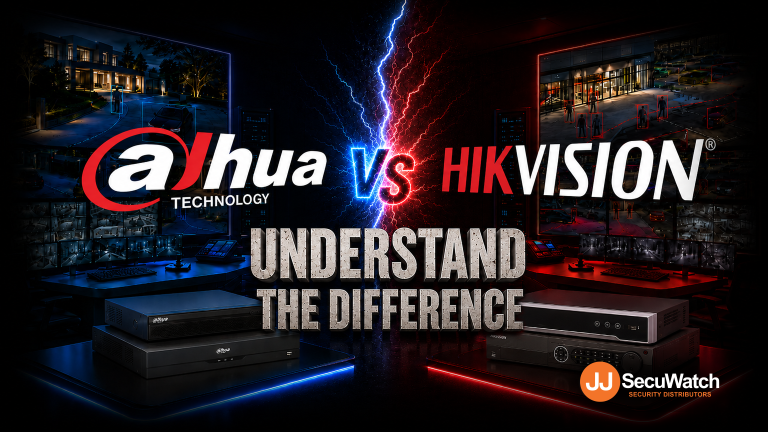
Dahua vs Hikvision: Which Should You Choose?

If you’re speccing a CCTV job in 2026, chances are it comes down to two names: Dahua and Hikvision. Both are genuine global giants, Hikvision is the largest video surveillance manufacturer in the world, and Dahua isn’t far behind. Both make excellent gear. So which one actually fits your job? Here’s the breakdown.

Pricing

Hikvision sits in slightly higher in price range compare to Dahua. Dahua’s WizSense line tends to offer strong value at the entry-to-mid tier, a lot of AI-detection capability for a competitive price point. Hikvision’s core range is priced comparably, but where Hikvision pulls ahead on flexibility is HiLook — their value-tier sub-brand, which shares core Hikvision technology (AcuSense AI detection, ColorVu low-light imaging) at a genuinely lower price point. If budget is the deciding factor on a job, HiLook is often the sharper comparison against Dahua’s entry range than Hikvision’s own core lineup is.

Bottom line: Dahua is more price driven, while Hikvisionis more commercial grade. For genuinely budget-conscious jobs, HiLook is worth comparing directly against Dahua before assuming Dahua is automatically the cheaper option. 

Technology

Both brands have converged on similar core capabilities, just under different names:

AI Human/Vehicle Detection
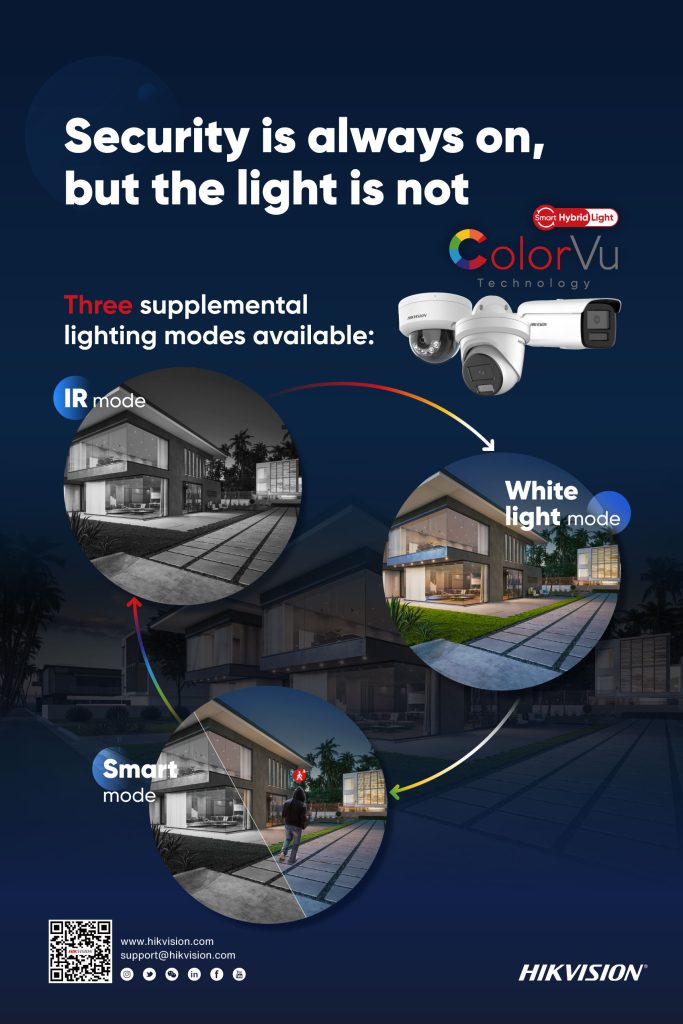
Hikvision
AcuSense
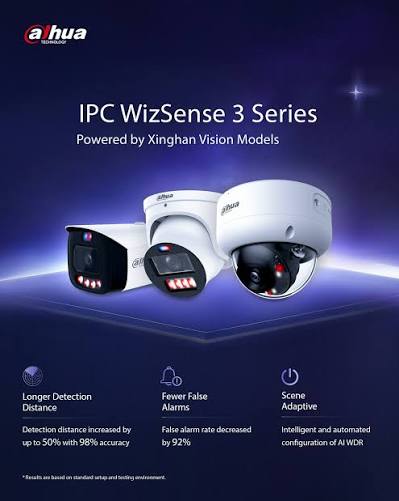
Dahua
WizSense / SMD
Full-Colour Low-Light
Hikvision
ColorVu
Dahua
Full-Color / WizColor
Active Deterrence (Light + Siren)
Hikvision
TiOC
Dahua
TiOC
Advanced Deep-Learning Tier
Hikvision
—
Dahua
WizMind

Both brands have converged on similar core capabilities, just under different names:

FeatureHikvisionDahua
AI human/vehicle detectionAcuSenseWizSense / SMD
Full-colour low-lightColorVuFull-Color / WizColor
Active deterrence (light + siren)Active deterrentTiOC
Advanced deep-learning tierAkuseekWizMind

The two brands are more similar than different on paper. Where they tend to diverge in practice:

  • Hikvision’s AcuSense has a longer track record and slightly broader third-party VMS/NVR compatibility, given how long it’s been the market leader.
  • Dahua’s WizMind tier is positioned as their step-up deep-learning range for more demanding sites, giving Dahua a clearer three-tier structure (WizSense → WizMind → premium) than some equivalent Hikvision groupings.

For most standard installs, the practical difference between AcuSense and WizSense detection accuracy is small enough that it shouldn’t be the deciding factor on its own.

Interface & Usability

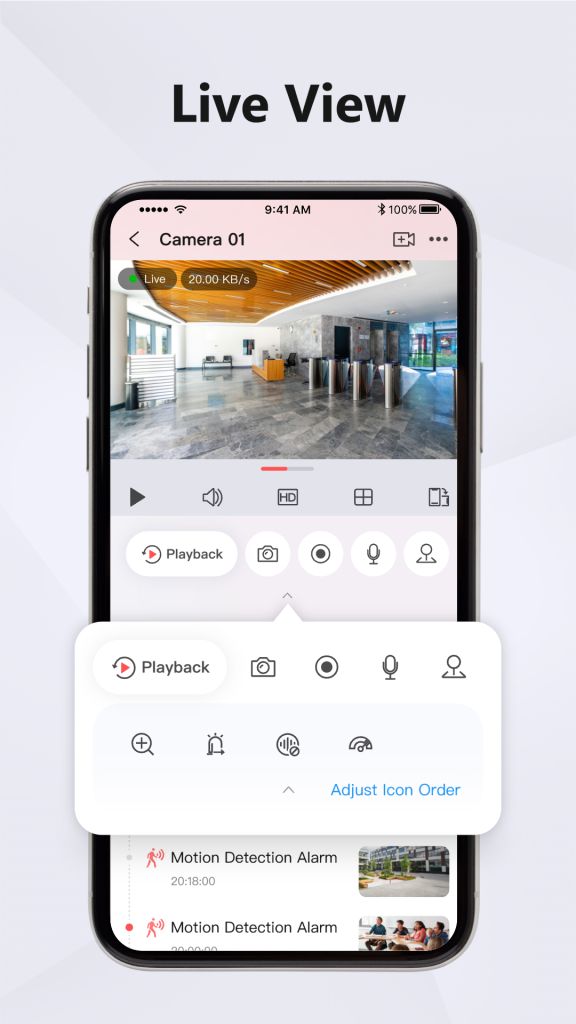
Hikvision App

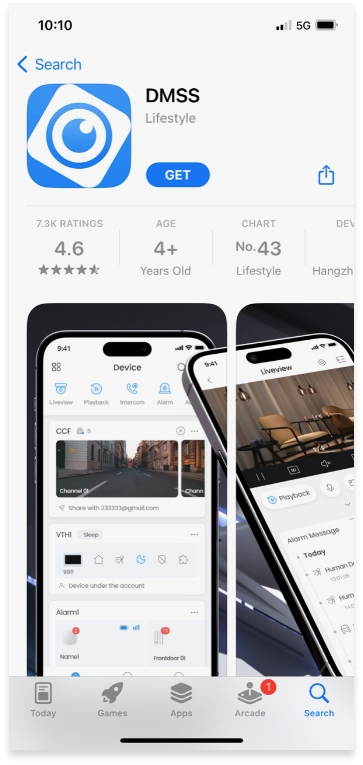
Dahua App

Dahua App

This is where installer preference genuinely starts to matter more than spec sheets:

  • Hikvision’s Hik-Connect app and HikCentral VMS are broadly considered mature and intuitive, particularly for larger multi-site deployments where HikCentral Professional can manage hundreds of sites from one interface.
  • Dahua’s app and NVR menu structure are generally straightforward too, though some installers find Hikvision’s interface marginally more polished for end-user-facing apps (i.e. what the client sees on their phone, not just what the installer configures).

If your customer base skews toward wanting a clean, simple mobile experience, Hikvision has a slight edge here. If you’re mostly installer-facing (configuring on-site, not handing off a polished app experience), the gap narrows considerably.

Brand Details

  • Hikvision — the world’s largest video surveillance manufacturer, with the broadest product ecosystem: CCTV, access control, intercoms, alarms, and even commercial displays, all under one brand. If a job needs multiple categories to come from a single manufacturer, Hikvision’s range is hard to match for breadth.
  • Dahua — a major global manufacturer in its own right, historically strong on price-to-performance and with a genuinely broad analogue-to-IP range, useful on jobs that still need to bridge older coaxial cabling with new IP hardware.
  • HiLook — not a separate manufacturer, but Hikvision’s own value sub-brand. Choosing HiLook means Hikvision-grade core technology at a lower price, with a narrower category range (primarily CCTV, with some alarm and intercom options) than the full Hikvision lineup.

Overall: Which Should You Go For?

There’s no universal right answer — it genuinely depends on the job:

  • Choose Hikvision if the site needs multiple categories (CCTV + access control +Alarm + intercom) under one ecosystem, or if a polished client-facing app experience matters.
  • Choose Dahua if you want strong AI detection at a competitive mid-tier price, or the job needs to bridge older analogue cabling with new IP hardware.
  • Choose HiLook if budget is the primary constraint and the job is under 32CH (Under 32 Cameras), you get genuine Hikvision-grade detection technology without paying full Hikvision pricing.

As a distributor carrying all three, our honest take: don’t pick a brand first and force the job to fit it. Tell us what the site actually needs, budget, categories, and scale and we’ll point you to the range that fits, not just the one with the best margin.

Recent News

Dahua Smart Control Panel

Dahua SCP3022A: One Panel for Intercom, Monitoring and Alarm Control If you’ve been looking at...

Wired vs Wireless CCTV: What Actually Suits an Australian Installation

What Actually Suits an Australian Installation If you’re weighing up wired or wireless CCTV...

Hikvision or Dahua- Which is better?

Dahua vs Hikvision: Which Should You Choose? If you’re speccing a CCTV job in 2026, chances...

Ruijie Solar Switch

Outdoor Solar Networking, Sorted: The Ruijie Reyee RG-ES207GS-AC-OD Running cameras or access points...

Ruijie Industrial Switch/Router

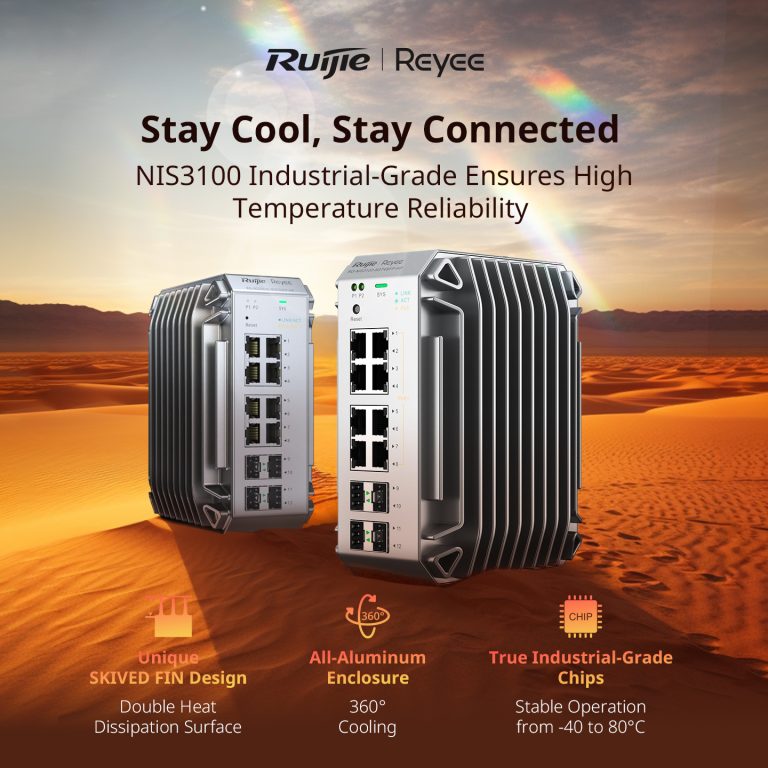
Ruijie Industrial Switches – NIS2K & NIS3100 Series As an authorized networking distributor, we...
Posted on — Leave a comment

Konec and Hikvision Openday

Open Day Recap: Hikvision 180° ColorVu, Intercom & HiLook PTZ

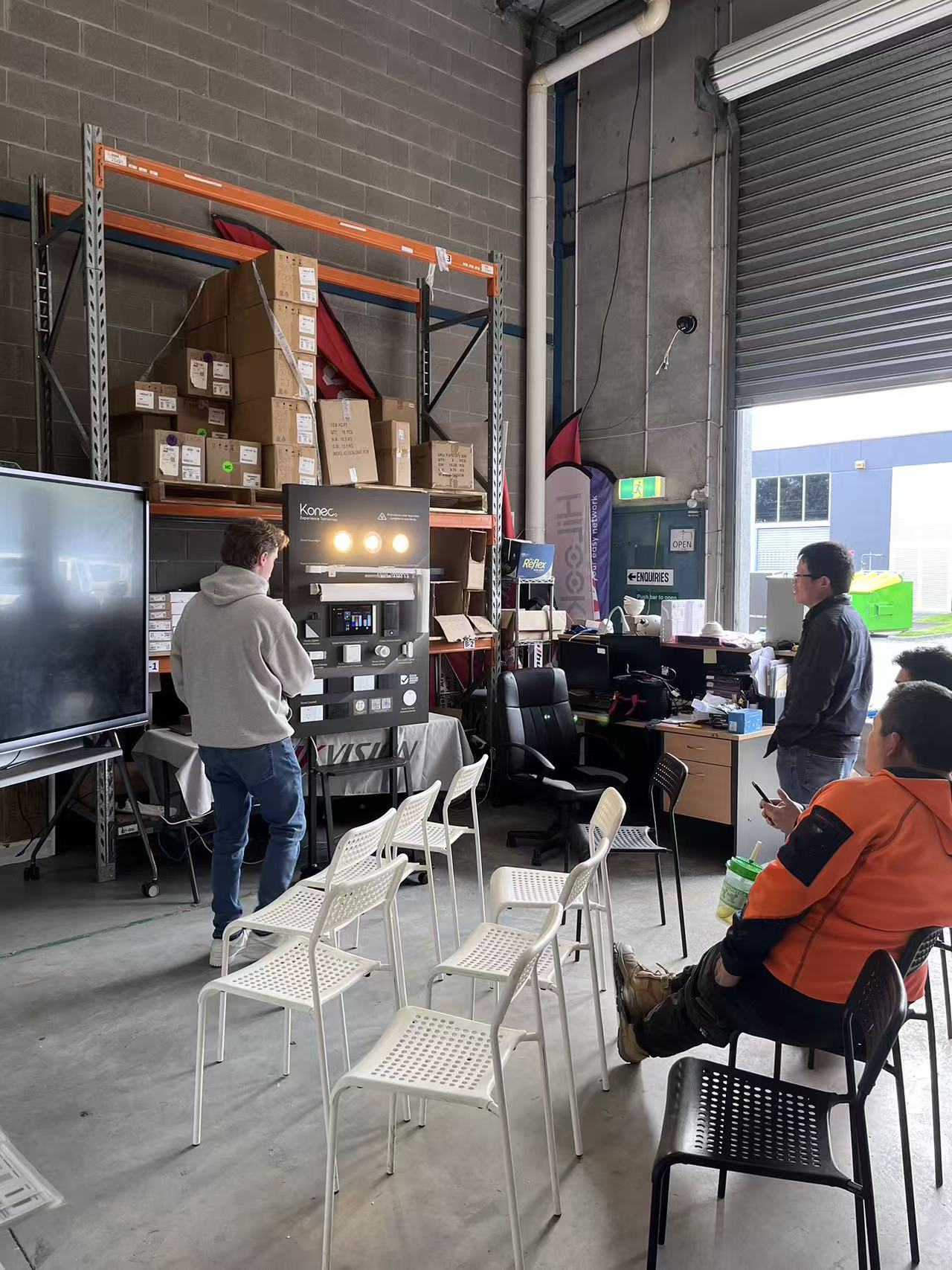
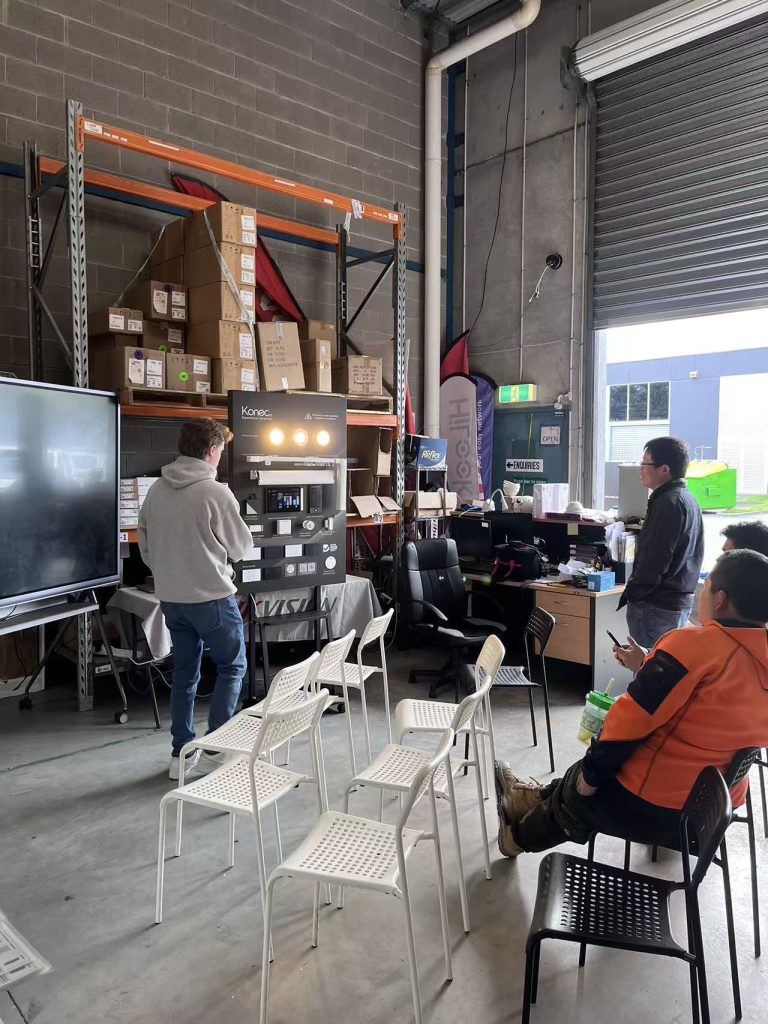
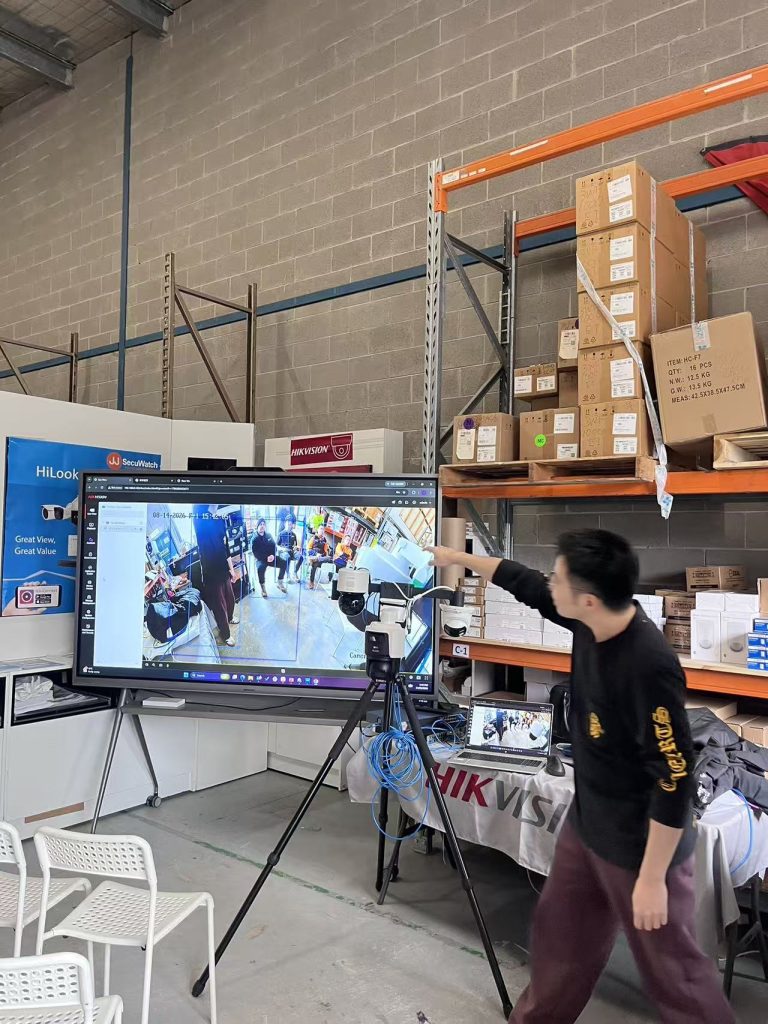
On 14 August we ran our latest open day at JJ Secuwatch, with live demonstrations of new product from Hikvision, HiLook and Konec. Rather than a static display, we set everything up running — cameras recording, intercoms wired to a screen, and the PTZ tracking live in front of the room.

Below is a rundown of what we showed, what installers asked about on the day, and where each product actually fits on a job.

Konec smart automation

Lead with this one — it’s the newest to your range and likely the least-covered online, which means the least competition to rank for.

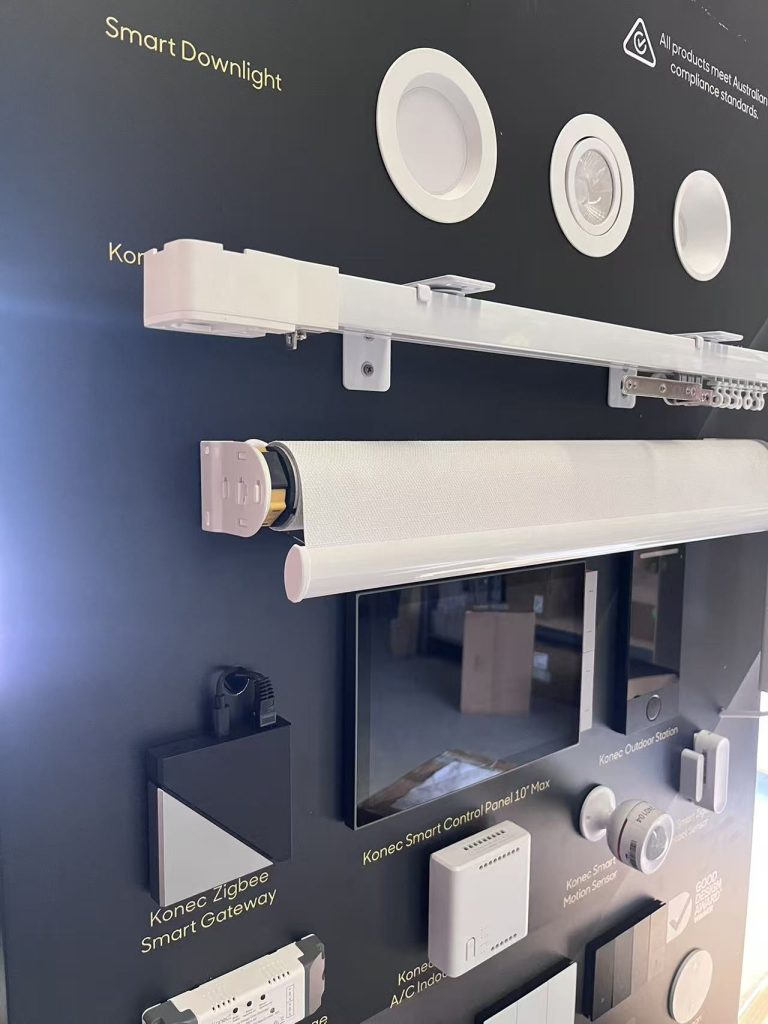
Konec was the newest addition to our range on the day, and the one that drew the most questions. Smart automation is increasingly quoted alongside security on the same job, and installers are being asked for it whether they’re set up for it or not.

We ran the full range live — switches, gateway, blinds, curtains, garage control, lighting and door locks — so people could see what actually talks to what.

H3: Konec smart switches

Cover: gang configurations, whether they fit standard Australian wall plates and back boxes, neutral wire requirement (this is the number one installer question — say it explicitly), load rating, and whether they retain manual operation if the network drops.


H3: Konec smart gateway

The hub is what makes the rest of it a system rather than a pile of devices. Cover the protocols it supports Zigbee, whether it runs local control without internet, and app.


H3: Konec roller blind and curtain motors

The openday covered the configuration between the switches


H3: Konec garage switch

Cover: dry contact relay operation, compatibility with common Australian garage motor brands, whether it needs a separate position sensor for open/closed status, and how it integrates into the app. 


H3: Konec smart downlights

Cover: dimming, tuneable white vs RGB, whether they’re compatible with the switches or need the gateway, and whether you can use other brand downlights.


H3: Konec smart door locks

Cover: unlock methods (fingerprint, PIN, card, app, key override), door thickness and mortice compatibility, battery life and low-battery behaviour, and — the one everyone asks — what happens in a power or network failure.

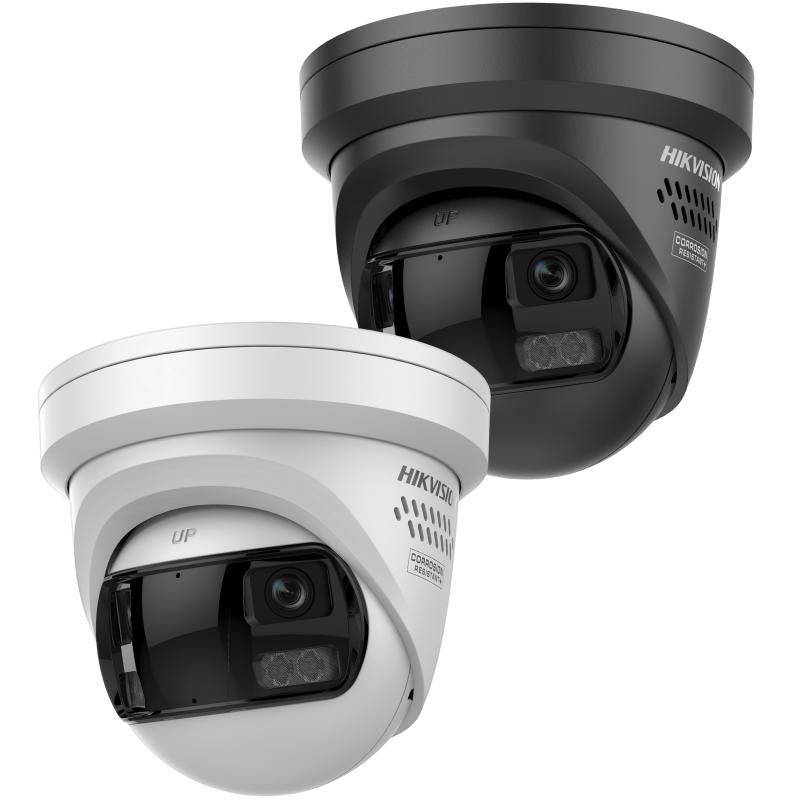
Hikvision DS-2CD2387G3P-LIS2UY/SL — 8MP 180° panoramic ColorVu

It combines ColorVu for full-colour night imaging with AcuSense person and vehicle classification, plus active deterrence via strobe and audio. It’s IP67 and NEMA 4X rated. Hikvision + 2

The angle installers care about: one camera replacing three. A 180° panoramic view means covering a wide area without multiplying camera count.

Hikvision DS-KV6124-WBE1 video intercom

4MP camera with a 150° viewing angle, two-lock control, and unlocking via card, PIN, Bluetooth, Hik-Connect or indoor station. 120dB WDR, IR to 3m, microSD recording up to 128GB. IP65 rated, with Wi-Fi and PoE connectivity. Hikvision + 2

We connected this up with the phone, set up a keypad and connected it to a lock. Using 4 ways to unlock: via phone, bluetooth, tag and keypad allows you flexibility for unlocking doors.

HiLook PTZ auto-tracking demonstration

The content angle is the demo itself: auto-tracking shown live. Describe what it did — picked up a person entering frame, followed, zoomed, returned to preset. Note the honest limits too (what happens with multiple targets, return-to-preset timing). That candour is what makes trade readers trust a supplier page

Recent News

Dahua Smart Control Panel

Dahua SCP3022A: One Panel for Intercom, Monitoring and Alarm Control If you’ve been looking at...

Wired vs Wireless CCTV: What Actually Suits an Australian Installation

What Actually Suits an Australian Installation If you’re weighing up wired or wireless CCTV...

Hikvision or Dahua- Which is better?

Dahua vs Hikvision: Which Should You Choose? If you’re speccing a CCTV job in 2026, chances...

Ruijie Solar Switch

Outdoor Solar Networking, Sorted: The Ruijie Reyee RG-ES207GS-AC-OD Running cameras or access points...

Ruijie Industrial Switch/Router

Ruijie Industrial Switches – NIS2K & NIS3100 Series As an authorized networking distributor, we...
Posted on — 2 Comments

Ruijie Solar Switch

Outdoor Solar Networking, Sorted: The Ruijie Reyee RG-ES207GS-AC-OD

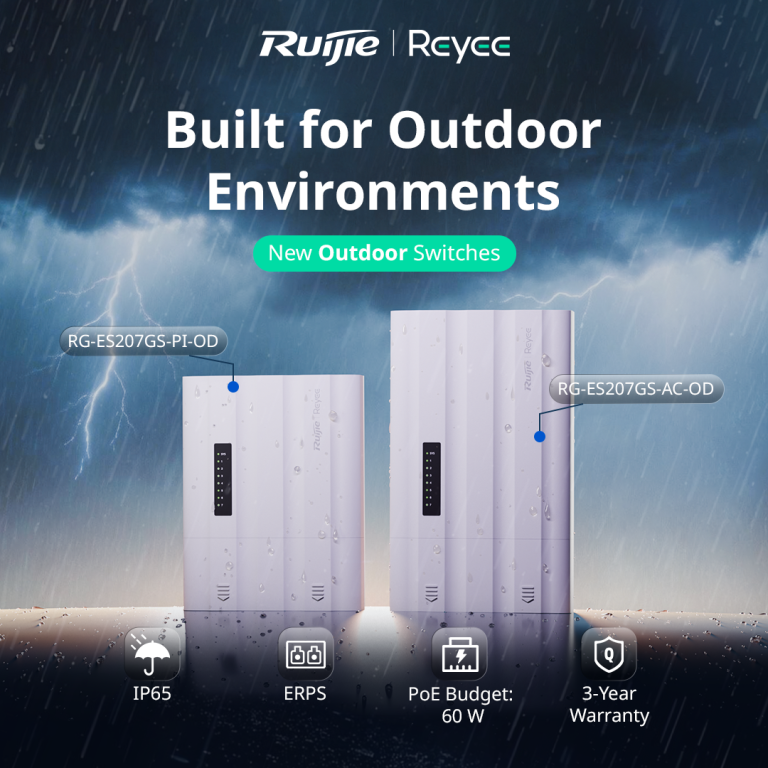
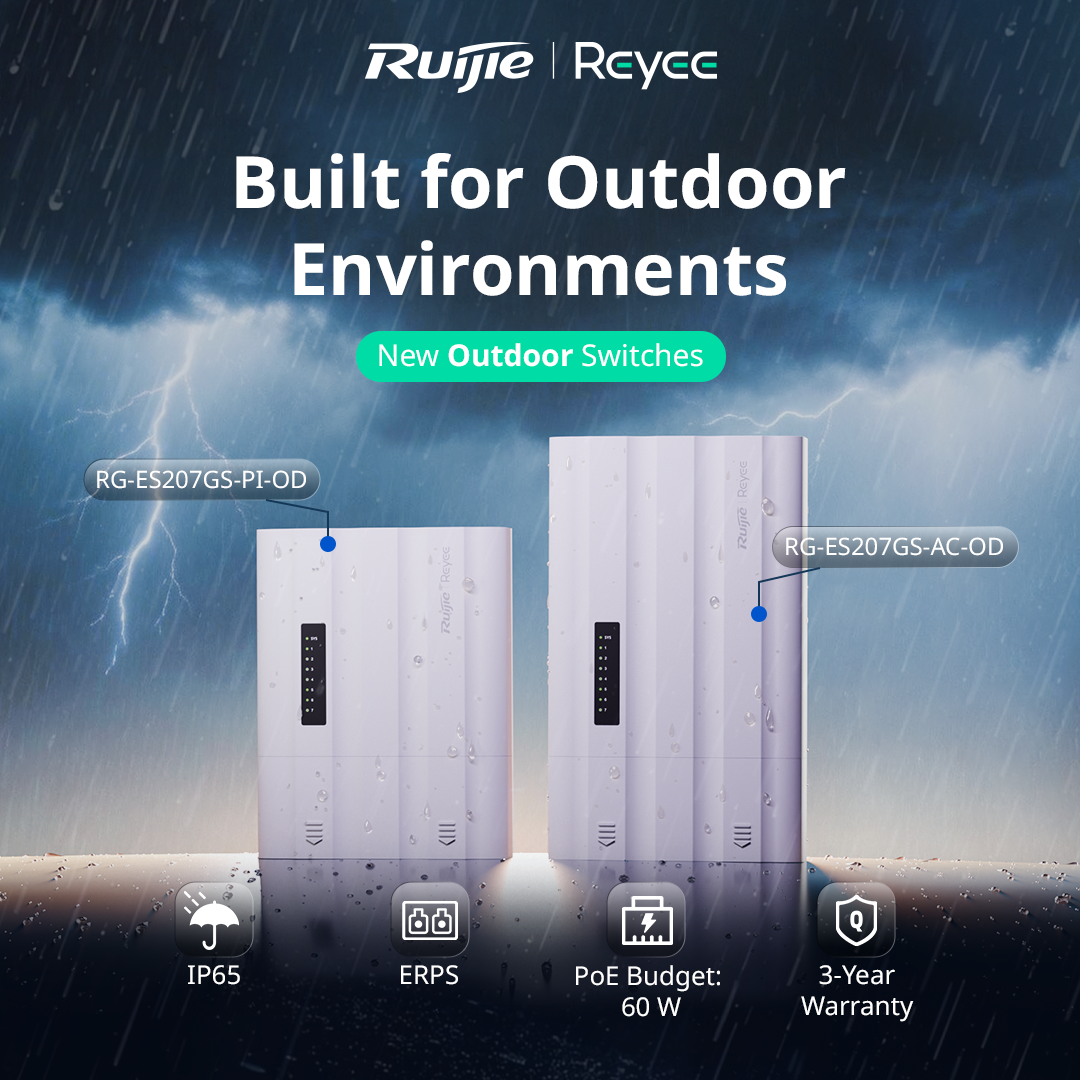
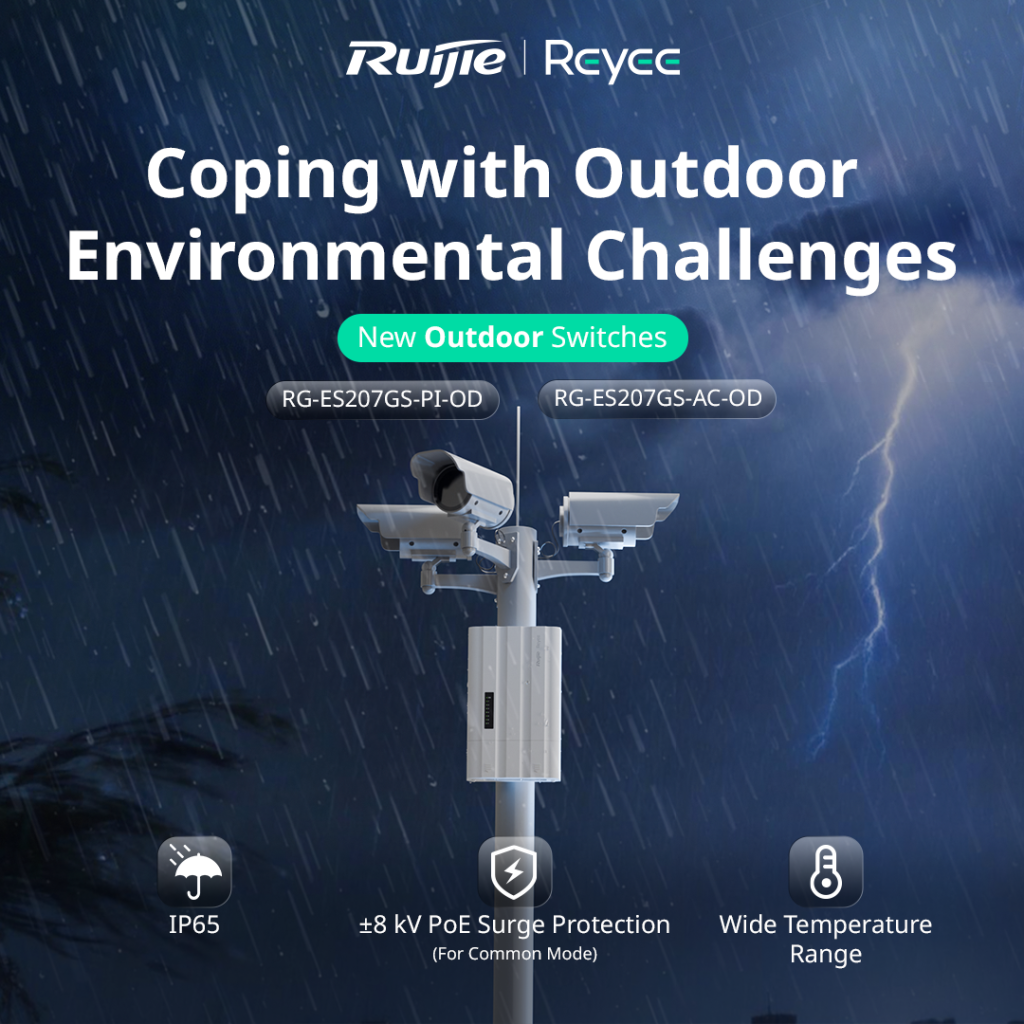
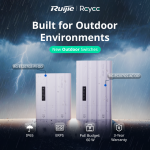
Running cameras or access points in an outdoor location usually means one of two headaches. Either you build a weatherproof enclosure around a standard switch and a separate power supply, or you run a long cable back to a dry spot indoors. The Ruijie Reyee RG-ES207GS-AC-OD is designed to remove that problem. It’s a 7 port gigabit outdoor switch with its own power input, so everything you need sits in one weatherproof unit.

What It Actually Is

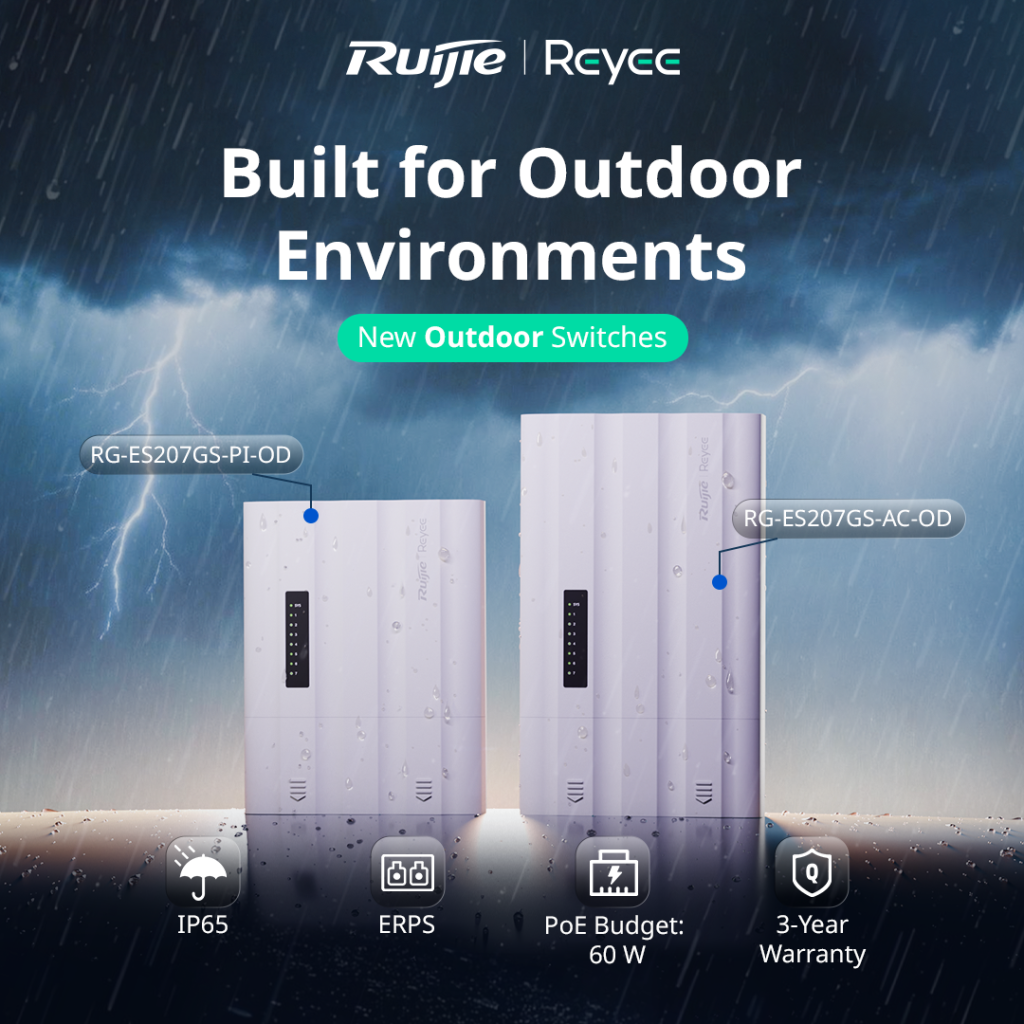
The RG-ES207GS-AC-OD is a Layer 2 managed outdoor switch with 5 gigabit RJ45 ports and 2 SFP uplink ports. It runs straight from mains power (100 to 240V AC), which makes it a good fit for sites where power is already available at the pole, gate or outbuilding where the switch will live.

Ruijie calls it an “all in one” design. The switch, power input and weather protection are built into a single unit, rather than being separate pieces you assemble on site.

Built for Outdoor Conditions

This is where it earns its place. The switch carries an IP65 rating, which means it’s dust tight and protected against water jets. It operates in temperatures from -30°C to 65°C, which covers everything from a freezing alpine morning to a scorching western Victorian summer afternoon.

It also includes ±8kV surge protection on the PoE ports. Outdoor cabling picks up a lot of electrical noise and the occasional lightning induced spike, so that protection helps keep the switch and the cameras connected to it alive. The unit is fanless, which means no moving parts to clog with dust or fail over time.

PoE for Your Cameras

Four of the ports supply PoE/PoE+ power, with a total PoE budget of 60W shared across them. That’s plenty for a small cluster of IP cameras or an access point, but it’s worth doing the maths before you quote. A single PoE+ PTZ camera can draw close to 30W by itself, so a job with several power hungry devices may need a switch with a bigger budget.

Two SFP Ports for Fibre or Ring Setups

The two SFP uplink ports give you flexibility on how the switch connects back to the rest of the network. You can run fibre for long distances, where copper would hit its 100 metre limit, or use both ports to build a ring with ERPS (Ethernet Ring Protection Switching). In a ring, if one link is cut, traffic automatically reroutes the other way, which matters on larger sites where an outage means a camera going dark.

For locations where fibre isn’t practical, Ruijie also supports wireless connectivity for the uplink, and there’s a long distance transmission mode you can configure through the Reyee app.


Managed From Ruijie Cloud

Like the rest of the Reyee range, this switch is managed through Ruijie Cloud and the Reyee app, so you can monitor and configure it remotely without driving back to site. A few features are particularly handy for CCTV jobs:

PoE watchdog. If a camera stops responding, the switch can detect it and power cycle the port automatically.

Camera detection and cable diagnostics. You can see which cameras are online and test cable health from the app, which cuts down on guesswork when something goes wrong.

Uninterrupted PoE power. The switch keeps powering connected devices during a hot restart, so cameras don’t drop out every time the switch reboots.

Where It Fits Best

Ruijie positions this switch for CCTV, parks and highway style deployments, and that’s a good guide to its sweet spot. Think car parks, sports grounds, industrial yards, gate entrances, outbuildings, and anywhere else you’d otherwise be building a custom outdoor enclosure to protect a standard switch.

The Bottom Line

The RG-ES207GS-AC-OD takes a job that usually needs three or four components and fits it into one weatherproof box, with cloud management and a solid warranty behind it (Ruijie lists 3 years). For outdoor CCTV and access point installs with mains power nearby, it simplifies both the install and the ongoing maintenance.

Talk to Someone Before You Buy

Whether this is the right switch depends on how many devices you’re powering, how far the uplink needs to run, and whether mains power is available at the install point. If you’re not sure how to size the PoE budget for your cameras, or whether fibre or wireless uplink makes more sense for your site, that’s exactly the kind of question worth asking before you buy anything, not after.

Recent News

Wired vs Wireless CCTV: What Actually Suits an Australian Installation

What Actually Suits an Australian Installation If you’re weighing up wired or wireless CCTV...

Hikvision or Dahua- Which is better?

Dahua vs Hikvision: Which Should You Choose? If you’re speccing a CCTV job in 2026, chances...

Ruijie Solar Switch

Outdoor Solar Networking, Sorted: The Ruijie Reyee RG-ES207GS-AC-OD Running cameras or access points...

Ruijie Industrial Switch/Router

Ruijie Industrial Switches – NIS2K & NIS3100 Series As an authorized networking distributor, we...

Milesight with NX Witness

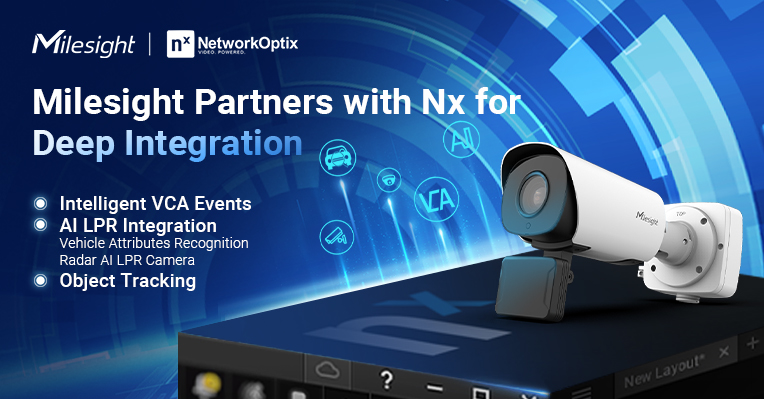
Introducing Milesight We are proud to supply and support the complete range of Milesight CCTV and...
Posted on

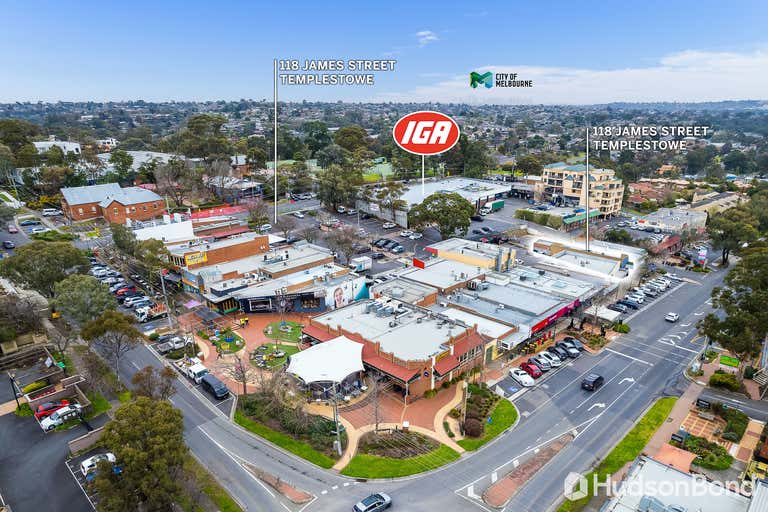
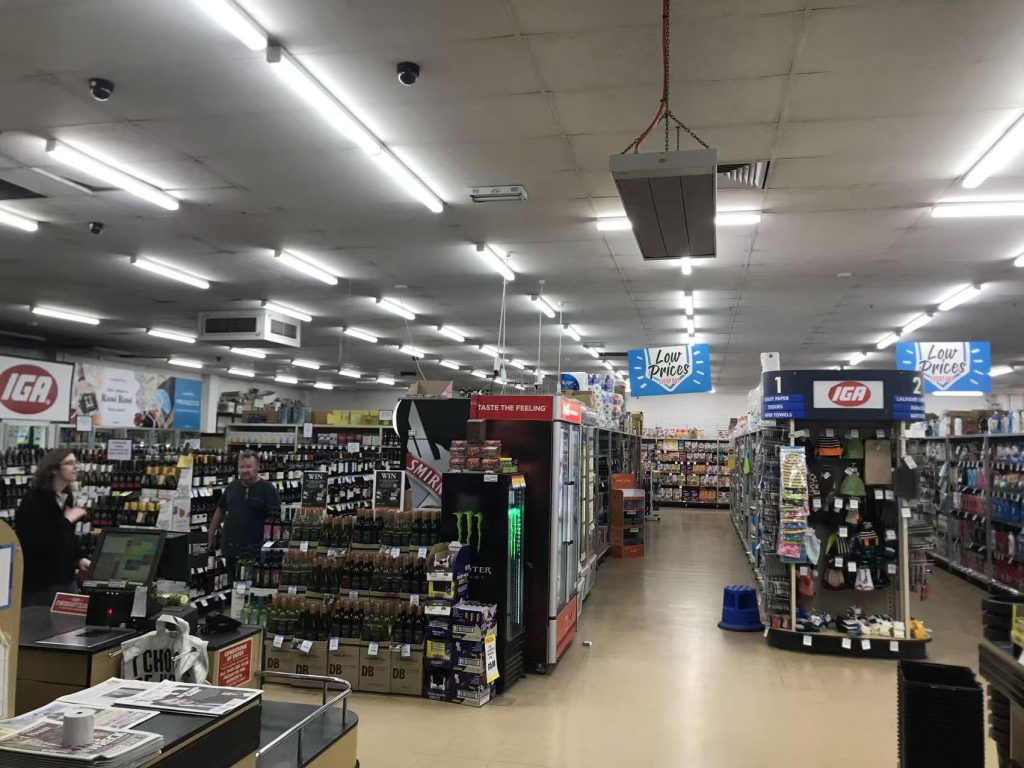
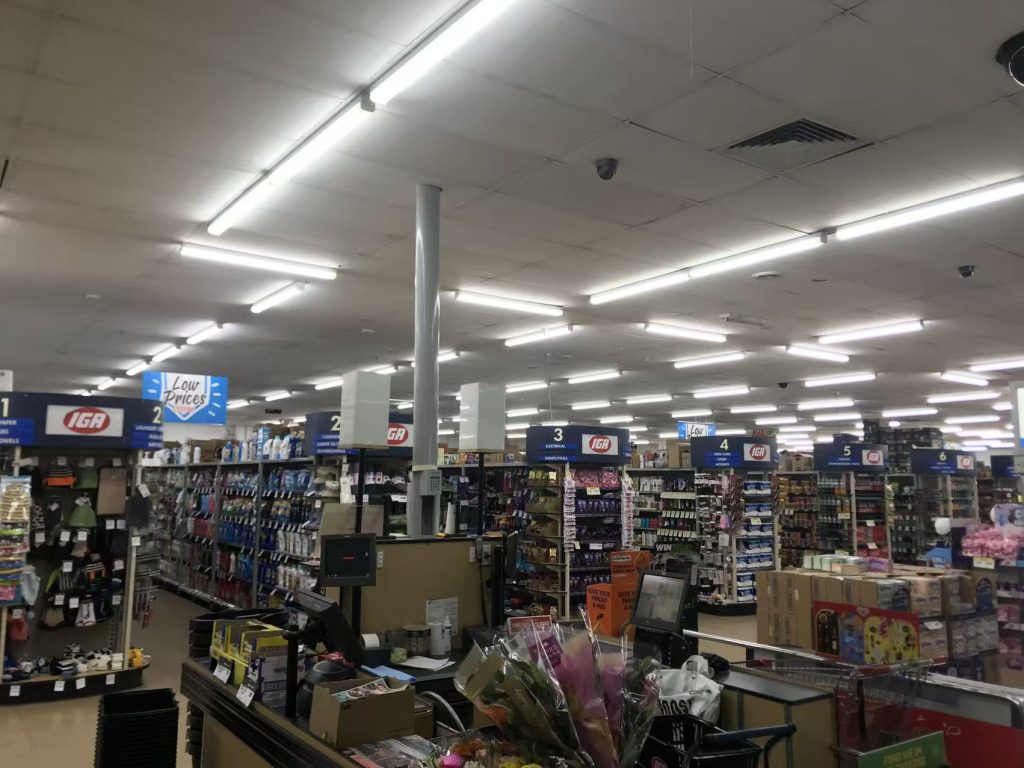
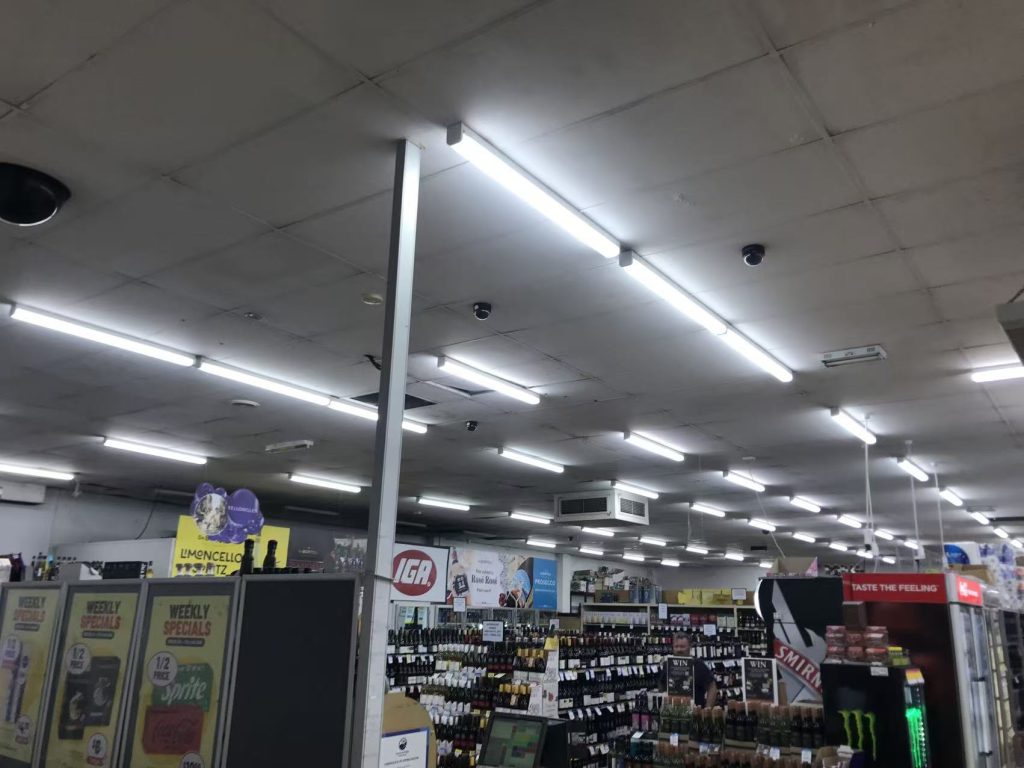
IGA Dahua CVI System

IGA Supermarket — AI-Enabled Recorder Upgrade

The Challenge

The IGA’s existing XVR was doing its job in the most basic sense — it recorded — but it was working off plain motion detection. Every gust of wind through the car park, every shopping trolley rolling past, every shadow moving across the loading dock triggered the same alert as an actual person or vehicle. For a site with genuine foot and vehicle traffic all day, that meant the alert log was mostly noise, and reviewing footage after an incident meant scrubbing through hours of irrelevant motion to find the moment that actually mattered.

There was also no way for management to check in on the store remotely. Checking footage meant being physically on-site at the recorder — not practical for an owner or manager who wasn’t always on the premises.

The Solution

The old XVR was replaced with a current Dahua WizSense unit, which brought two changes that mattered immediately:

AI-based human and vehicle classification. Instead of flagging any motion, the WizSense recorder’s Smart Motion Detection (SMD) distinguishes between people, vehicles, and everything else. A trolley rolling in the wind or a bird crossing the car park no longer triggers an alert the same way a person or car does.

P2P remote access via smartphone. The new recorder supports Dahua’s P2P connection, letting the XVR be added directly into a mobile app without complex network configuration — no static IP, no port forwarding setup required on-site. Management can now check live camera views and pull up recorded footage from a phone, from anywhere.

The Result

  • Meaningfully fewer false alerts — the switch from plain motion to AI-based human/vehicle detection cut out the bulk of alerts that weren’t actually worth reviewing.
  • Faster incident review — with irrelevant motion filtered out, finding a specific moment in the footage takes a fraction of the time it used to.
  • Remote visibility from day one — the owner can now check the store from a phone without needing to be on-site or dial into a fixed IP.

Recent News

Dahua Smart Control Panel

Dahua SCP3022A: One Panel for Intercom, Monitoring and Alarm Control If you’ve been looking at...

Wired vs Wireless CCTV: What Actually Suits an Australian Installation

What Actually Suits an Australian Installation If you’re weighing up wired or wireless CCTV...

Hikvision or Dahua- Which is better?

Dahua vs Hikvision: Which Should You Choose? If you’re speccing a CCTV job in 2026, chances...

Ruijie Solar Switch

Outdoor Solar Networking, Sorted: The Ruijie Reyee RG-ES207GS-AC-OD Running cameras or access points...

Ruijie Industrial Switch/Router

Ruijie Industrial Switches – NIS2K & NIS3100 Series As an authorized networking distributor, we...